What it is
An app for tracking public and private tenders your company bids on.
Organize opportunities, required documents, submissions with proposed price, clarifications, and owners through a board, calendar, cards, and linked profiles.
Who it's for
- Suppliers responding to RFPs and tenders
- Bid and proposal teams
- Contractors pursuing fictional public or private demonstration contracts
- Staff tracking documents, deadlines, and clarifications
What you can do
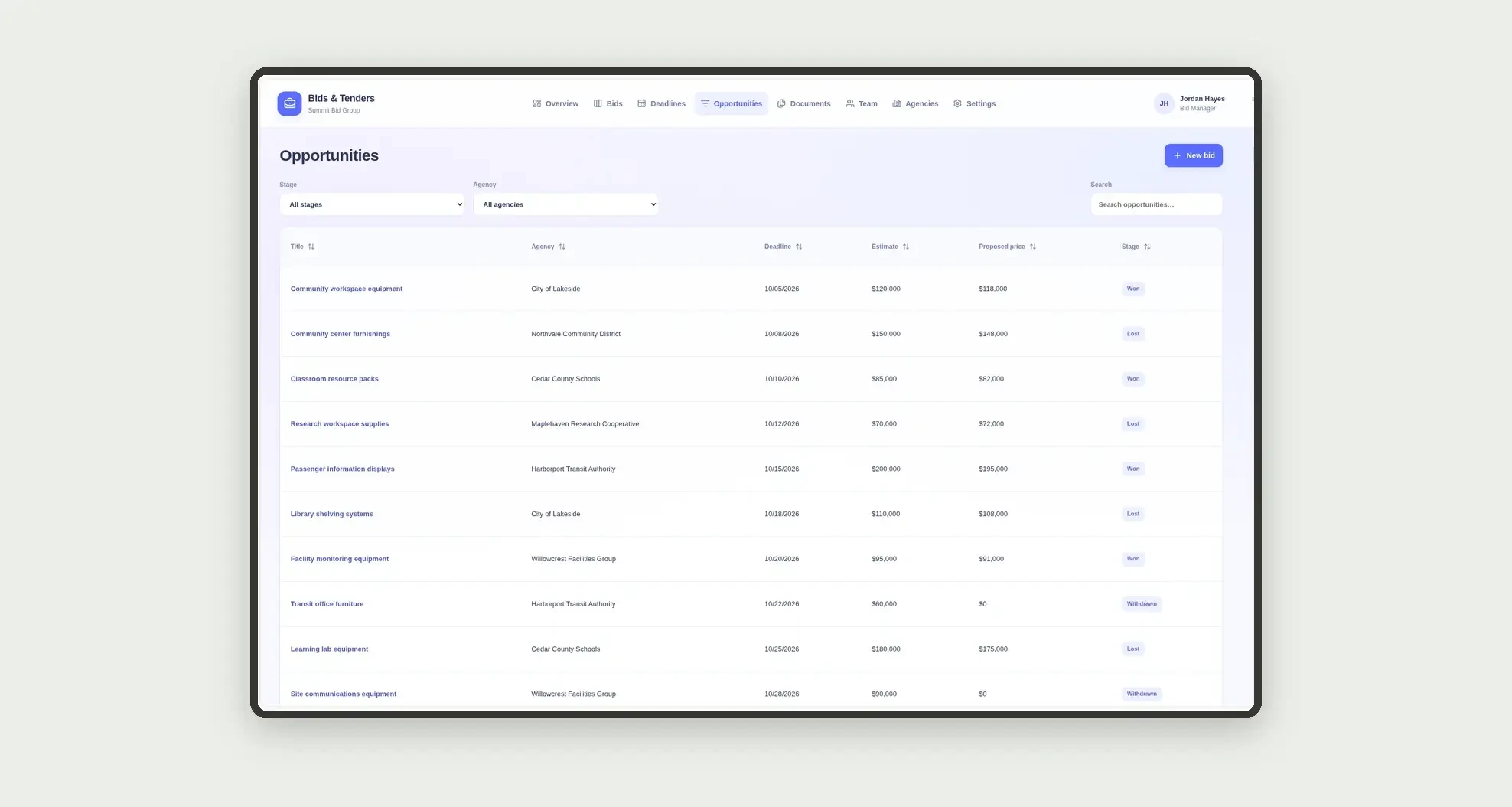
- Log opportunities with agency, deadline, and estimated value
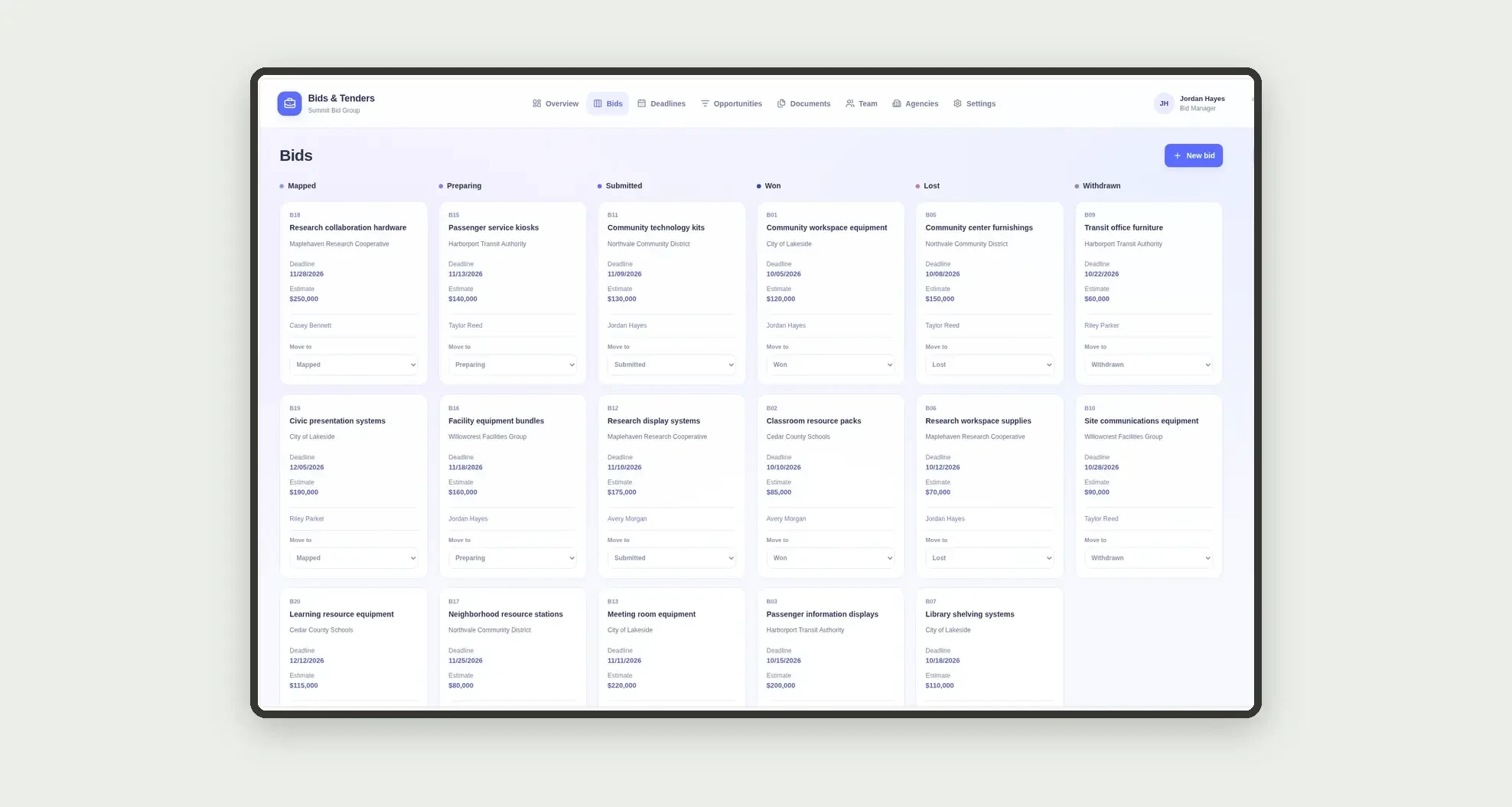
- Track bids on a stage kanban board
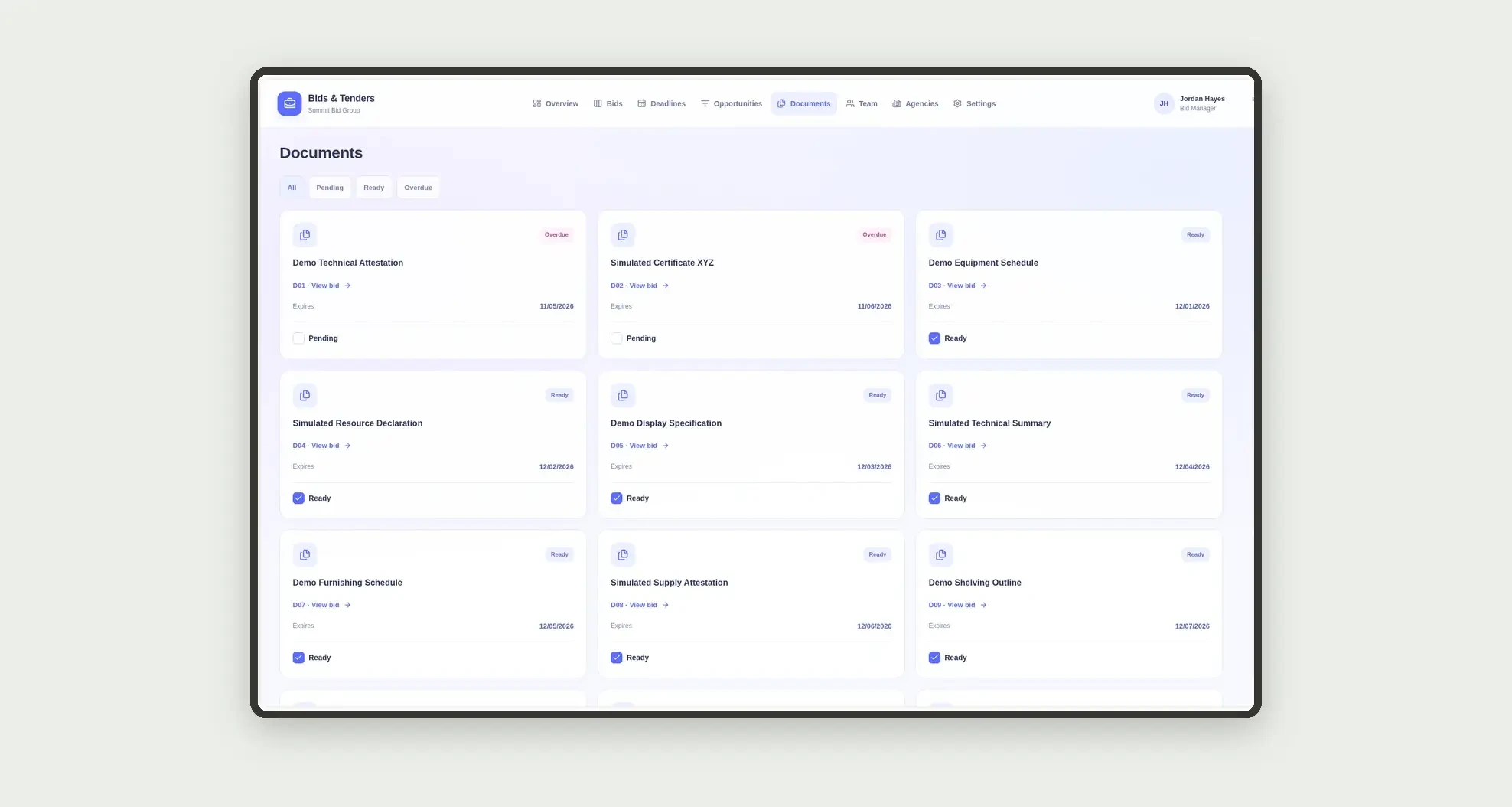
- Manage a document checklist with expiry and status
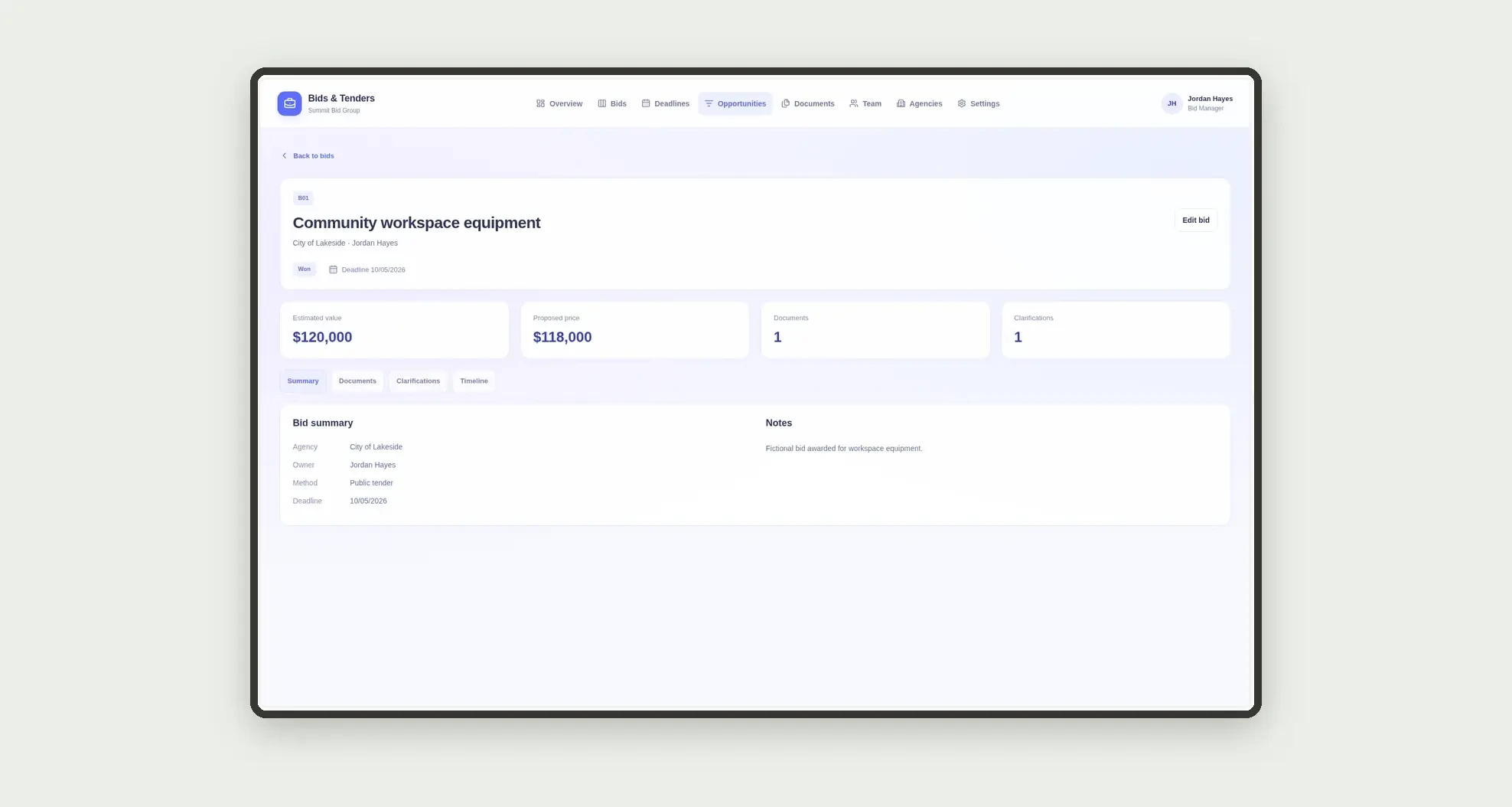
- Record proposed price and submission outcome
- Note questions and clarifications per tender
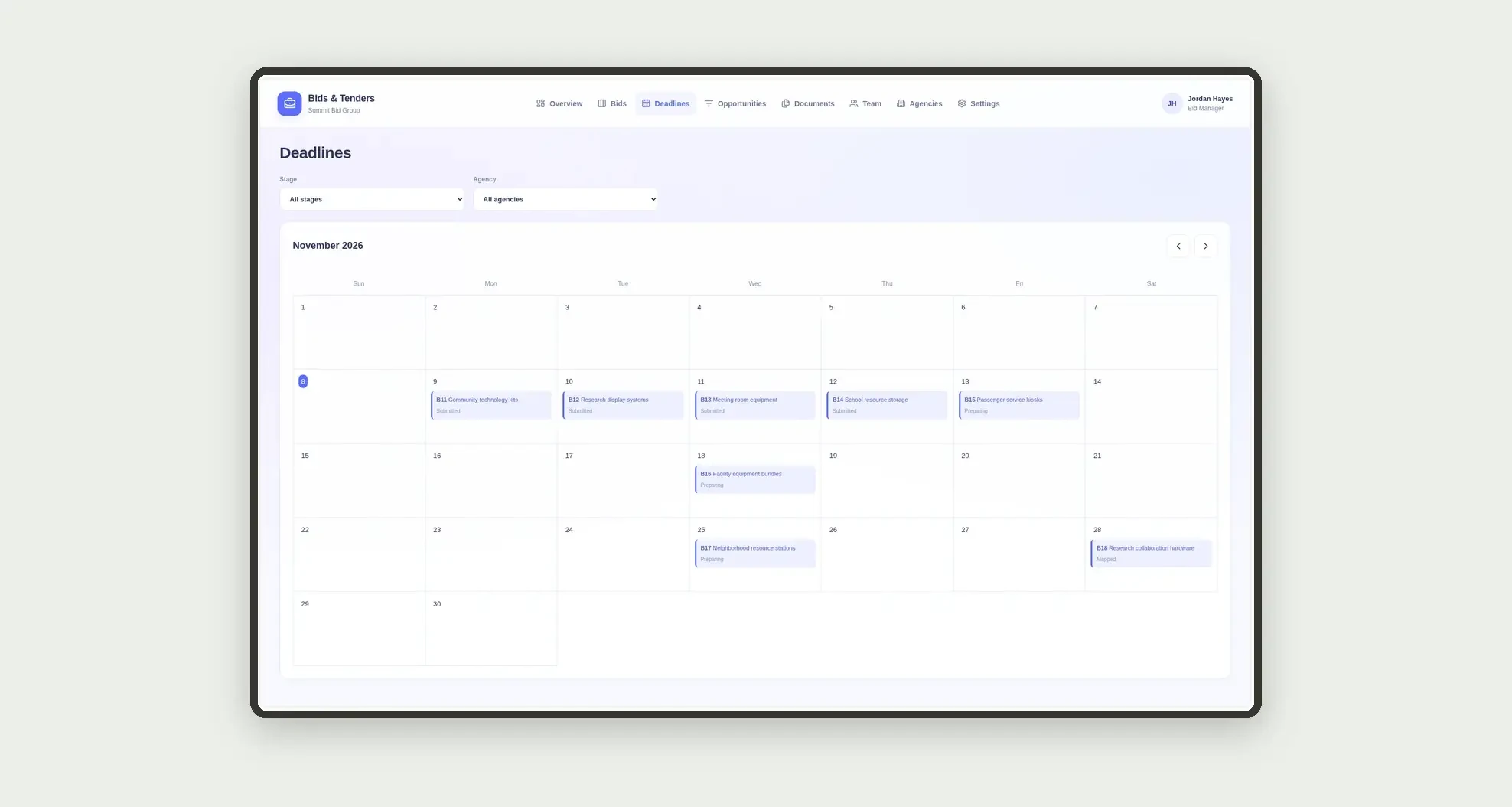
- View deadlines on a calendar
- Follow each owner's portfolio on people cards
- Open profiles with documents, clarifications, and dates
App features
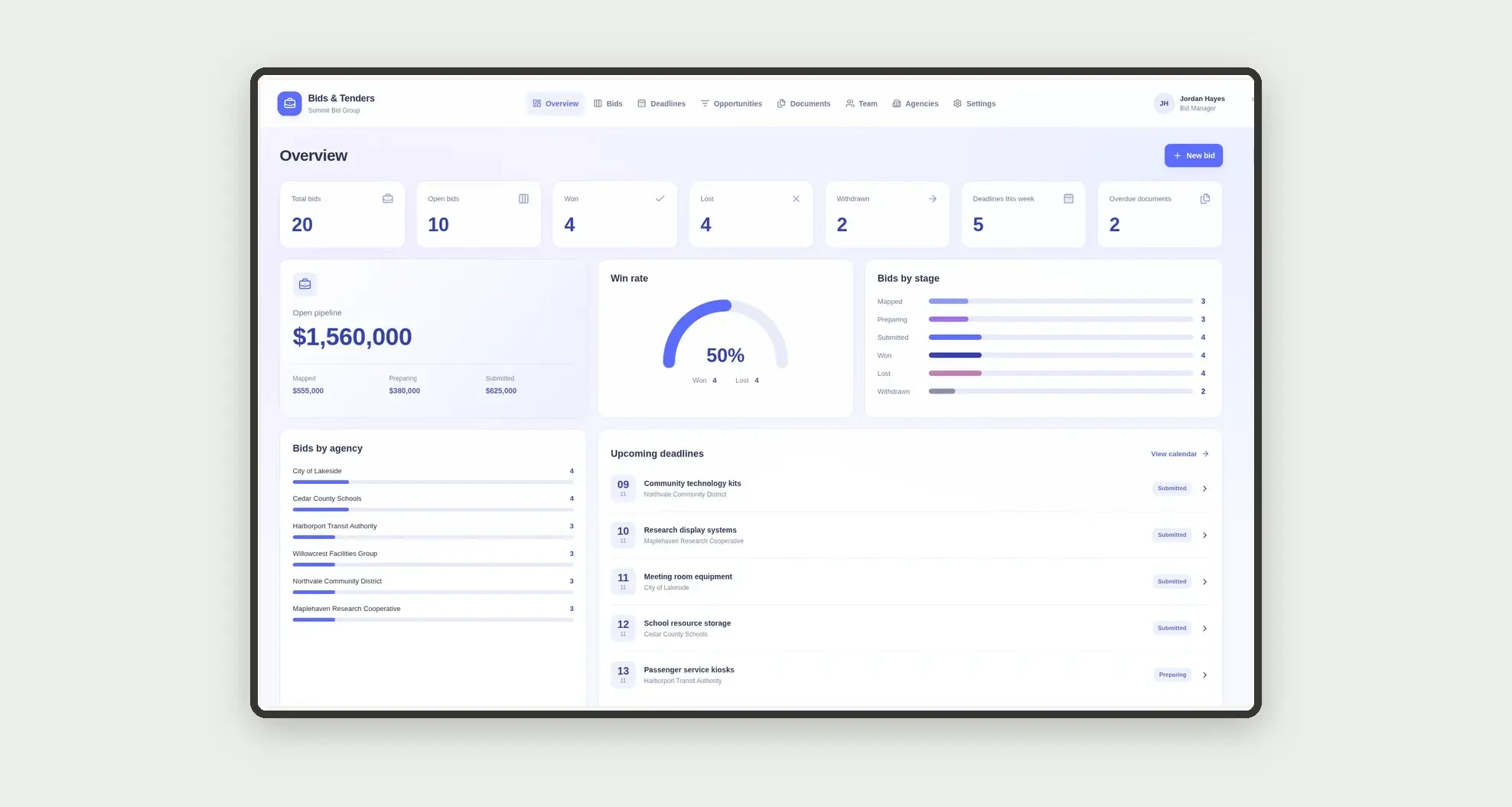
Bids & Tenders
The Bids & Tenders screen covers this part of the operation.
How it works
Set up fictional agencies and the team.
Map the opportunity, prepare documents and the proposal, submit the bid, and record whether it was won, lost, or withdrawn.
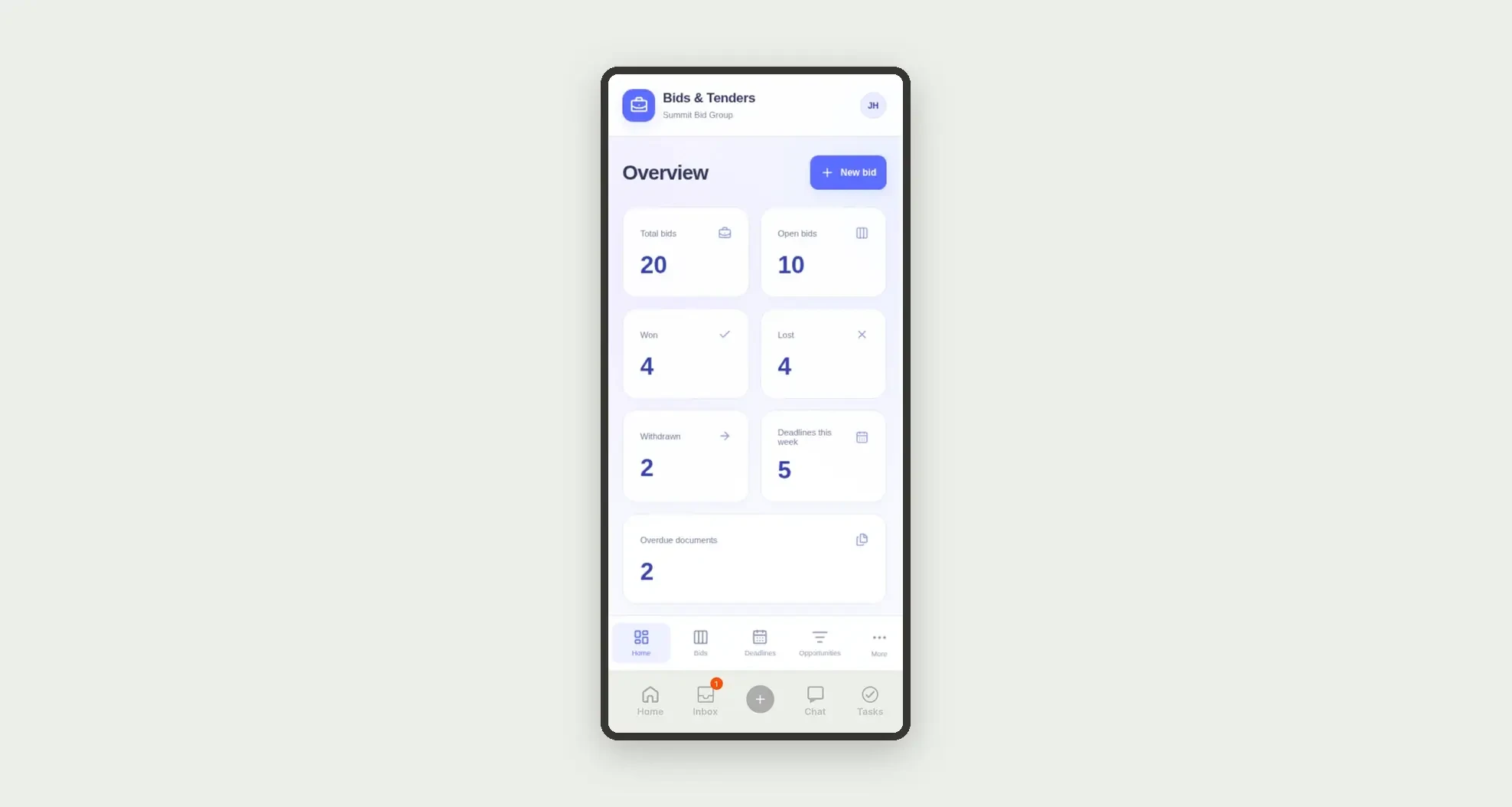
Expired documents and this week's deadlines stay visible on the dashboard.
How to set up this template
- 1Click Use App
Create your Jestor account and install Bids & Tenders. It works on desktop and mobile.
- 2Set up fictional agencies and the team
Set up fictional agencies and the team.
- 3Map the opportunity
Map the opportunity, prepare documents and the proposal, submit the bid, and record whether it was won, lost, or withdrawn.
- 4Expired documents and this week's deadlines stay visible
Expired documents and this week's deadlines stay visible on the dashboard.
Integrations and customization
The design supports desktop and mobile use. Stages, document types, and agencies can be adapted to operations. No payments, invoicing, real government entities, legal advice, or external integrations are included.
- Adjust fields, categories, statuses and rules without code.
- Add screens, reports and automations as the operation needs them.
And that's just the start: you can edit any part of this template and go much further just by asking Jestor's AI. Describe what you need, like a new field, automation, report or integration, and the AI builds or adjusts it for you, no code required.
Frequently asked questions
Are the agencies real?
No. All agencies, tenders, and demonstration documents are fictional.
Does the app give legal advice?
No. It only organizes deadlines, declared documents, and internal stages.
How is win rate calculated?
Won bids divided by the sum of won and lost bids.
How are team cards calculated?
Bids are grouped by owner, separating open, won, and lost.
Does the app handle billing or payment?
No. It focuses on pursuing the opportunity through to the outcome.