What it is
An app for consignment stock at customer sites.
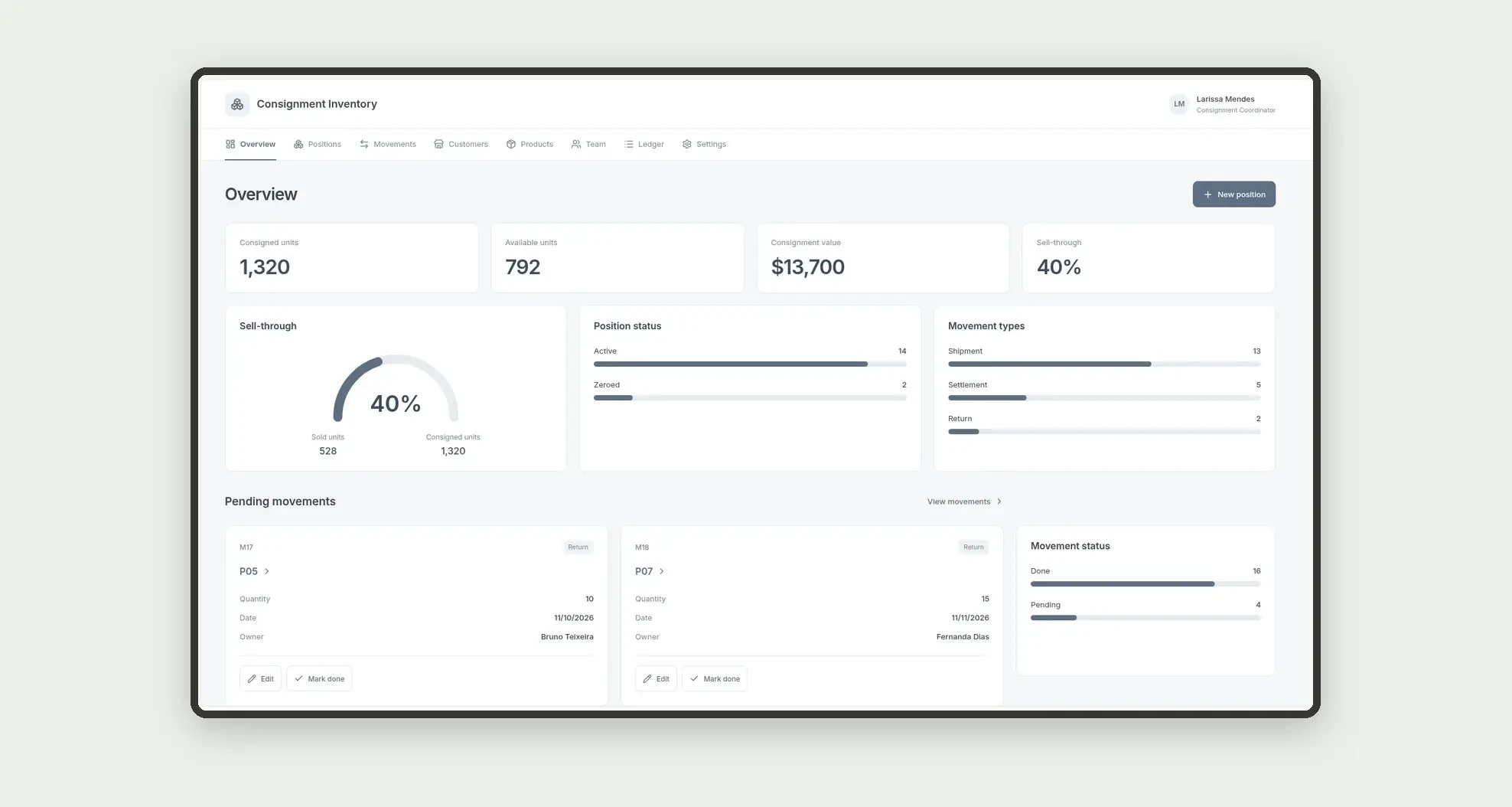
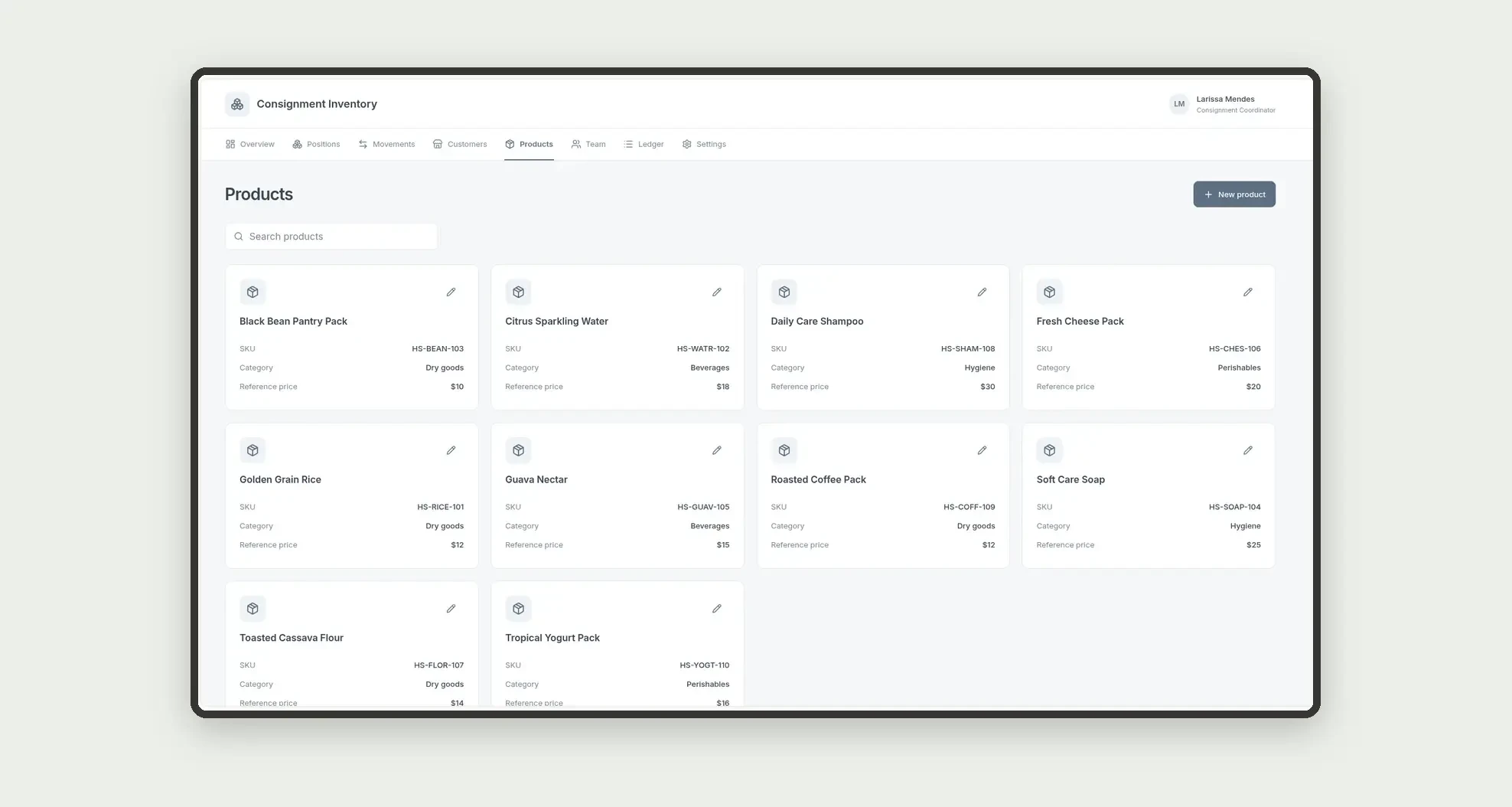
Organize consignees, products, positions with quantities and value, and shipment, return, and settlement movements through cards, a board, and linked profiles.
Who it's for
- Distributors that leave stock on consignment with customers
- Consignment and inventory coordinators
- Account executives tracking positions by store
- Logistics teams logging shipments and returns
What you can do
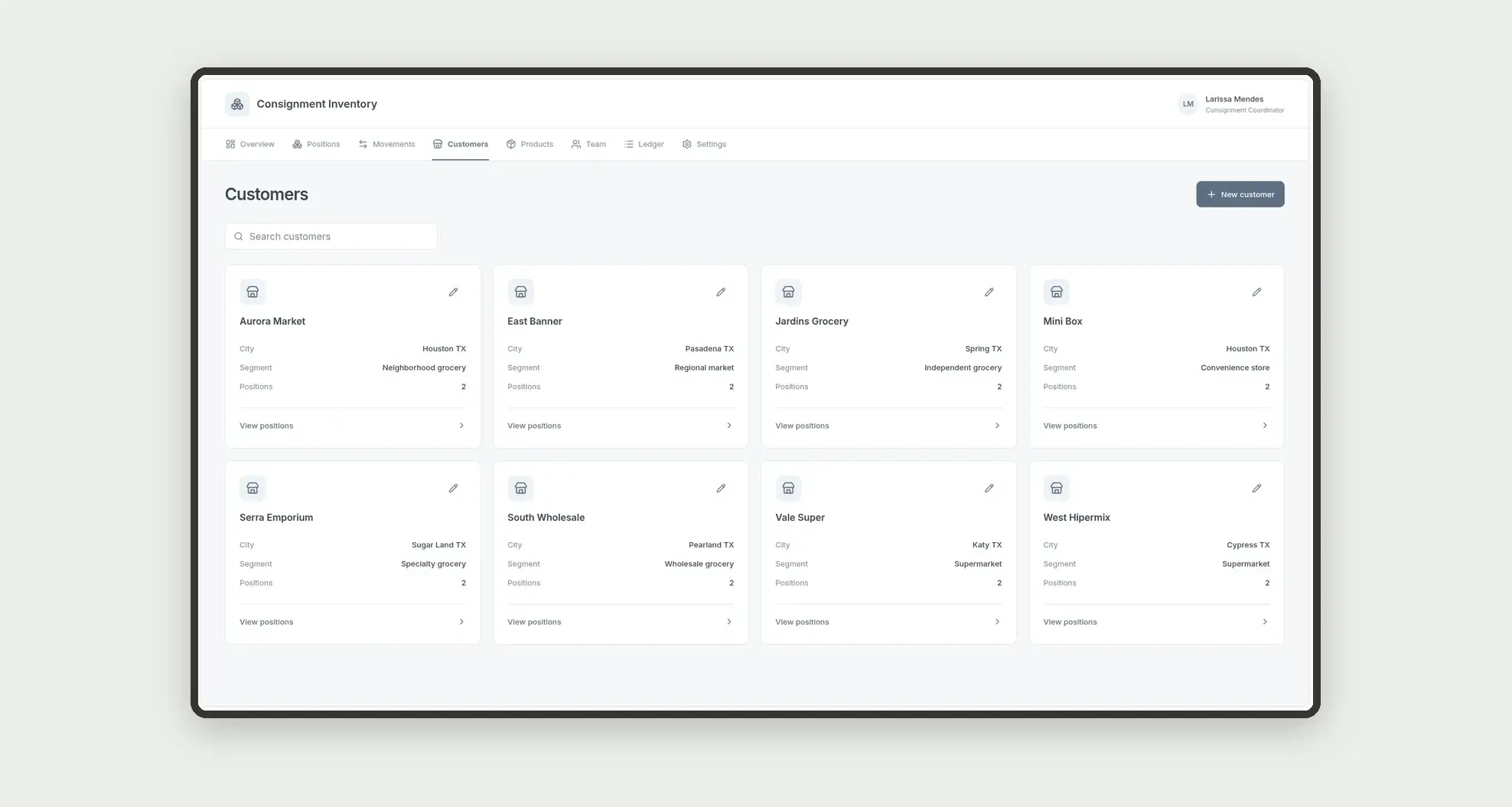
- Register consignee customers and products
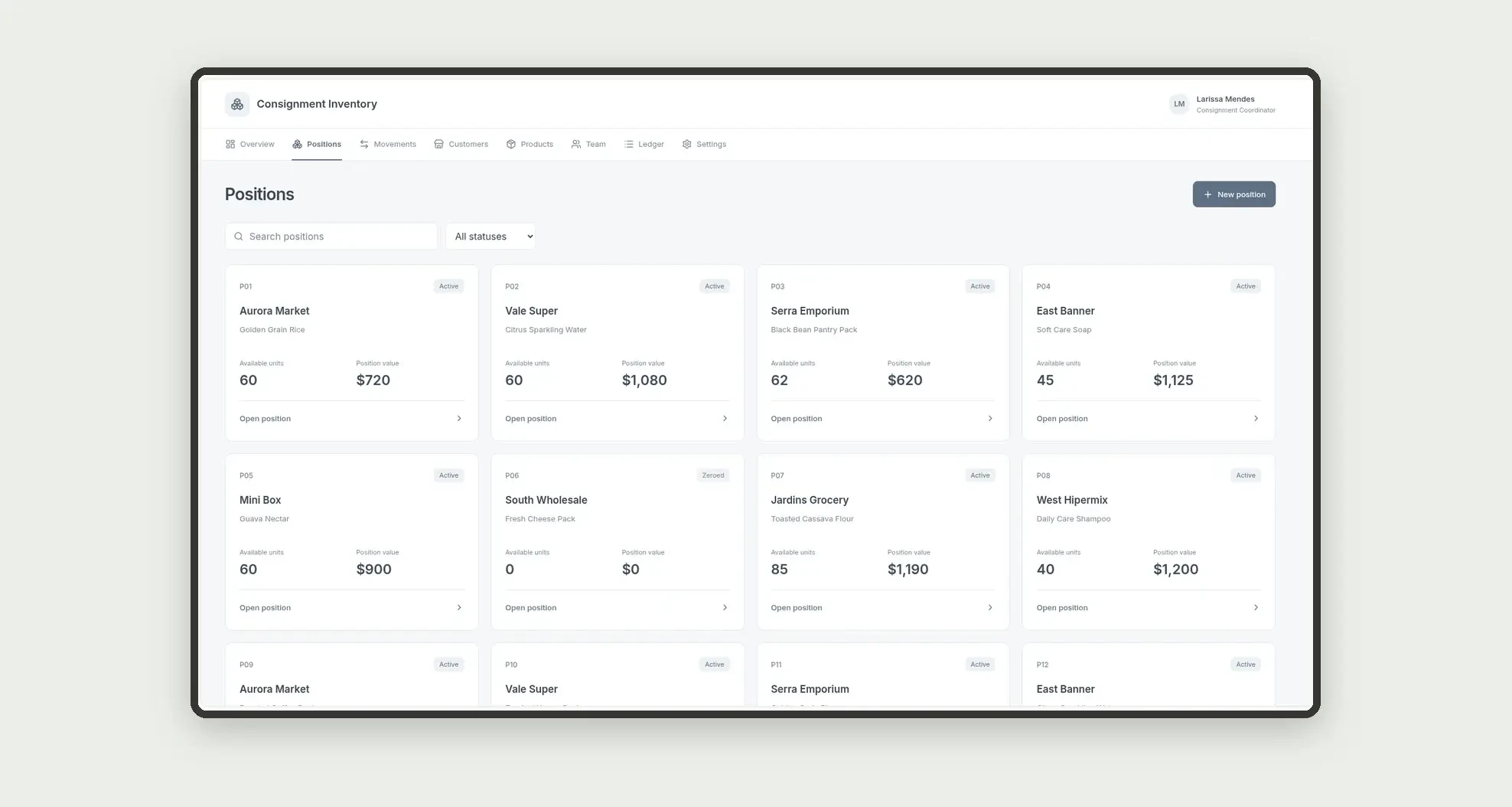
- Open positions by customer and product
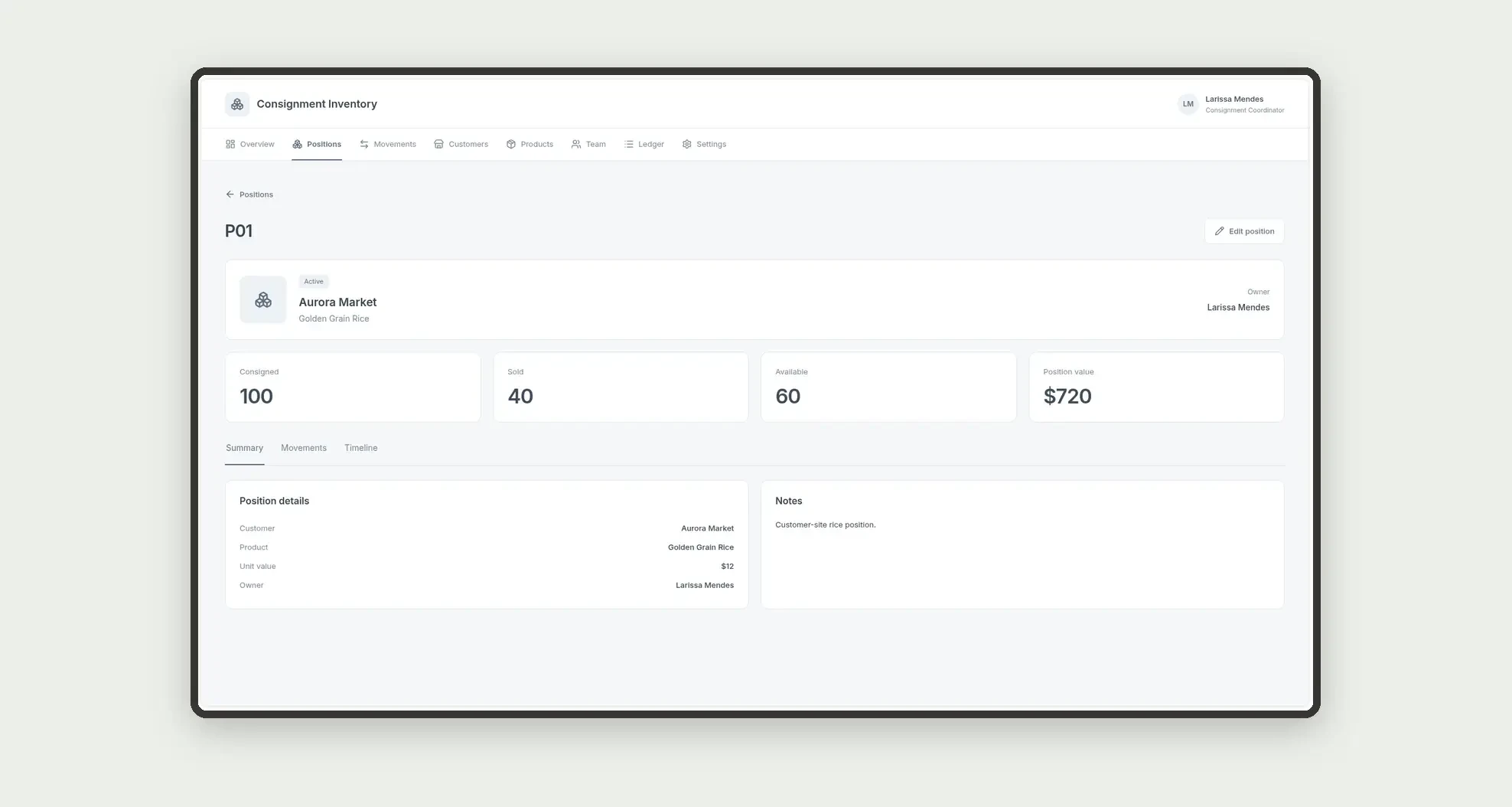
- Record consigned, sold, and available quantities on the position
- Store position value as a plain number
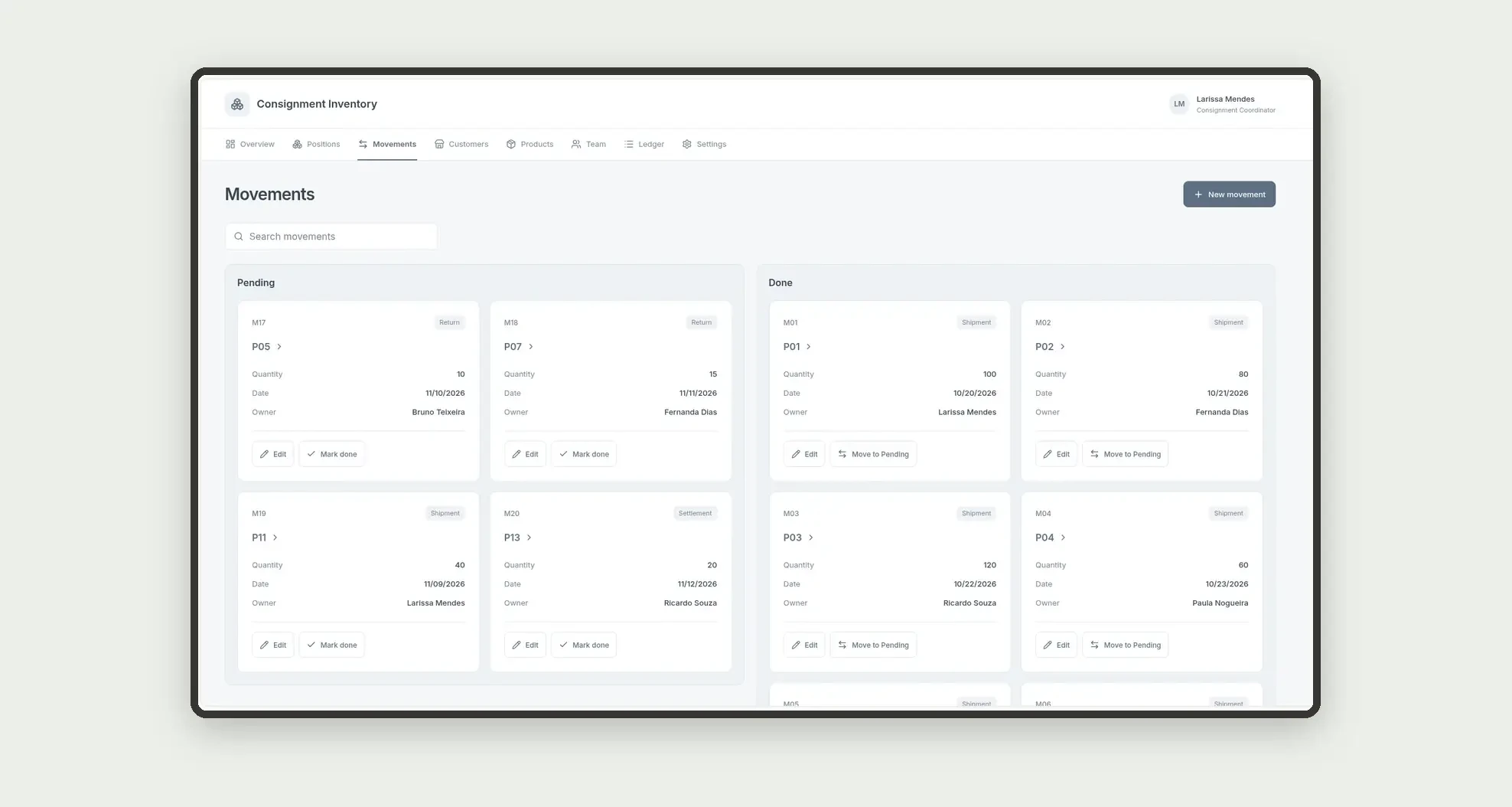
- Log shipment, return, and settlement movements
- Track pending movements on a kanban board
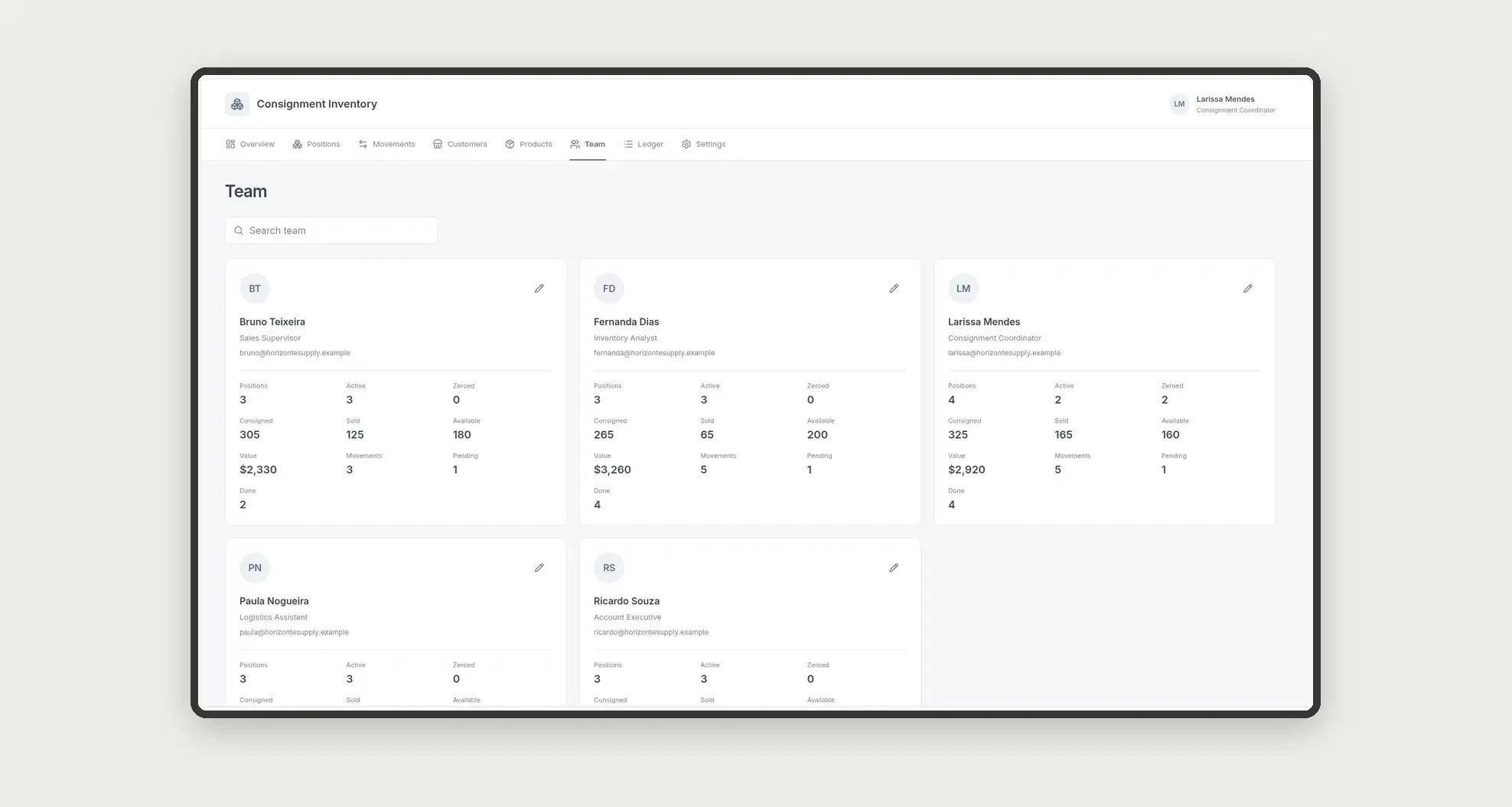
- Follow each owner's portfolio on people cards
- Open position profiles with movements and dates
App features
Consignment Inventory
The Consignment Inventory screen covers this part of the operation.
How it works
Set up customers, products, and the team.
Create the position with quantity and value numbers already stored.
Post shipments, returns, and settlements.
Sell-through and available quantity come from numeric fields on the position itself.
How to set up this template
- 1Click Use App
Create your Jestor account and install Consignment Inventory. It works on desktop and mobile.
- 2Set up customers
Set up customers, products, and the team.
- 3Create the position with quantity and value numbers
Create the position with quantity and value numbers already stored.
- 4Post shipments
Post shipments, returns, and settlements.
Integrations and customization
The design supports desktop and mobile use. Statuses, movement types, and categories can be adapted to operations. No WMS, fiscal invoices, e-commerce, or external integrations are included.
- Adjust fields, categories, statuses and rules without code.
- Add screens, reports and automations as the operation needs them.
And that's just the start: you can edit any part of this template and go much further just by asking Jestor's AI. Describe what you need, like a new field, automation, report or integration, and the AI builds or adjusts it for you, no code required.
Frequently asked questions
Is available quantity a formula?
No. It is a plain number stored on each position.
Do KPIs join positions and movements?
No. Consigned, sold, available, and value come only from the positions table.
How is sell-through calculated?
Sum of sold quantities divided by sum of consigned quantities, both on the positions table.
How are team cards calculated?
Positions and movements are grouped by owner.
Does the app issue invoices?
No. It focuses on consignment positions and operational movements.