What it is
An app for dispatching technicians to HVAC, electrical, and plumbing field jobs.
Organize requests, a dispatch board by technician and time slot, zones, van parts, and completion reports through cards, a board, calendar, and linked profiles.
Who it's for
- HVAC, electrical, and plumbing service companies
- Dispatchers who build the day's schedule
- Technicians who serve customers in the field
- Operations with service zones and van stock
What you can do
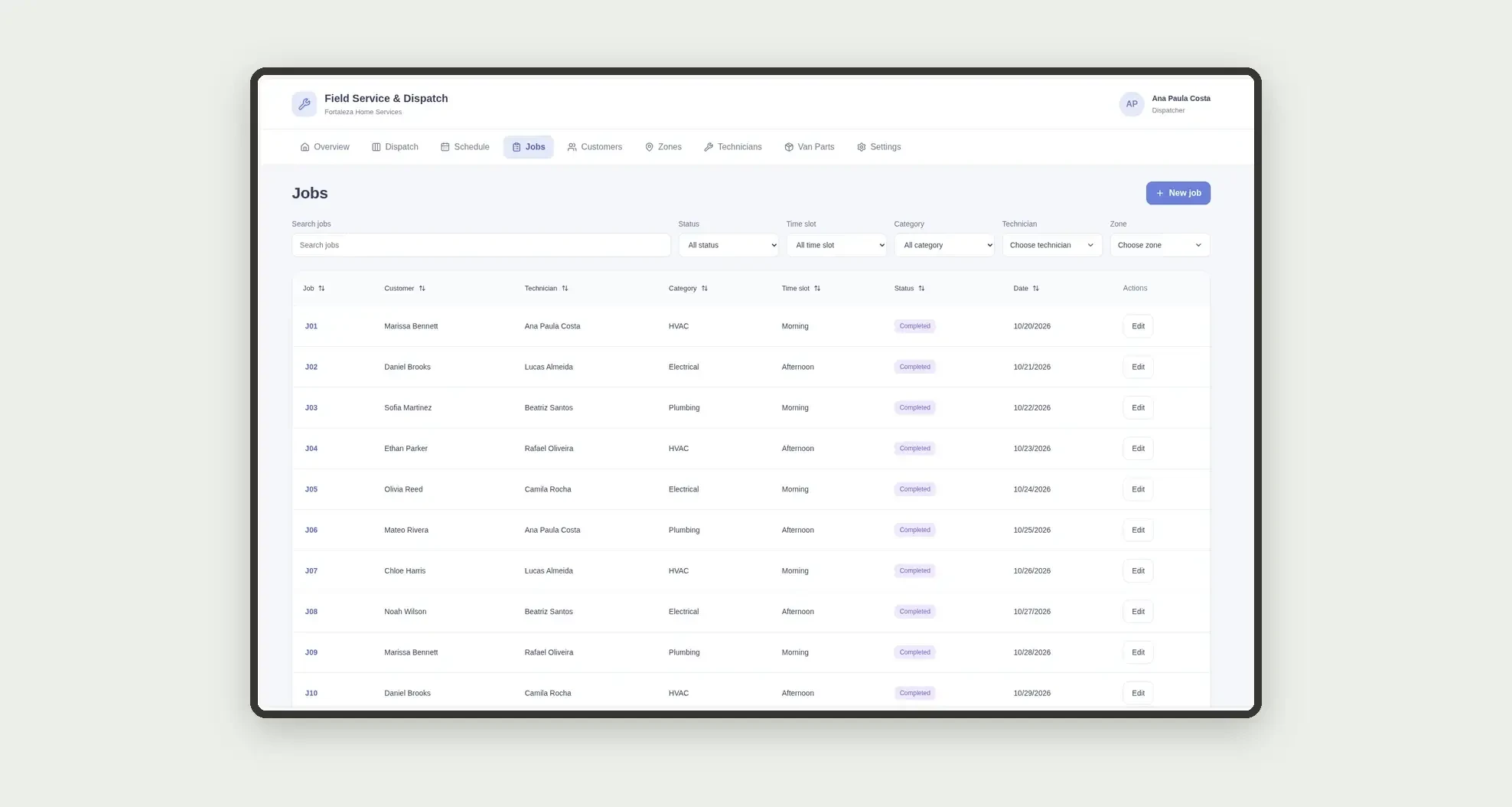
- Log job requests by customer and category
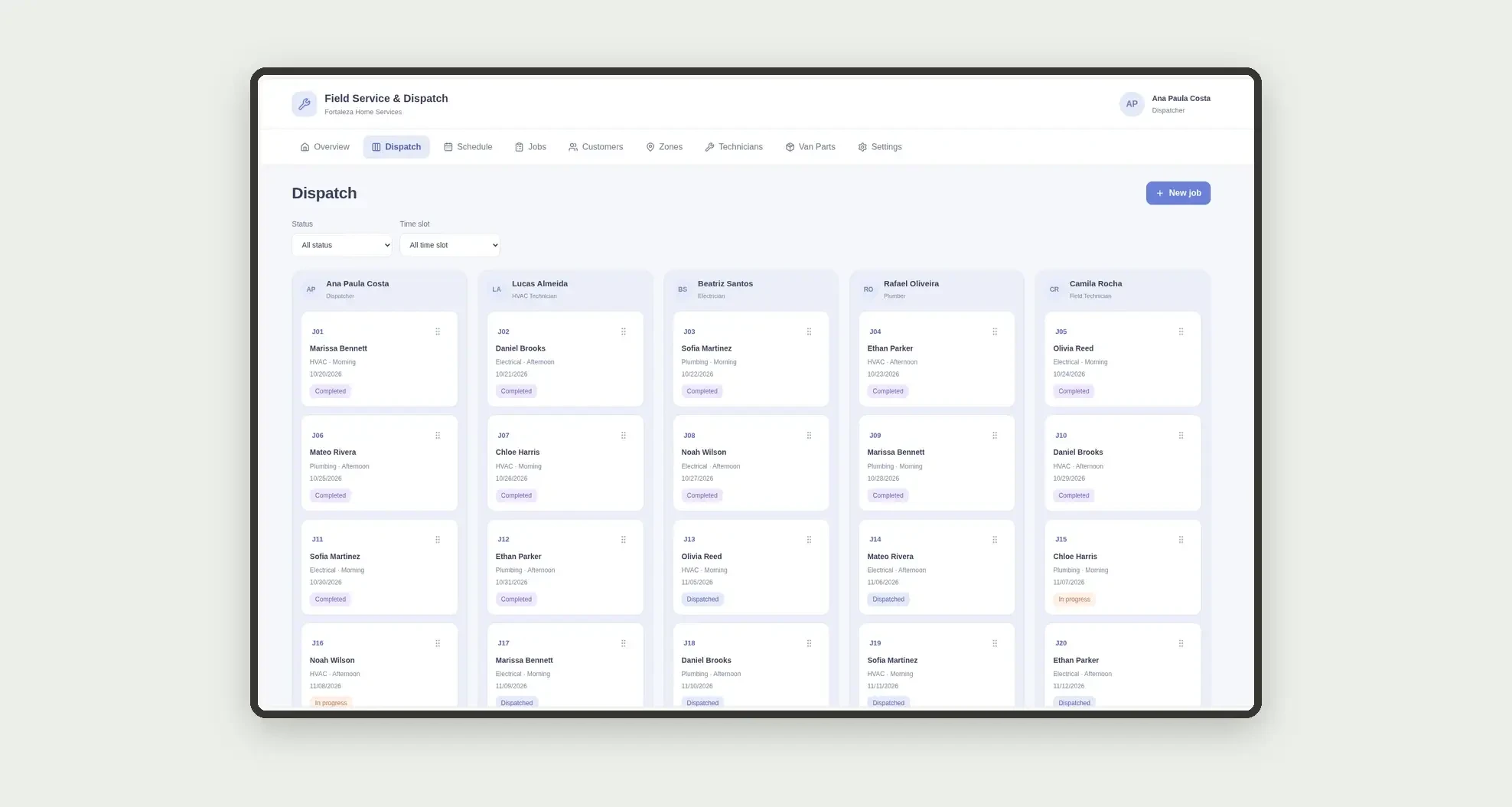
- Dispatch jobs on a board by technician and time slot
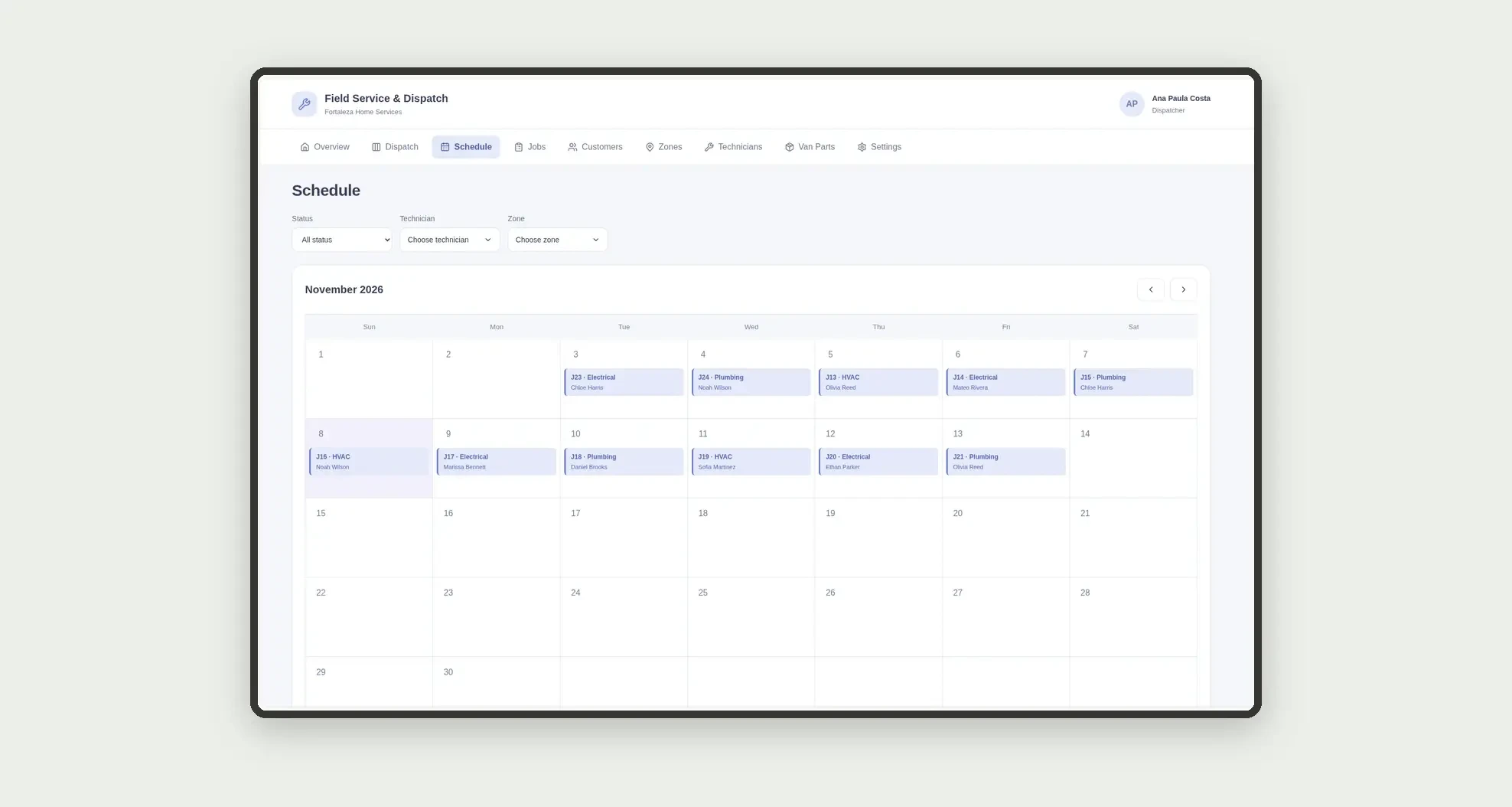
- View the service schedule on a calendar
- Organize customers by route zone
- Record parts used from van stock
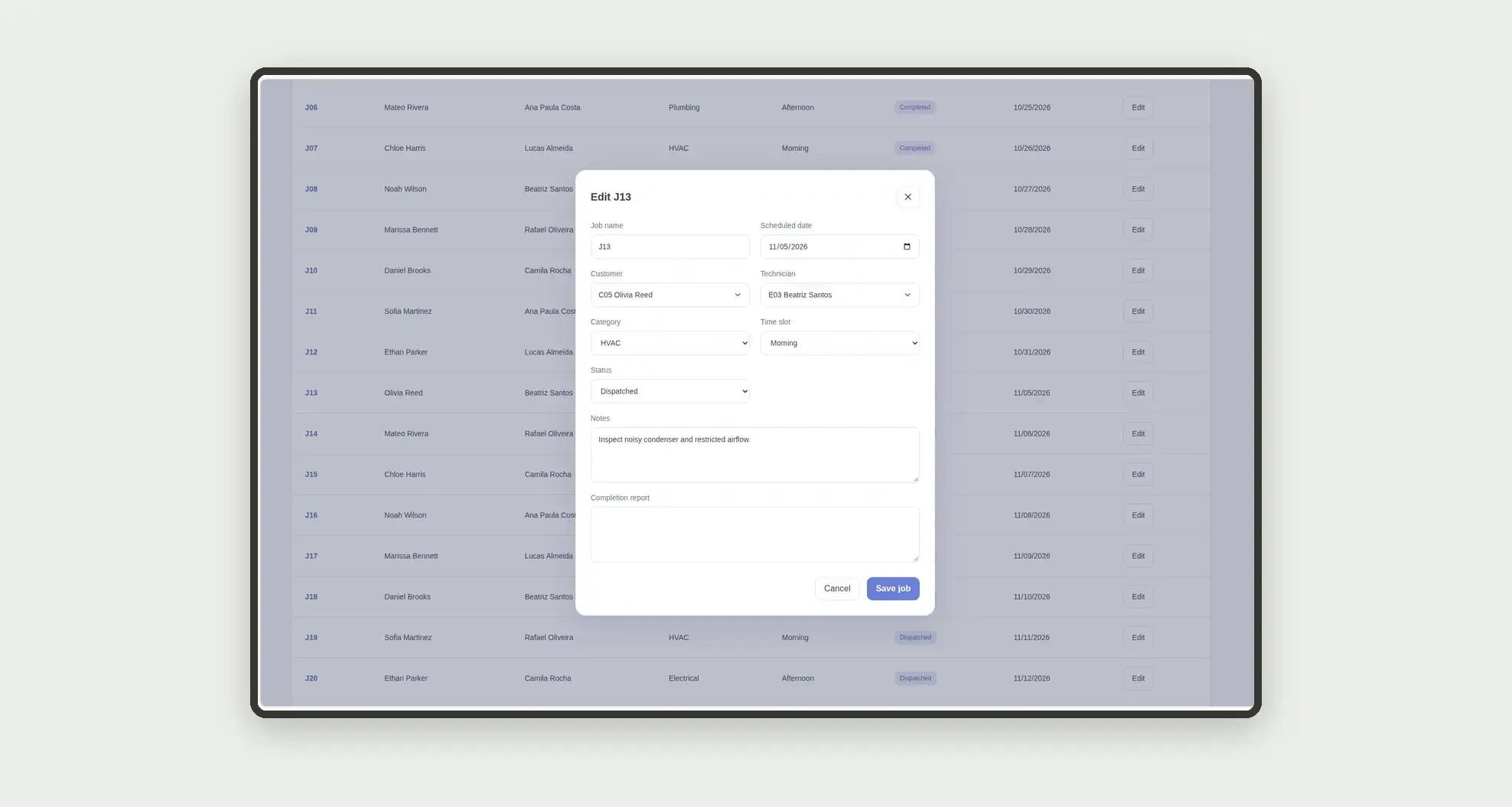
- Fill in the job completion report
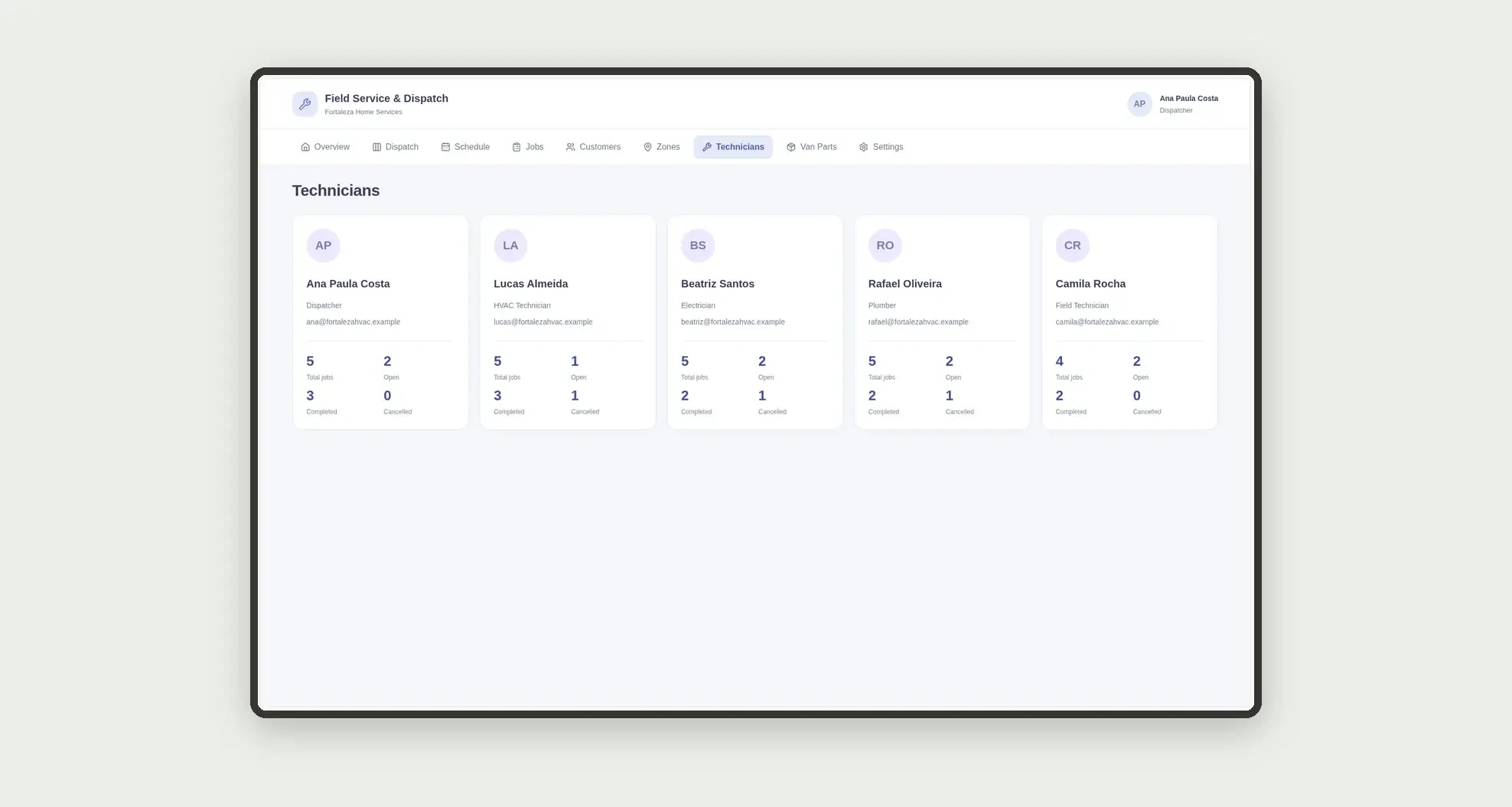
- Follow each technician's load on people cards
- Open profiles with customer, zone, parts, and dates
App features
Field Service & Dispatch
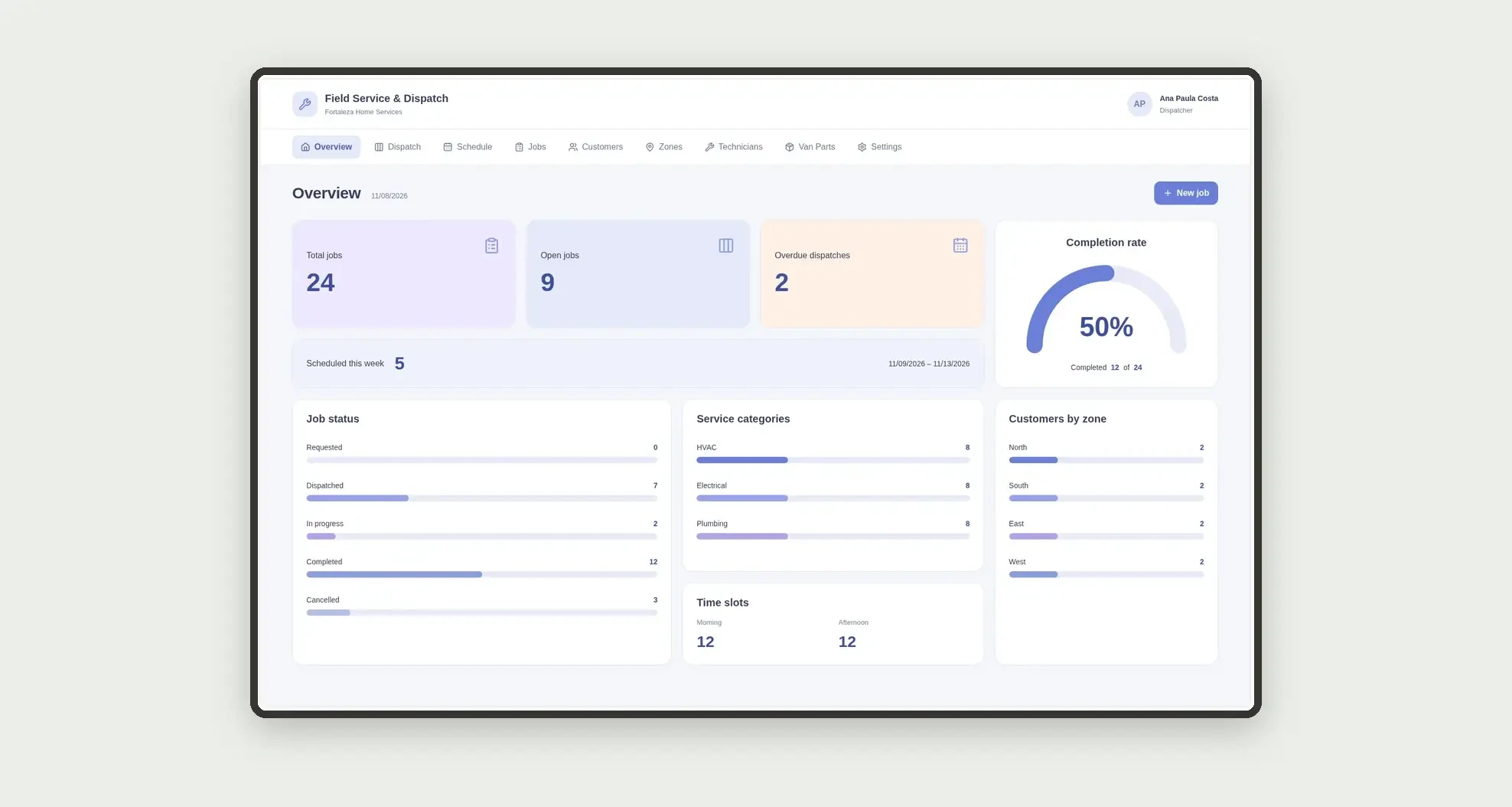
The Field Service & Dispatch screen covers this part of the operation.
How it works
Set up technicians, zones, and customers.
Open the request, dispatch it to a technician with a date and time slot, record van parts used, and complete it with the job report.
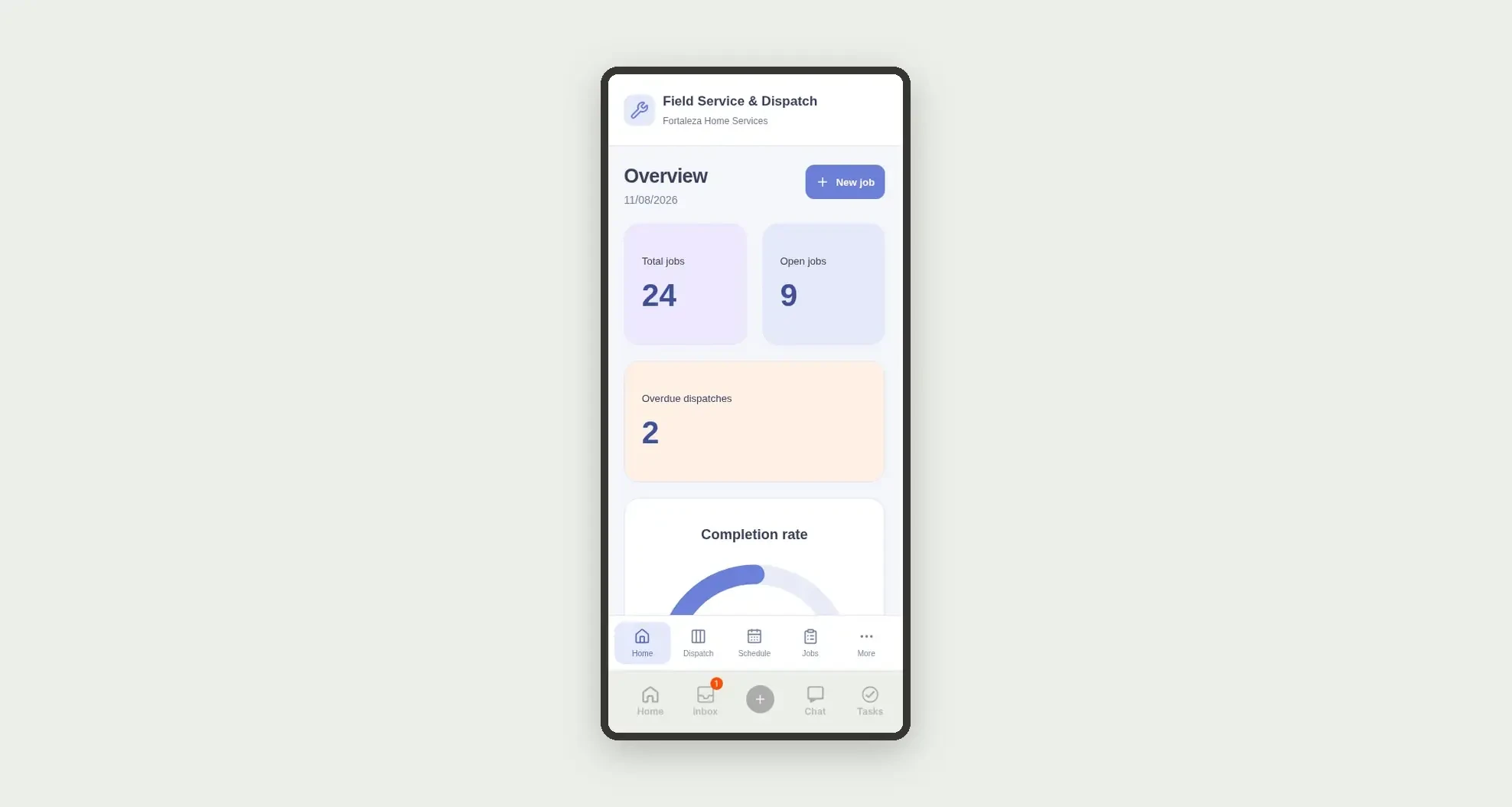
Overdue jobs stay visible on the dashboard.
How to set up this template
- 1Click Use App
Create your Jestor account and install Field Service & Dispatch. It works on desktop and mobile.
- 2Set up technicians
Set up technicians, zones, and customers.
- 3Open the request
Open the request, dispatch it to a technician with a date and time slot, record van parts used, and complete it with the job report.
- 4Overdue jobs stay visible on the dashboard
Overdue jobs stay visible on the dashboard.
Integrations and customization
The design supports desktop and mobile use. Categories, zones, slots, and statuses can be adapted to operations. No invoicing, billing, payroll, customer signature, SLA fields, or external integrations are included.
- Adjust fields, categories, statuses and rules without code.
- Add screens, reports and automations as the operation needs them.
And that's just the start: you can edit any part of this template and go much further just by asking Jestor's AI. Describe what you need, like a new field, automation, report or integration, and the AI builds or adjusts it for you, no code required.
Frequently asked questions
Does the app track SLA or customer signatures?
No. It focuses on dispatch, schedule, van parts, and completion reports.
How does the dispatch board work?
Jobs appear in columns by technician, with date and time slot on each card.
Are parts from a central warehouse?
The record is usage from van stock on the job.
How are technician cards calculated?
Jobs are grouped by assigned technician, separating open, completed, and cancelled.
Are the records real?
No. Businesses, people, customers, and demonstration records are fictional.