What it is
An app for organizing found property, storage locations, and ownership claims.
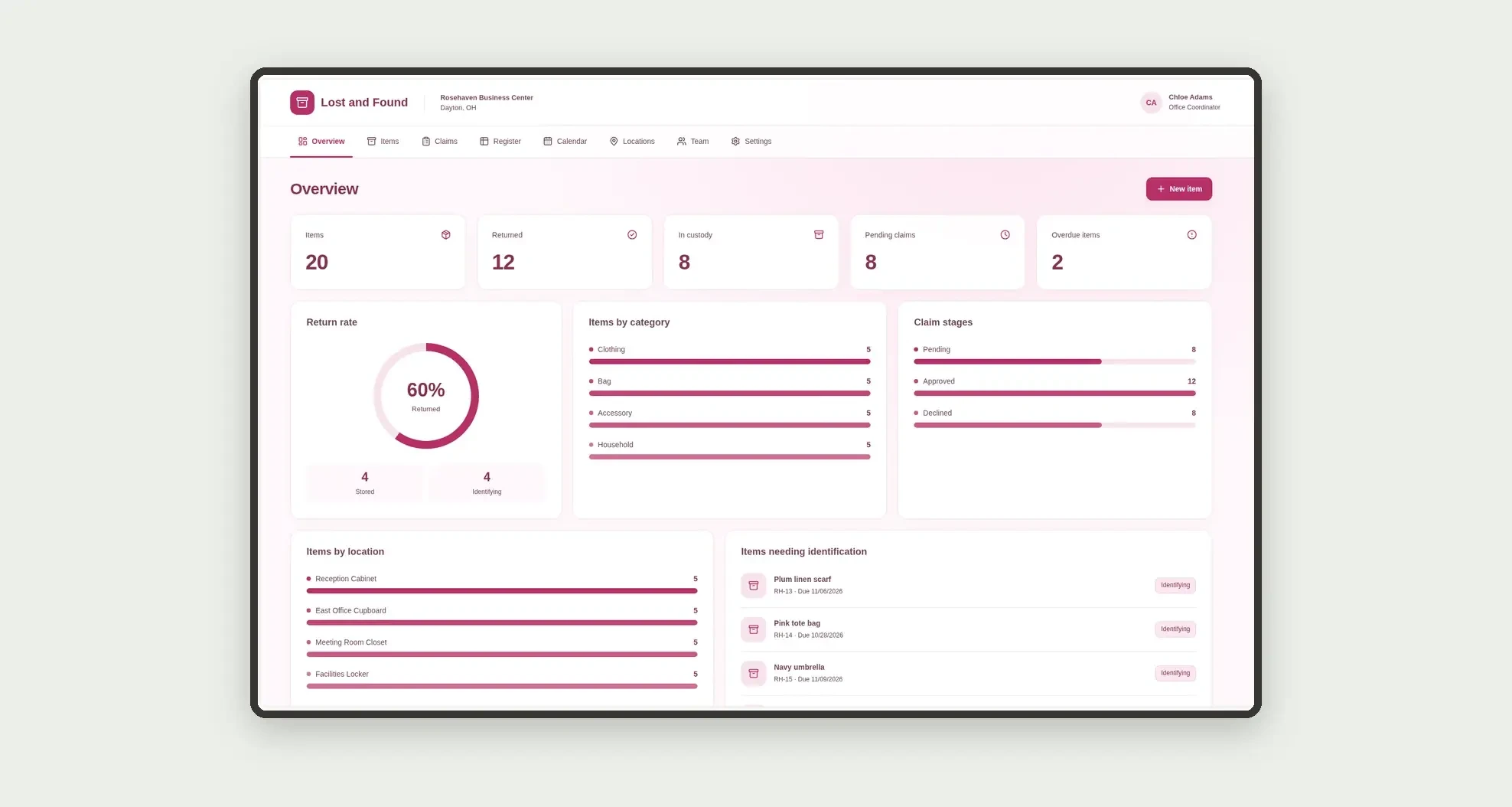
Track identification, claim decisions, and returns through cards, a board, calendar, and linked profiles.
Who it's for
- Offices and business centers
- Administrative and reception teams
- Small operations storing found property
- Staff reviewing claims and recording returns
What you can do
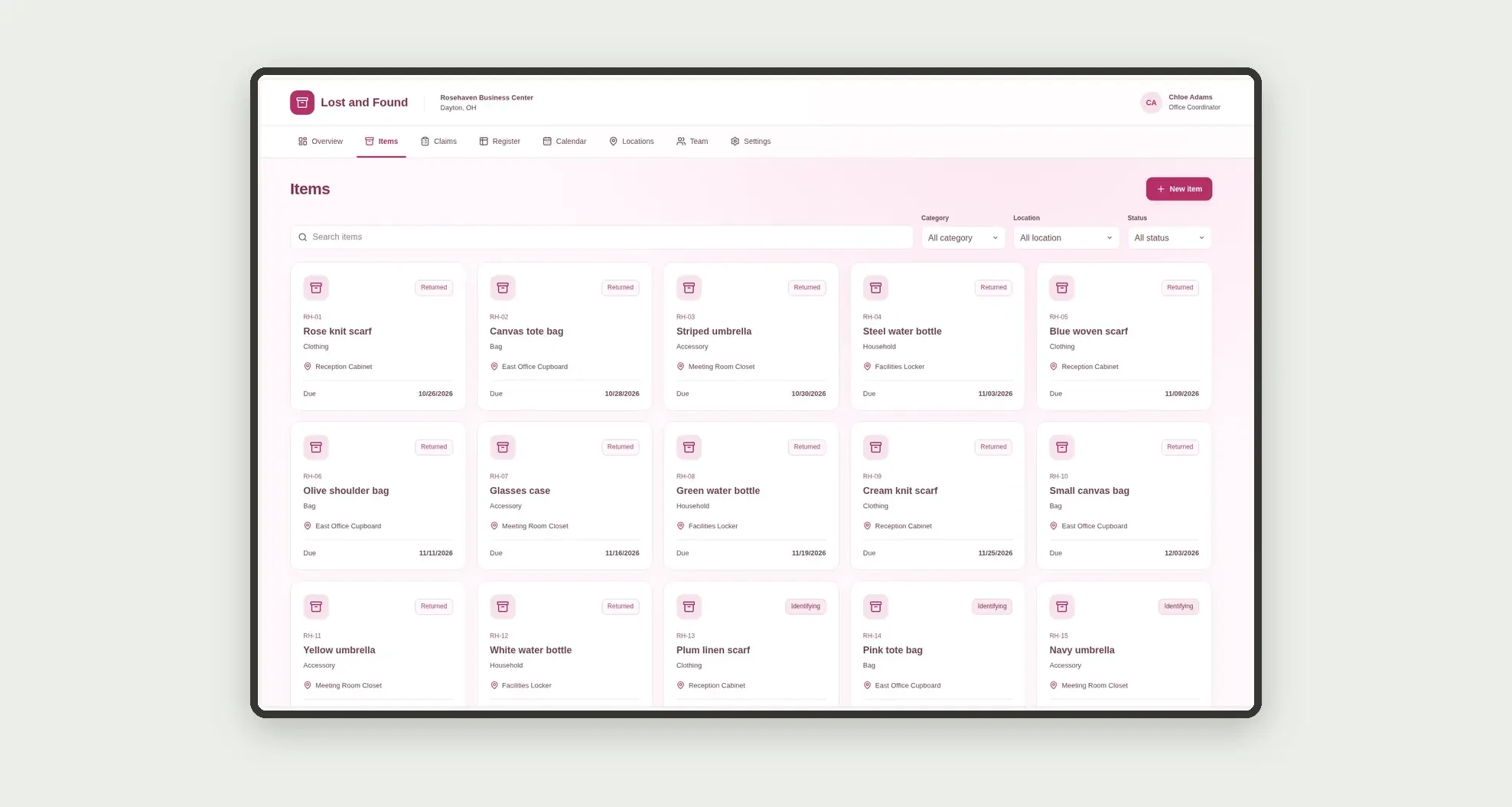
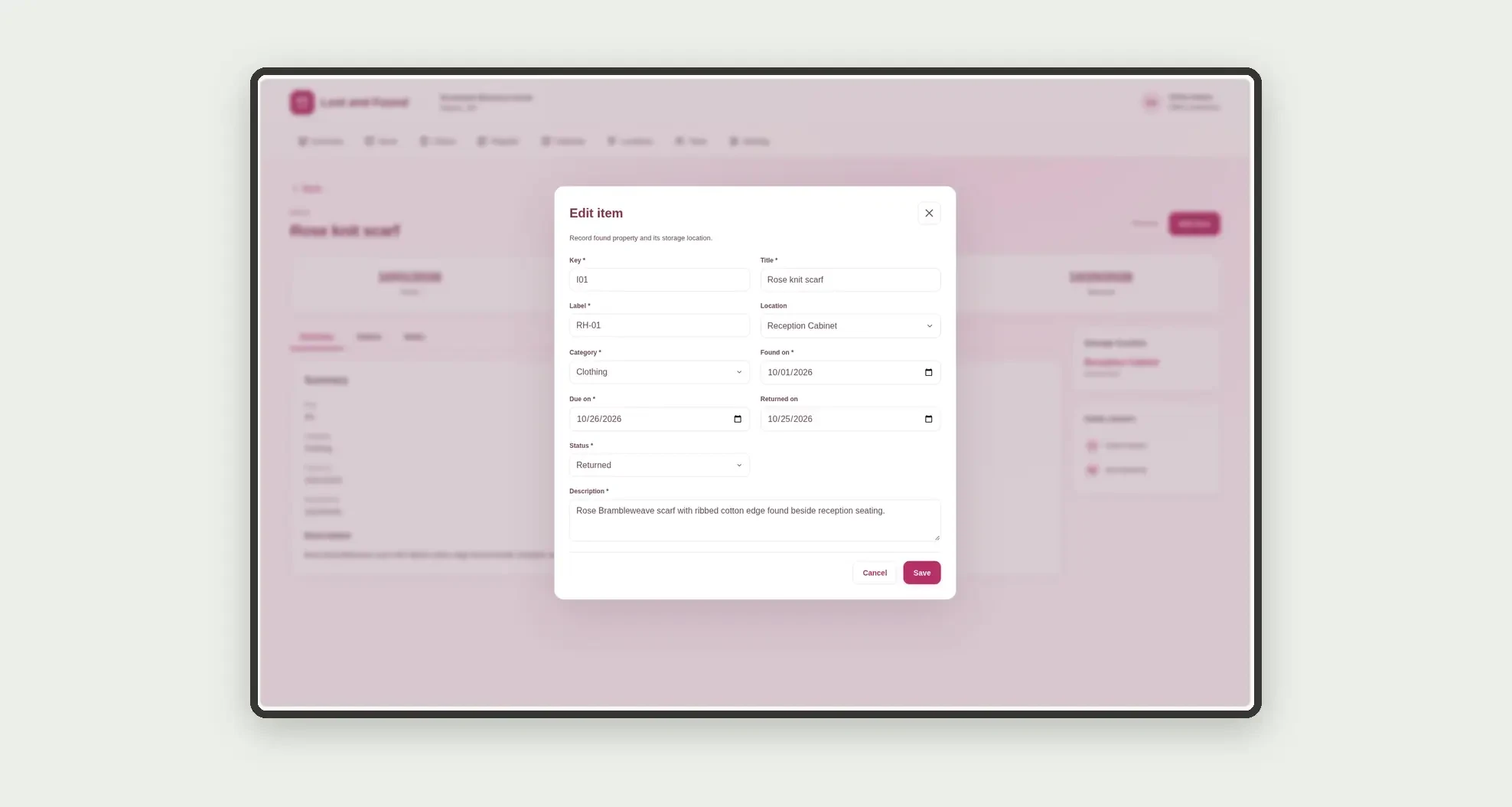
- Register items with label, category, location, and dates
- Browse item cards with filters
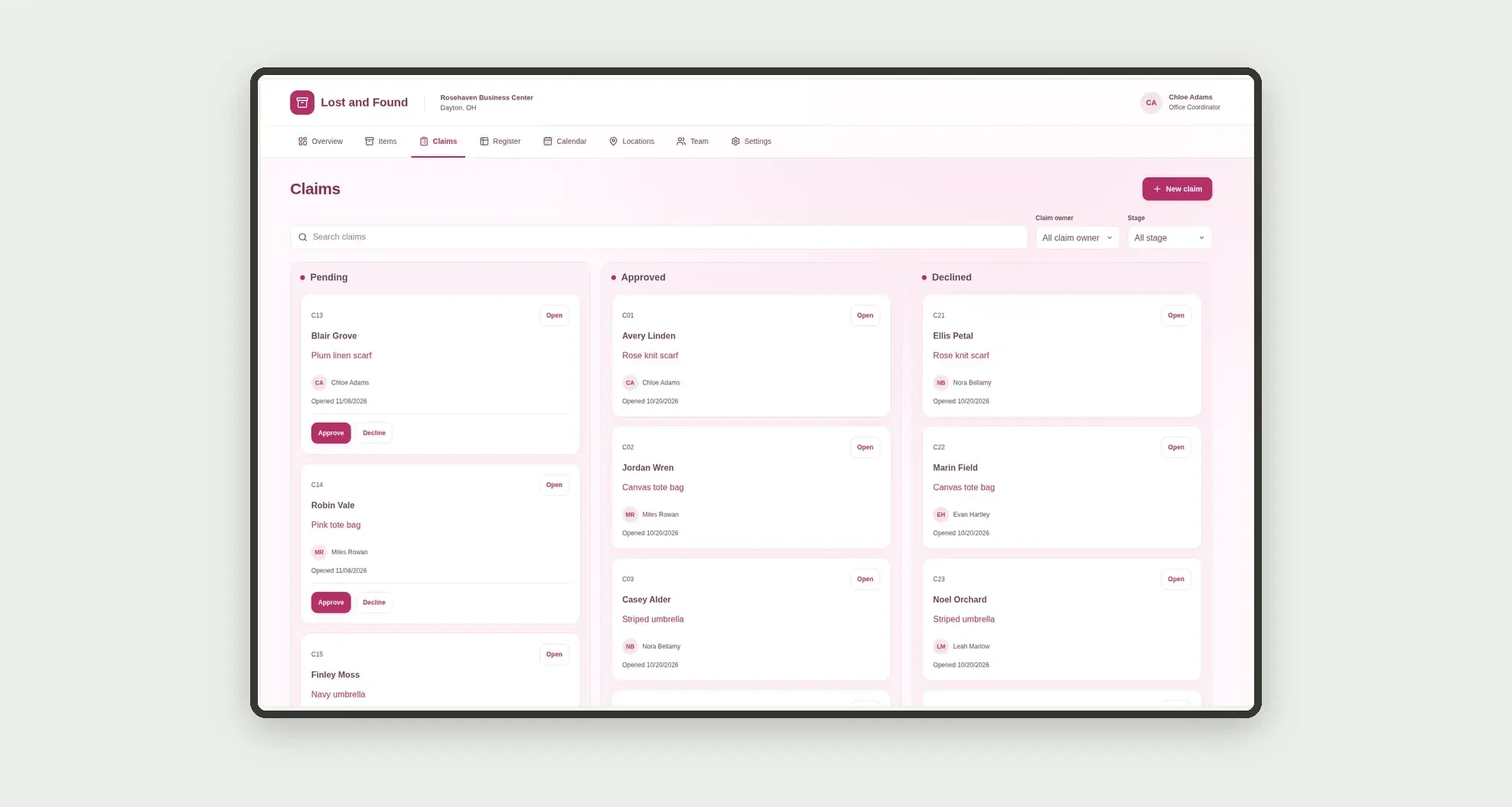
- Organize claims on a decision-based kanban board
- Record descriptive evidence and administrative decisions
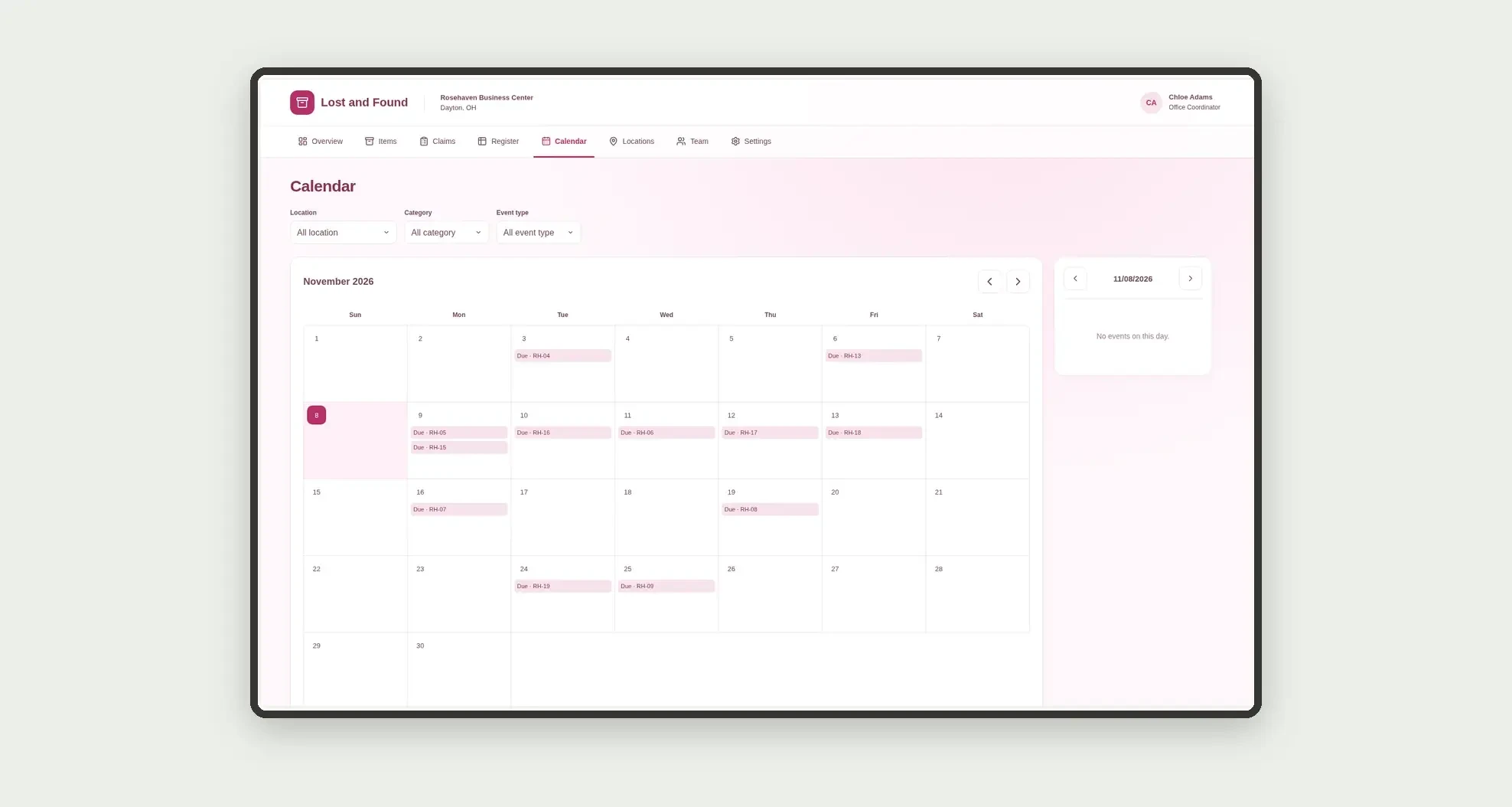
- View deadlines and returns on a calendar
- Sort item records in a data table
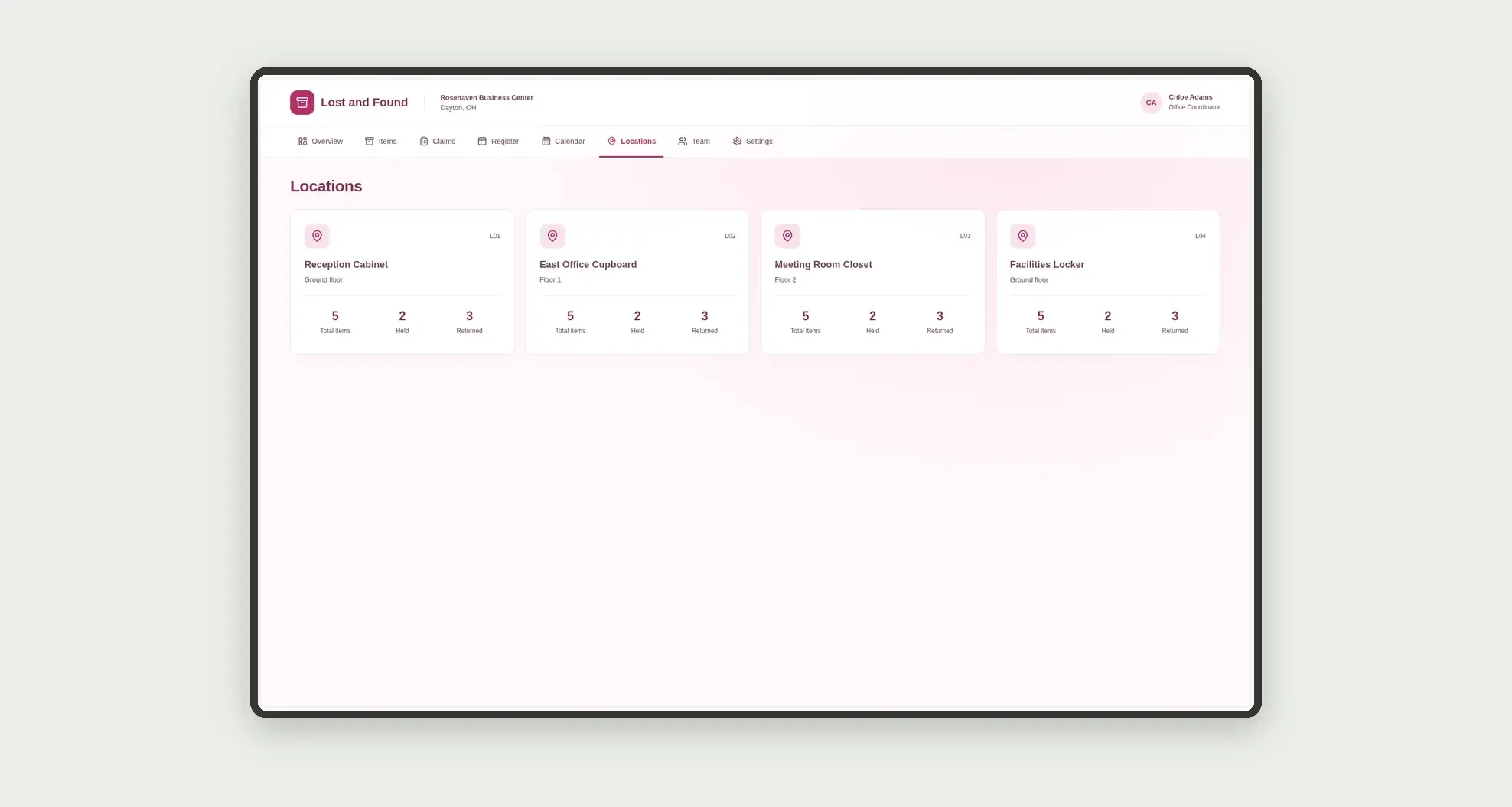
- Explore location and team cards with related counts
- Open profiles with item claims and dated history
App features
Lost and Found
The Lost and Found screen covers this part of the operation.
How it works
Set up locations and team members.
Record a found item and its description.
Review claims, record a decision, and enter the return after approval.
Preserve competing claims and the item's administrative history.
How to set up this template
- 1Click Use App
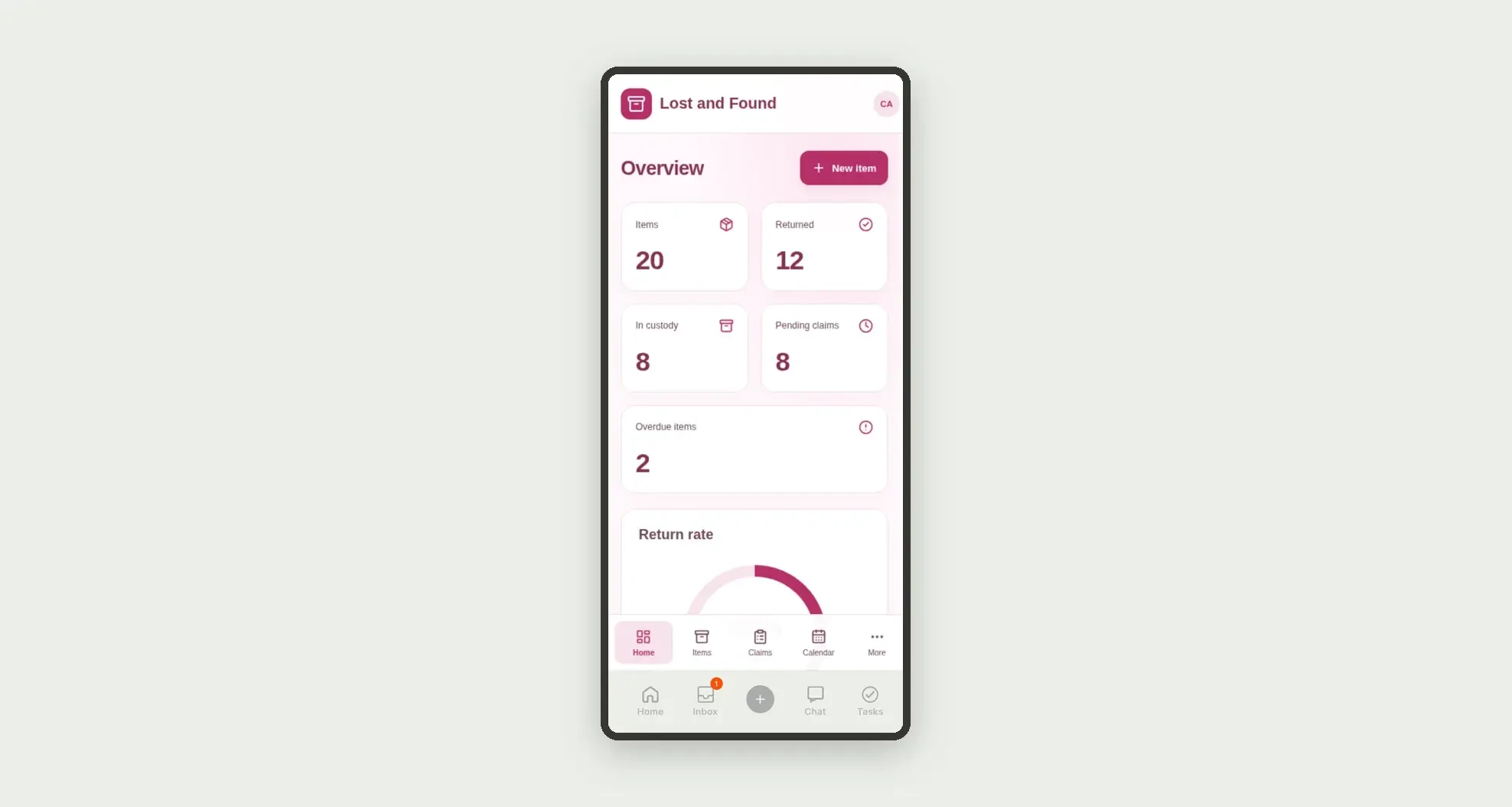
Create your Jestor account and install Lost and Found. It works on desktop and mobile.
- 2Set up locations and team members
Set up locations and team members.
- 3Record a found item and its description
Record a found item and its description.
- 4Review claims
Review claims, record a decision, and enter the return after approval.
Integrations and customization
The design supports desktop and mobile use. Locations, categories, and owners can be adapted to operations. No public gallery, legal ownership verification, biometrics, external messages, disposal, or automatic donation is included.
- Adjust fields, categories, statuses and rules without code.
- Add screens, reports and automations as the operation needs them.
And that's just the start: you can edit any part of this template and go much further just by asking Jestor's AI. Describe what you need, like a new field, automation, report or integration, and the AI builds or adjusts it for you, no code required.
Frequently asked questions
Does the app prove ownership?
No. It organizes declared evidence and internal administrative decisions.
Can an item have multiple claims?
Yes. The structure preserves competing claims but allows at most one approved claim per item.
Does approval automatically record a handover?
No. Returning an item requires a separate date entry after approval.
How are team cards calculated?
Claims are grouped by their assigned owner, distinguishing pending, approved, and declined states.
Are the records real?
No. Businesses, people, items, claimants, and demonstration evidence are fictional.