What it is
An app for tracking quarterly OKRs.
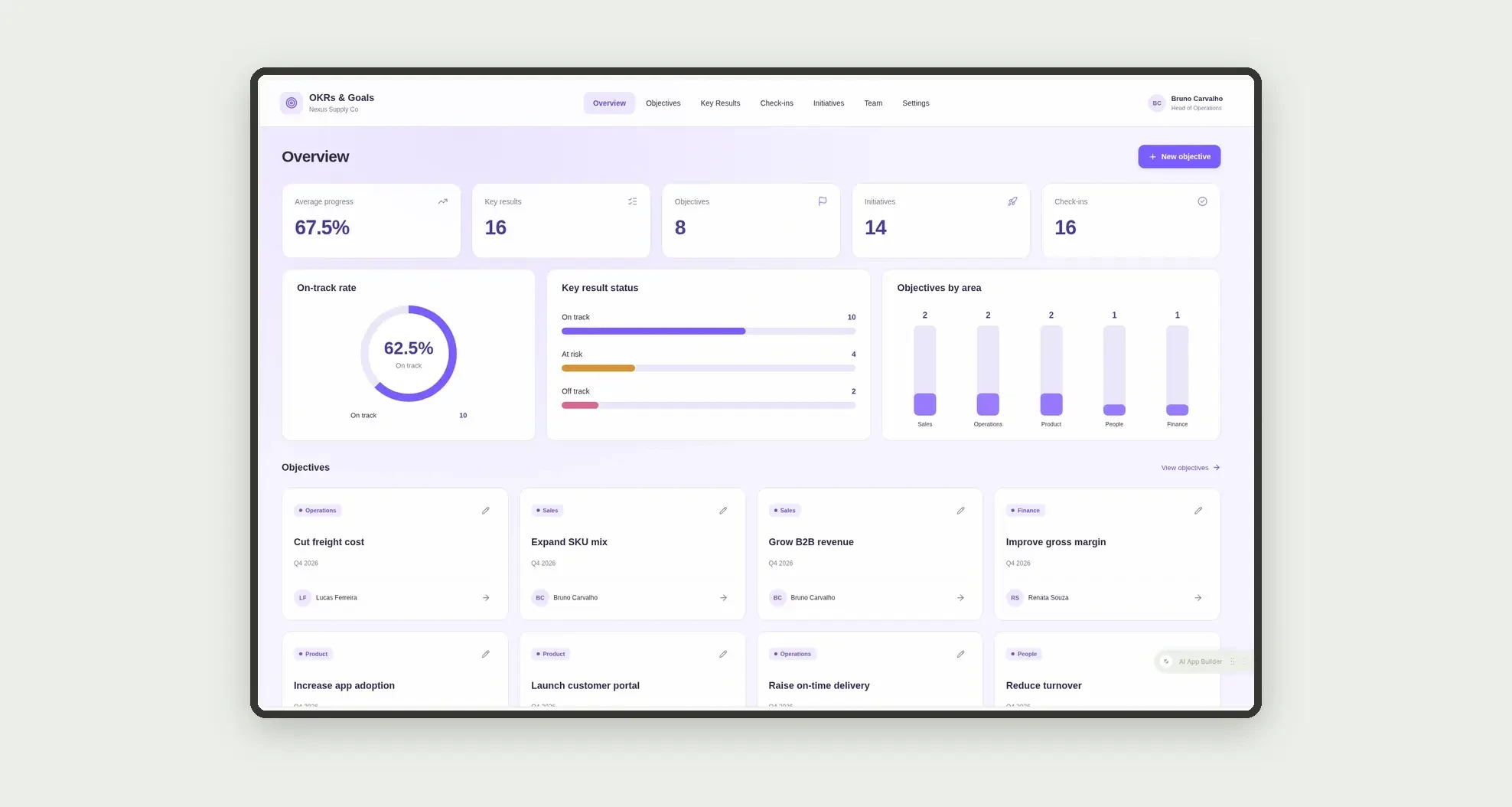
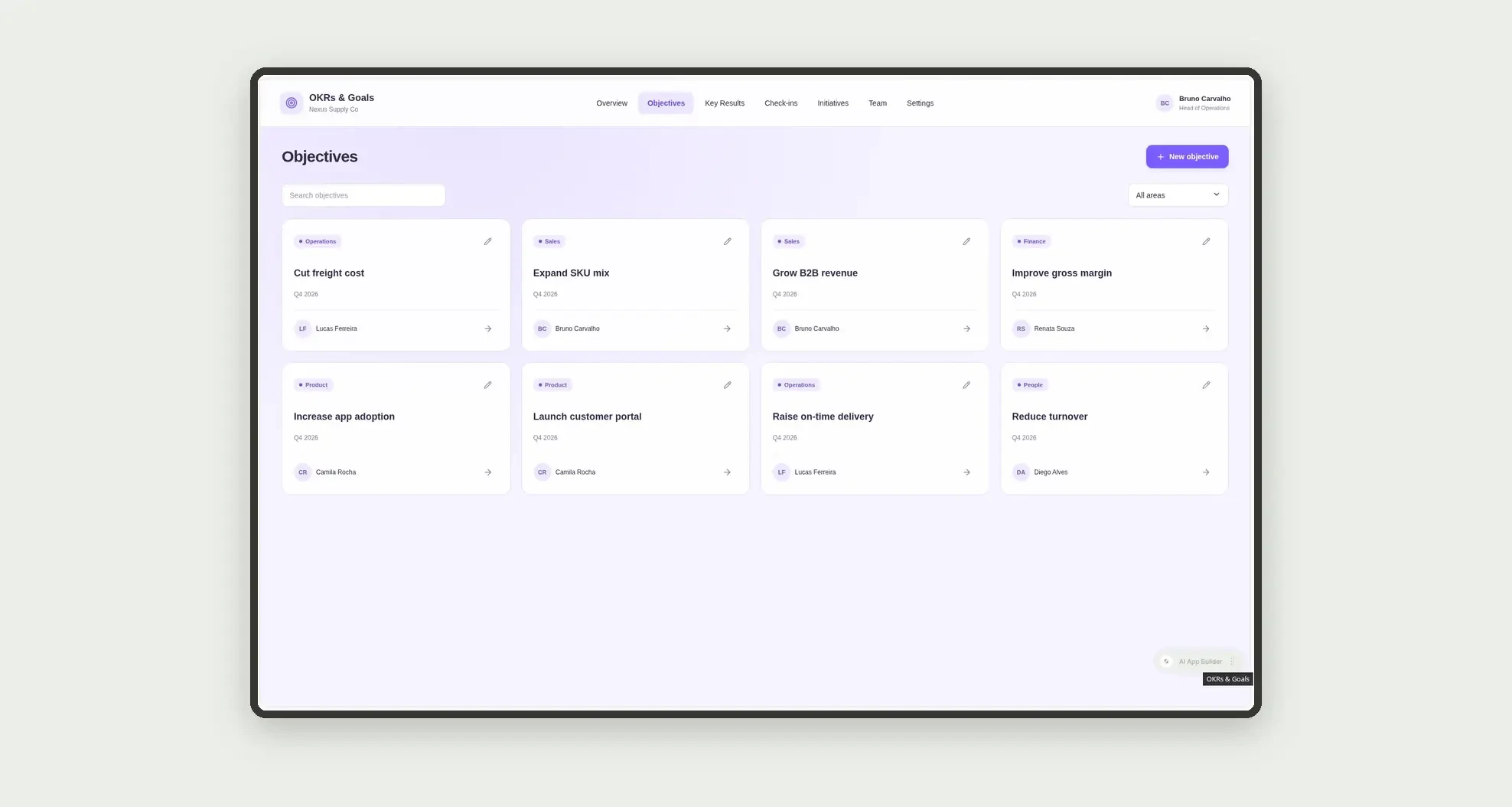
Organize objectives by area, key results with progress, weekly check-ins, and initiatives linked to goals through cards, a board, and linked profiles.
Who it's for
- Distribution and services companies with quarterly goals
- Heads of operations and area leaders
- Managers tracking key results and risk
- Teams logging check-ins and initiatives
What you can do
- Log objectives by area and quarter
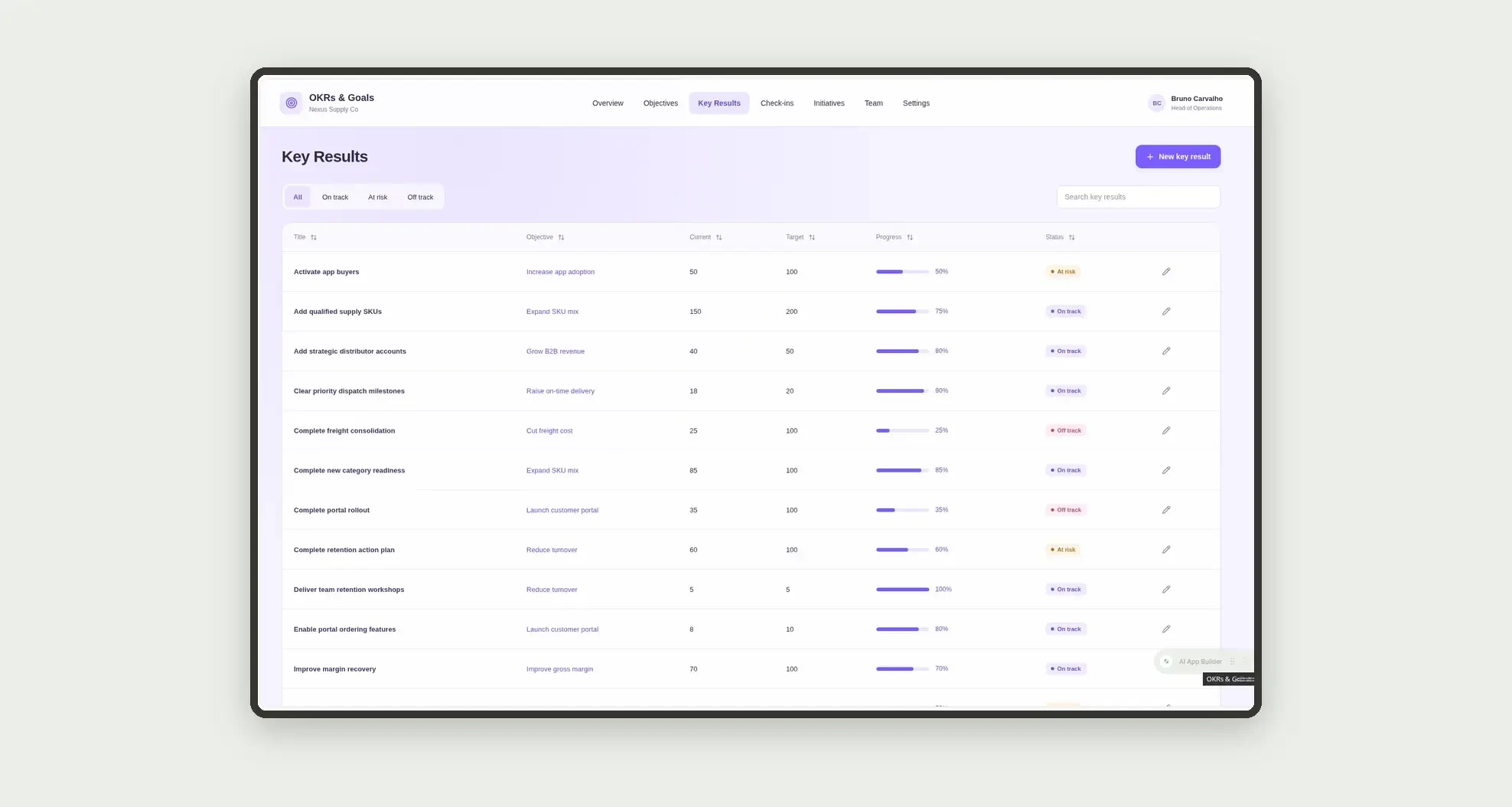
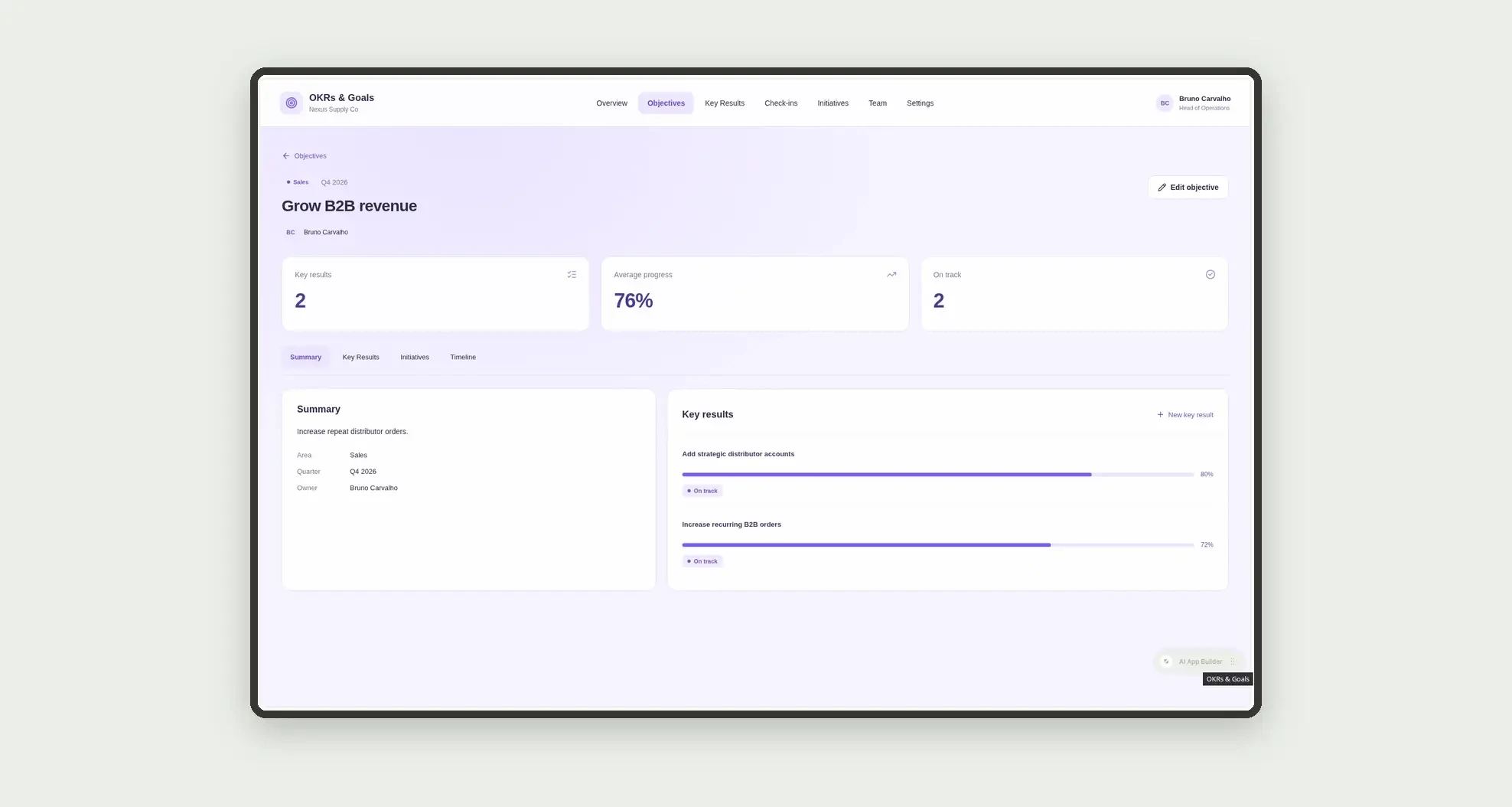
- Define key results with start, target, current, and progress
- Mark status on track, at risk, or off track
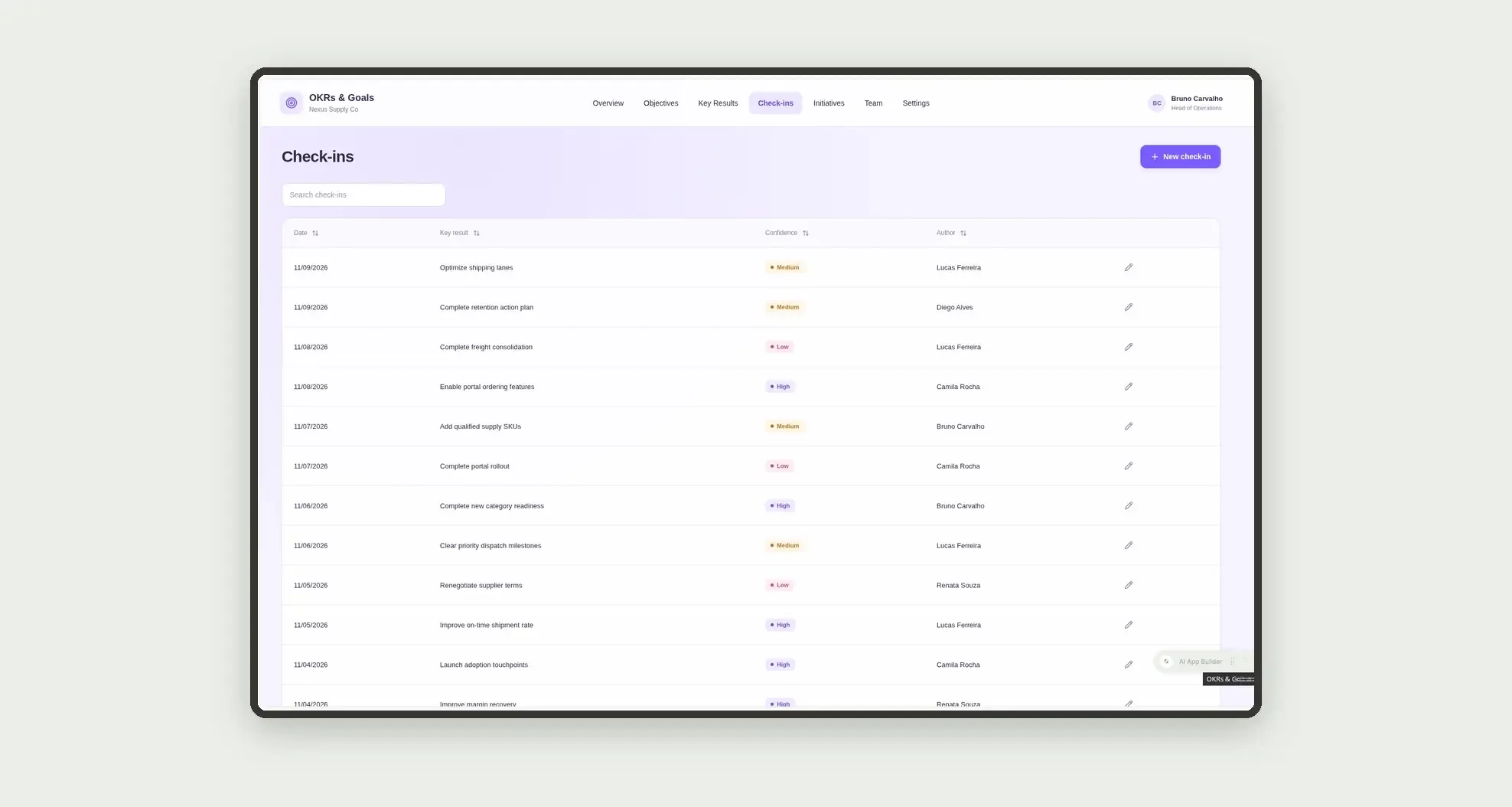
- Record weekly check-ins with confidence
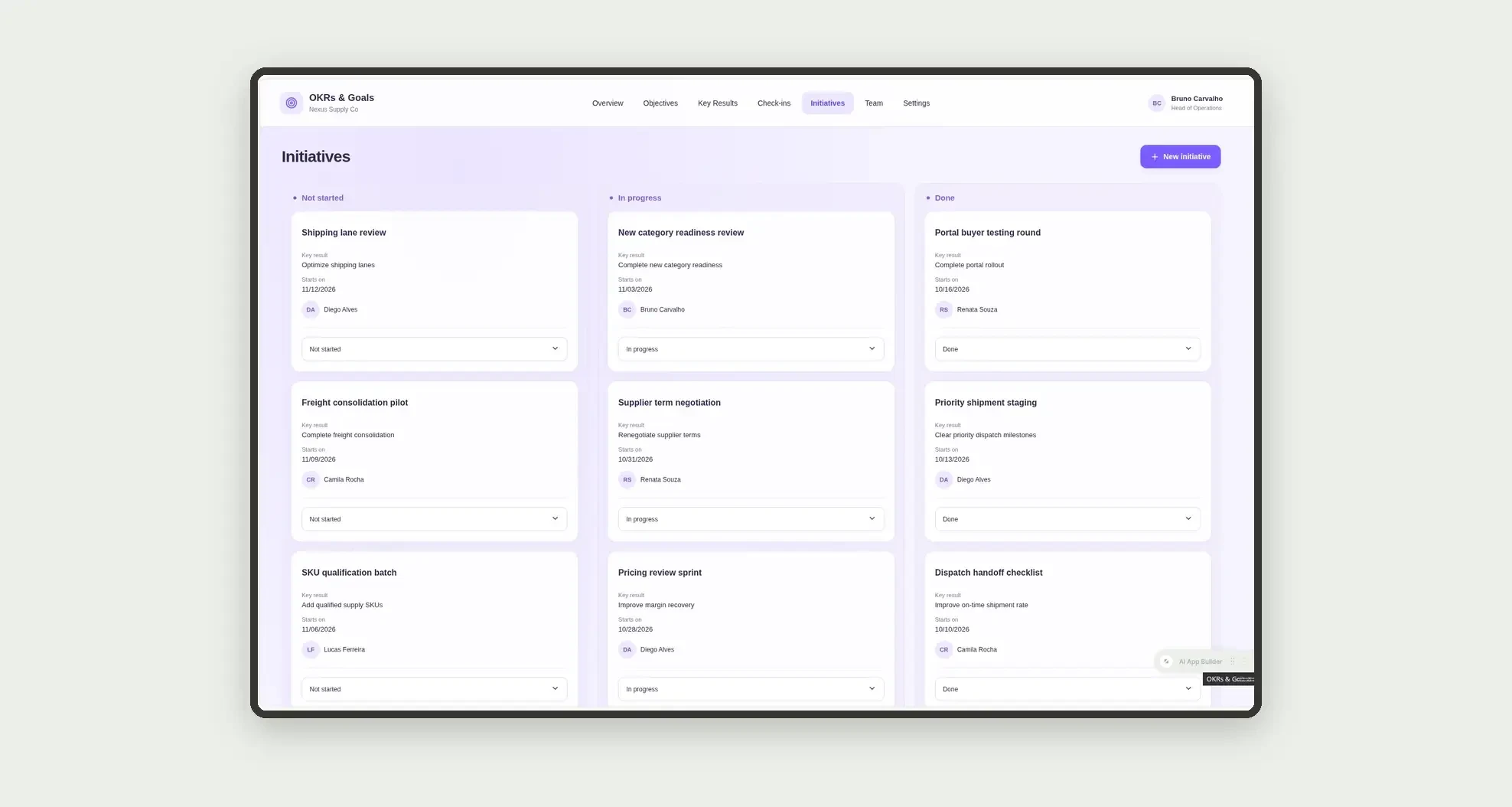
- Link initiatives to key results
- Track initiatives on a kanban board
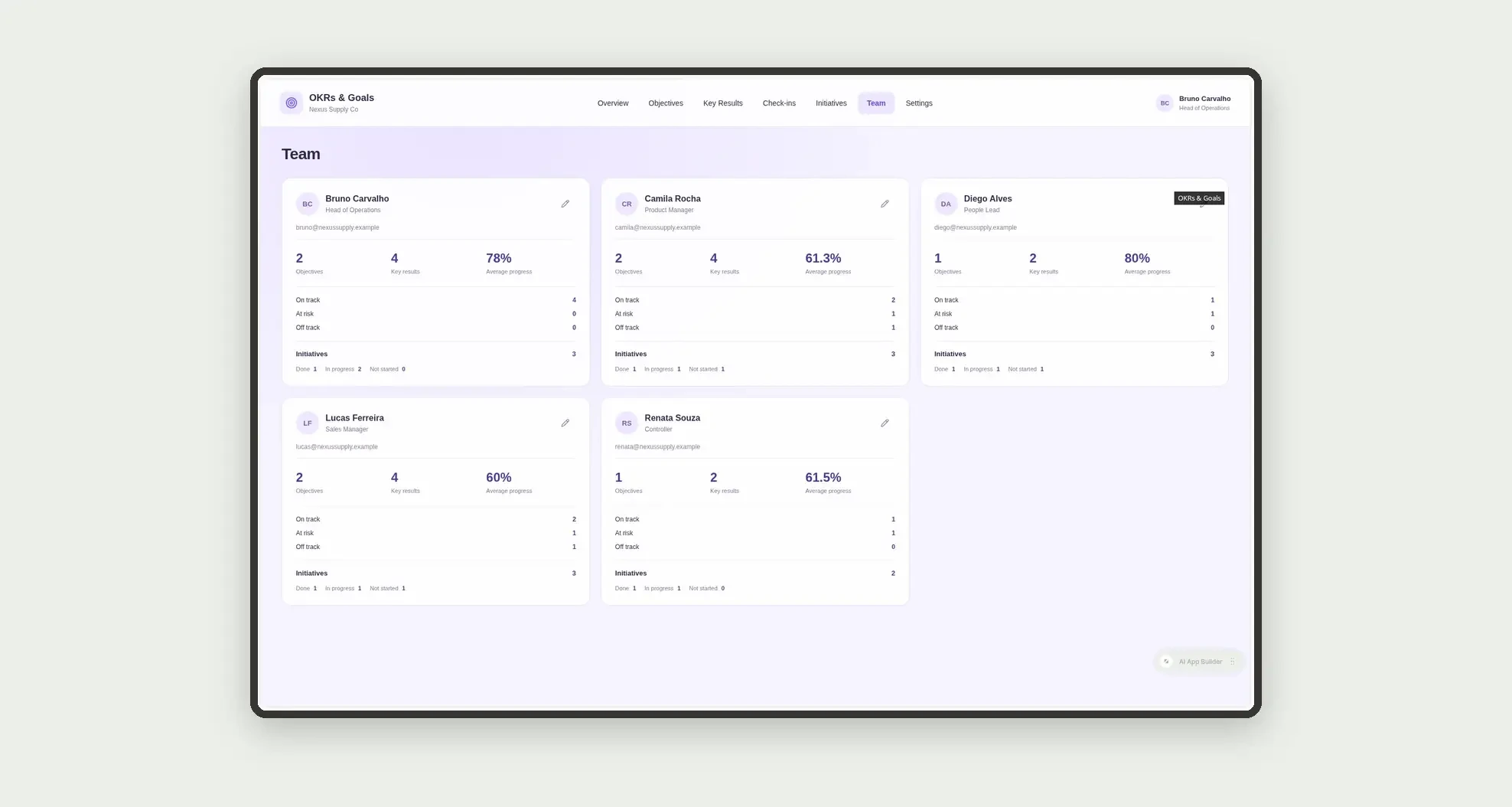
- Follow each owner's portfolio on people cards
- Open objective profiles with KRs, initiatives, and dates
App features
OKRs & Goals
The OKRs & Goals screen covers this part of the operation.
How it works
Set up the team and quarterly objectives.
Create key results with plain stored values and progress.
Update check-ins and move initiatives on the board.
On-track rate and average progress come from numeric fields on the KR rows themselves.
How to set up this template
- 1Click Use App
Create your Jestor account and install OKRs & Goals. It works on desktop and mobile.
- 2Set up the team and quarterly objectives
Set up the team and quarterly objectives.
- 3Create key results with plain stored values and
Create key results with plain stored values and progress.
- 4Update check-ins and move initiatives on the board
Update check-ins and move initiatives on the board.
Integrations and customization
The design supports desktop and mobile use. Areas, statuses, and quarters can be adapted to operations. No payroll, performance reviews, generic BPM, or external integrations are included.
- Adjust fields, categories, statuses and rules without code.
- Add screens, reports and automations as the operation needs them.
And that's just the start: you can edit any part of this template and go much further just by asking Jestor's AI. Describe what you need, like a new field, automation, report or integration, and the AI builds or adjusts it for you, no code required.
Frequently asked questions
Is progress calculated by formula?
No. Progress is a plain number stored on each key result.
Do KPIs join multiple tables?
No. Each metric uses numeric fields from a single table.
How is on-track rate calculated?
On-track key results divided by total key results.
How are team cards calculated?
Key results and initiatives are grouped by owner.
Does the app include performance reviews?
No. It focuses on OKRs, check-ins, and quarterly initiatives.