What it is
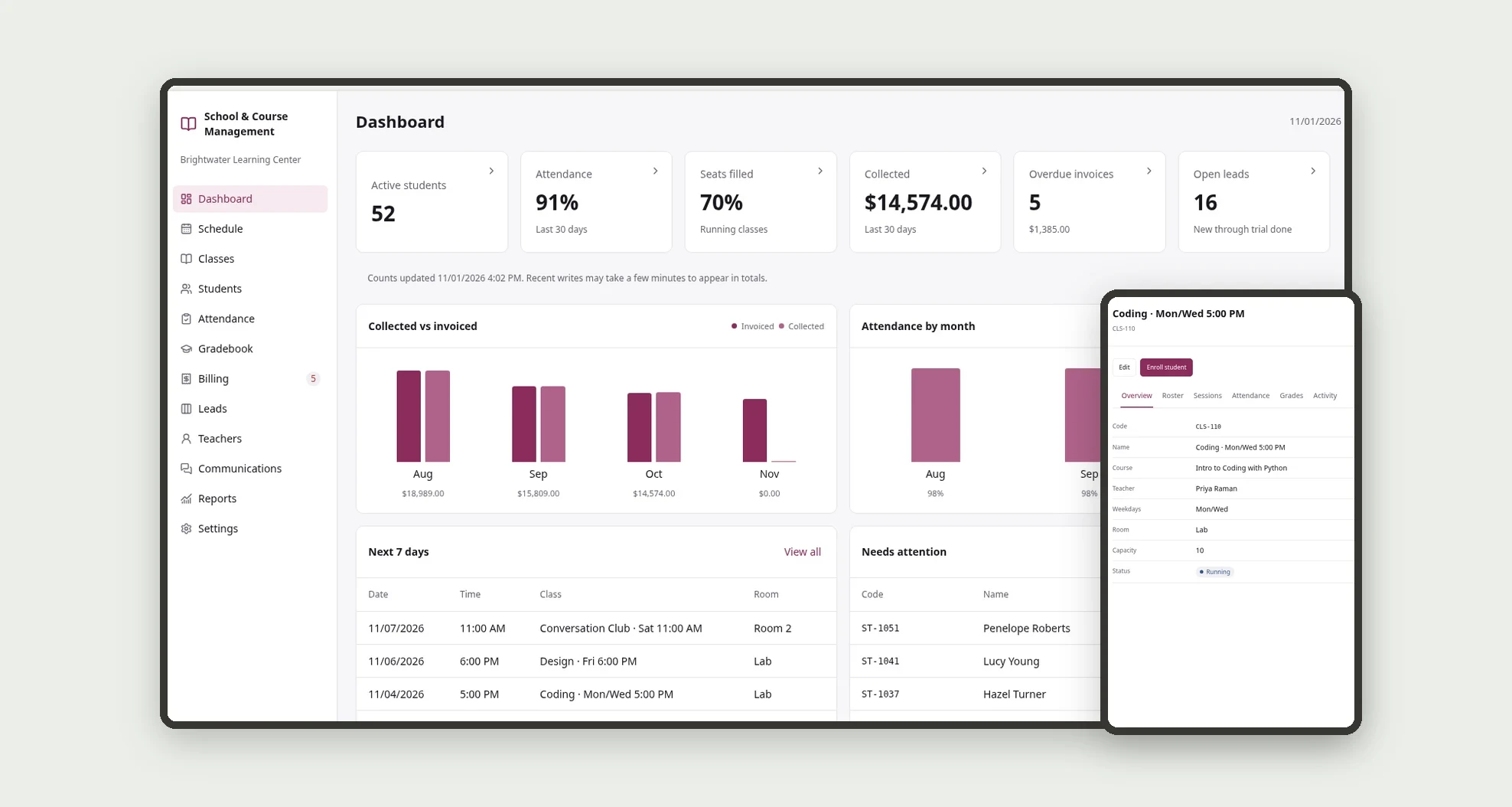
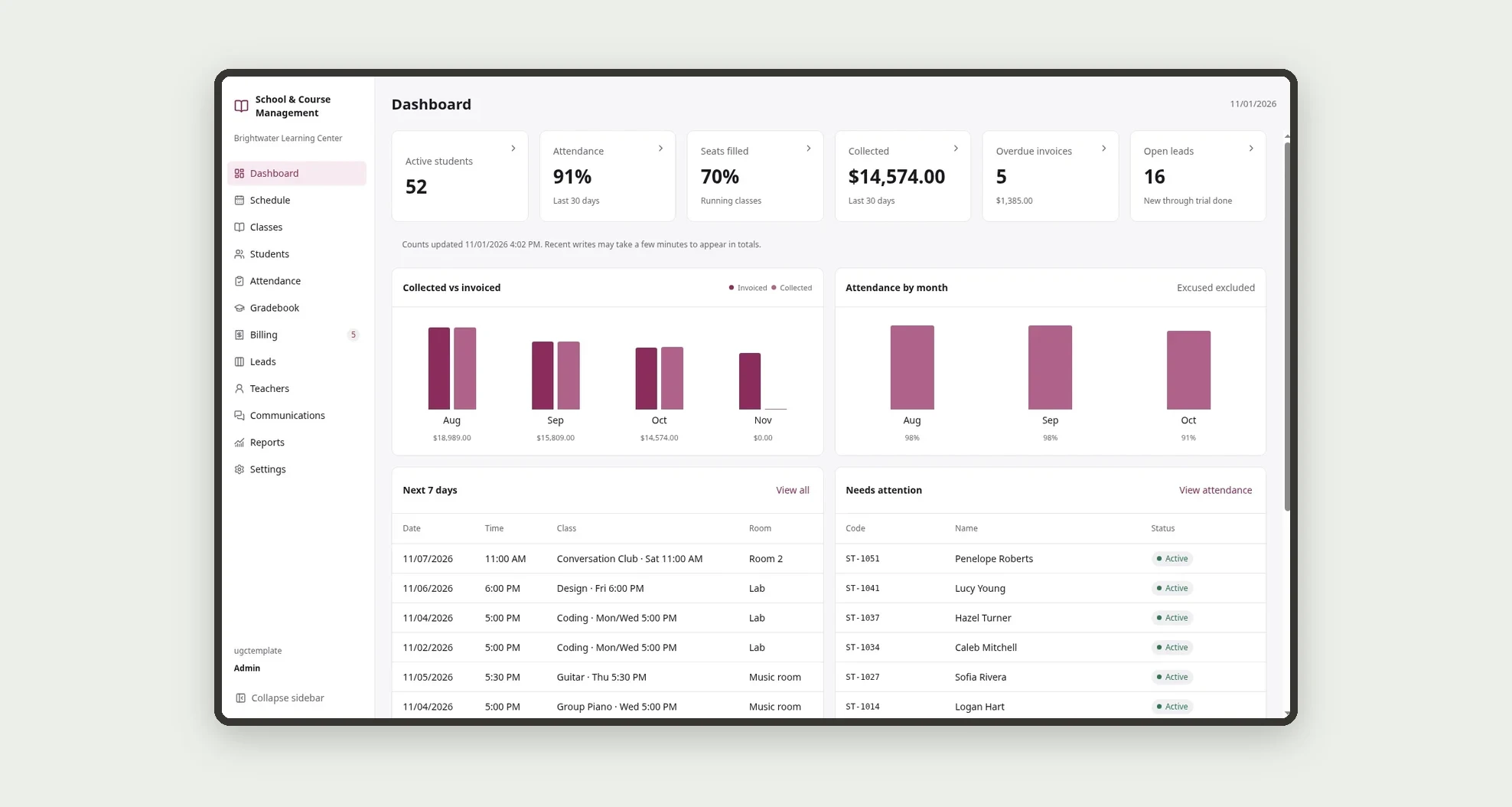
A template for language schools, course centers and college prep programs to manage classes, students, attendance, grades and tuition in one place. The dashboard shows active students, attendance, seats filled, payments collected, overdue invoices and open leads.
Who it's for
- Language schools and course centers
- College prep and tutoring programs
- Music and technology schools
- Front desk teams that handle enrollments, attendance and tuition
- Directors who track attendance, class occupancy and overdue tuition
What you can do
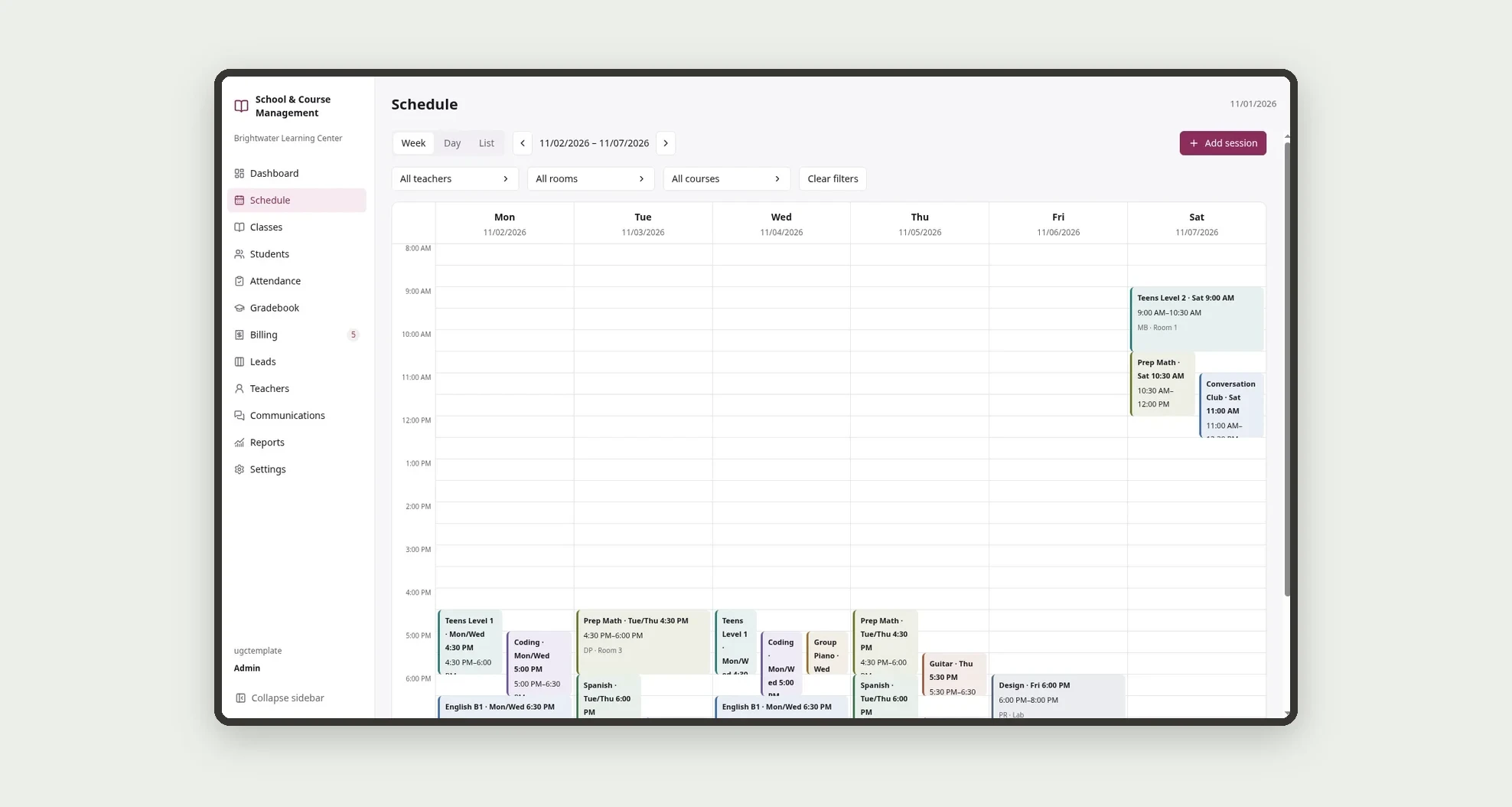
- See the weekly schedule by room, teacher and course
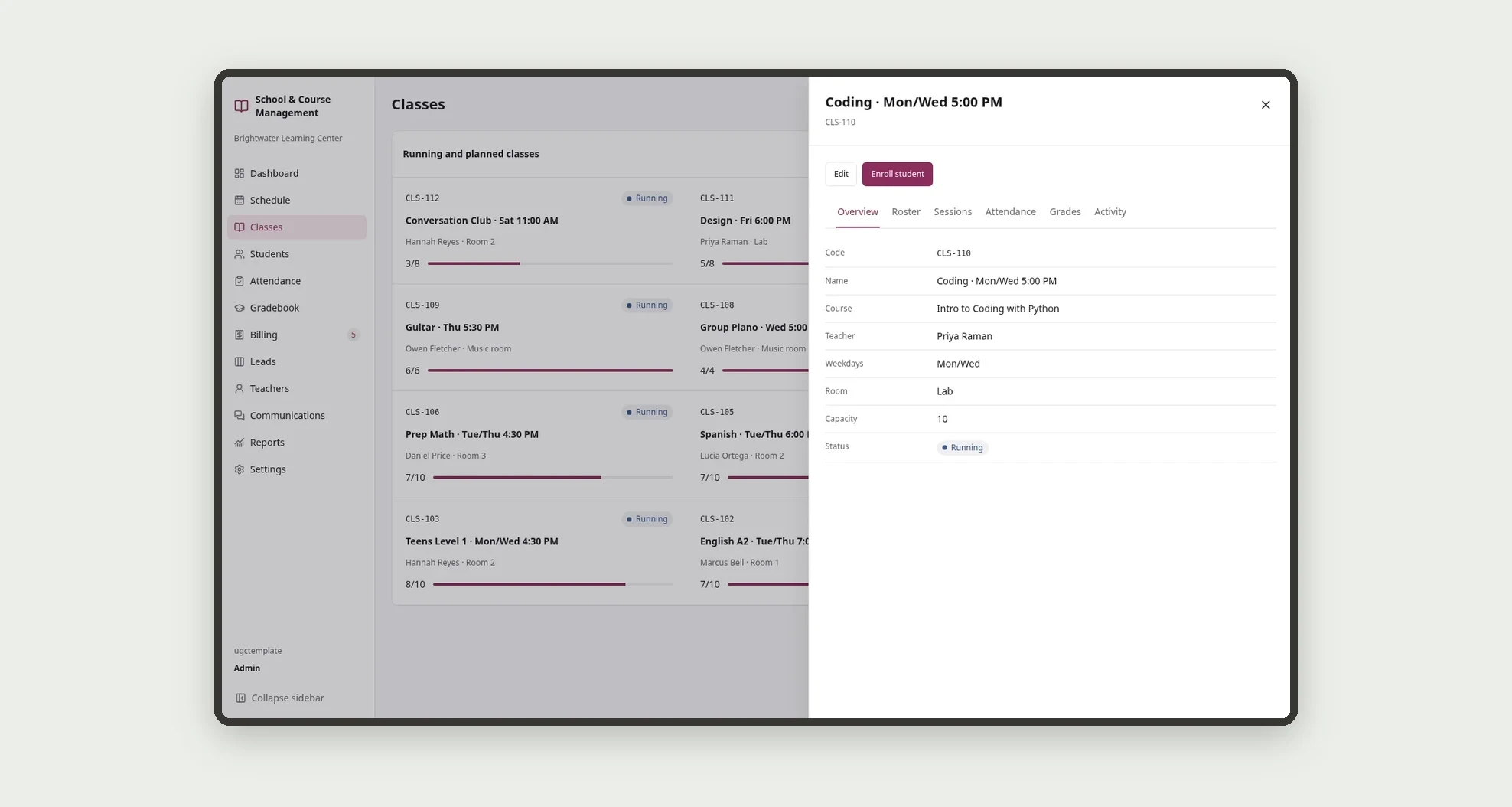
- Open each class with its roster, sessions, attendance, grades and activity
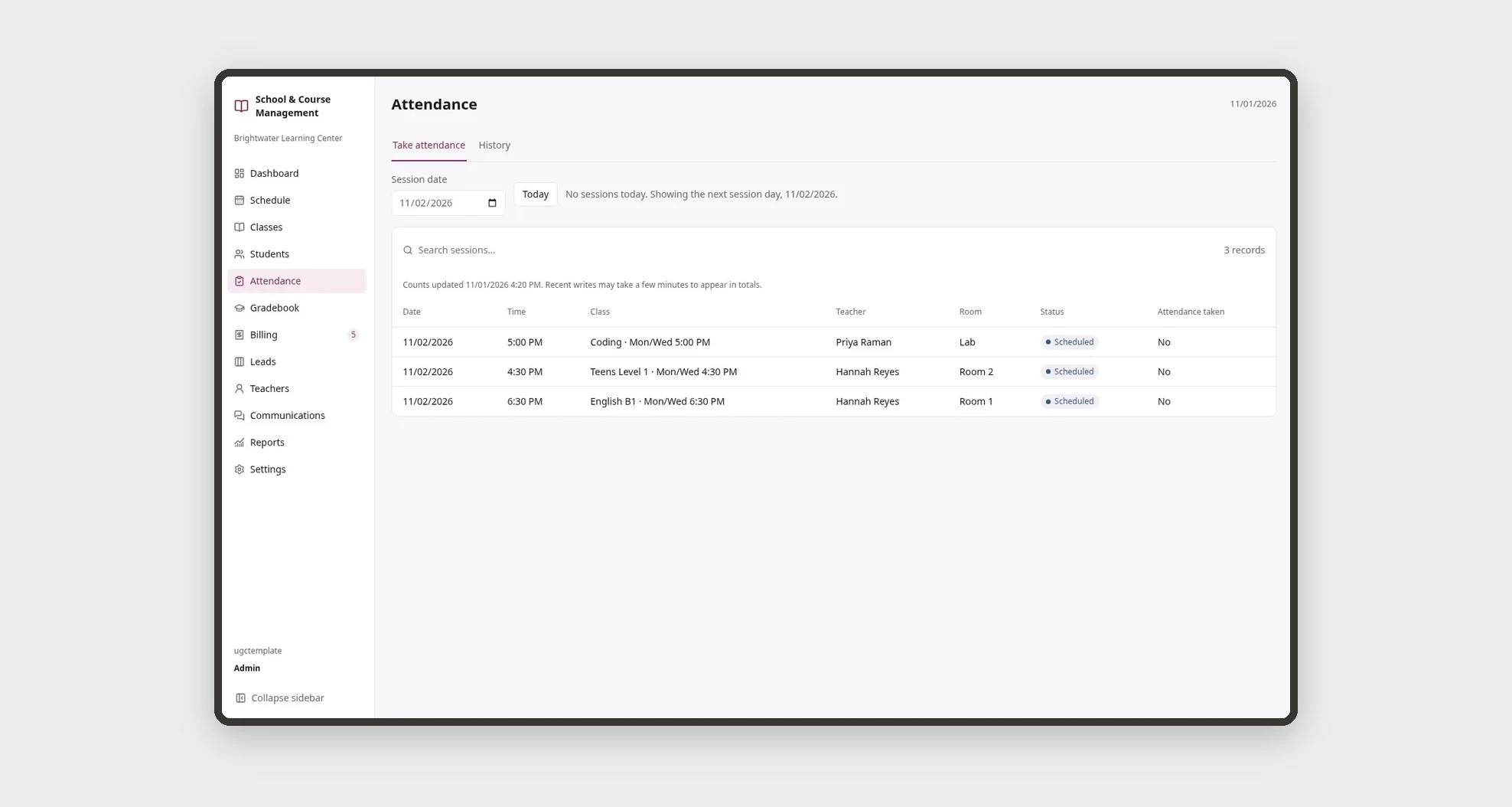
- Take attendance for each session, marking Present, Late, Absent or Excused
- Record grades per assessment and follow each student's weighted average
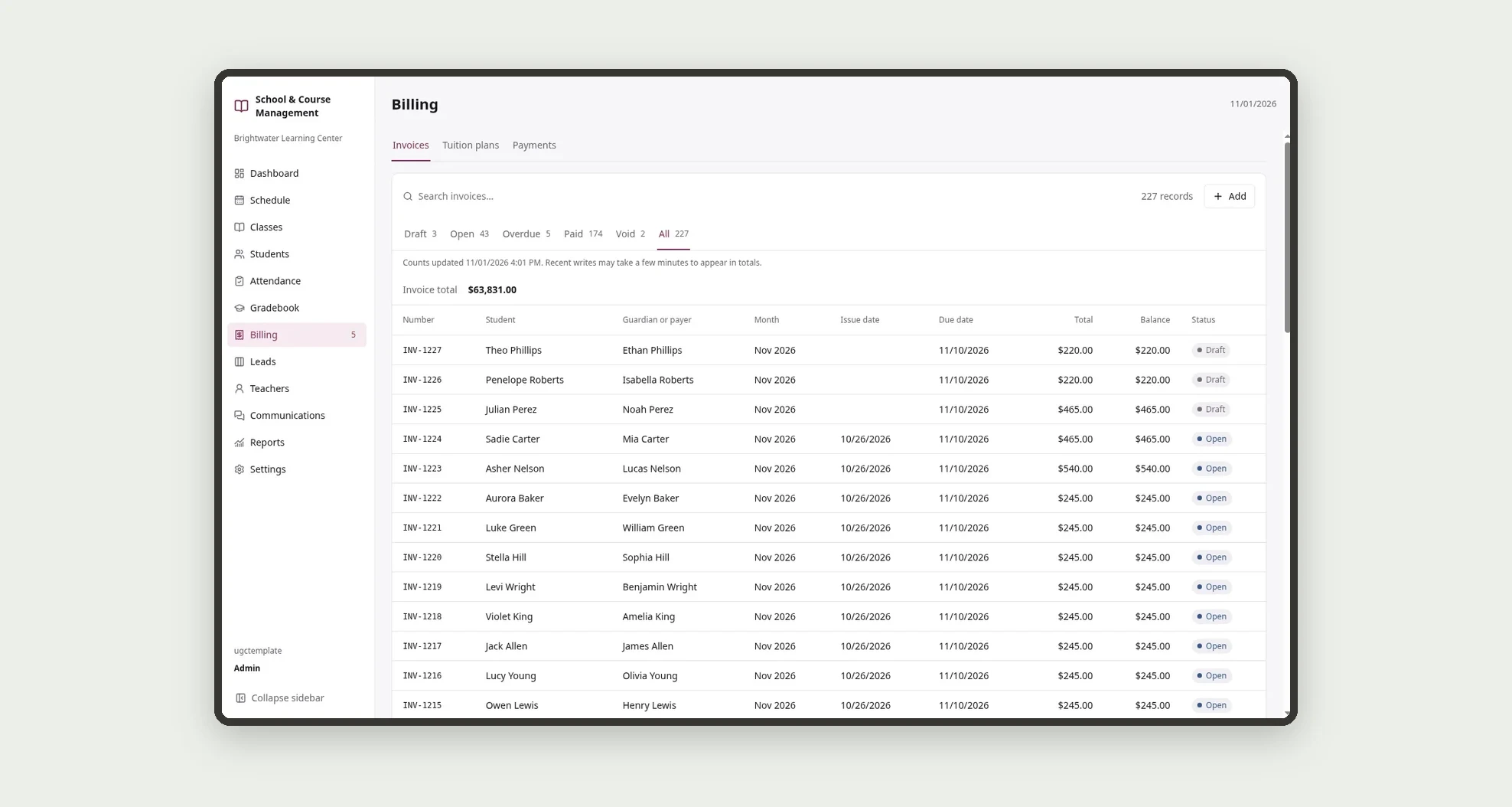
- Issue tuition invoices and record payments by card, bank transfer, cash or check
- Track leads from first contact through the trial class to enrollment
- Log communications with students and guardians and follow up on pending items
- Check each teacher's held sessions, weekly load and pay estimate
App features
Dashboard
Follow attendance, occupancy, payments and leads on the dashboard and in reports.
Schedule
See the weekly schedule by room, teacher and course.
Classes
Add courses, tuition plans, teachers and classes.
Students
Log communications with students and guardians and follow up on pending items.
Attendance
Open each class with its roster, sessions, attendance, grades and activity.
Gradebook
The Gradebook screen covers this part of the operation.
Billing
The Billing screen covers this part of the operation.
Leads
Track leads from first contact through the trial class to enrollment.
Teachers
Add courses, tuition plans, teachers and classes.
Communications
Log communications with students and guardians and follow up on pending items.
Reports
Follow attendance, occupancy, payments and leads on the dashboard and in reports.
Settings
The Settings screen covers this part of the operation.
How it works
Add courses, tuition plans, teachers and classes. Enroll students in classes, with a guardian or payer and a discount when there is one.
Sessions appear on the schedule and the teacher takes attendance for each one. Add assessments and grades during the term.
Issue the monthly invoices and record payments. Follow attendance, occupancy, payments and leads on the dashboard and in reports.
How to set up this template
- 1Click Use App
Create your Jestor account and install School & Course Management. It works on desktop and mobile.
- 2Add courses
Add courses, tuition plans, teachers and classes.
- 3Enroll students in classes
Enroll students in classes, with a guardian or payer and a discount when there is one.
- 4Sessions appear on the schedule and the teacher takes
Sessions appear on the schedule and the teacher takes attendance for each one.
Integrations and customization
The template works on desktop and mobile and can be adapted without code.
- Works on desktop and mobile; on mobile, attendance has large buttons and the schedule becomes a day agenda.
- Follows the Jestor light or dark theme.
- You can adapt courses, tuition plans, rooms, discounts, lead stages, pass mark, invoice due day and late fees without coding.
And that's just the start: you can edit any part of this template and go much further just by asking Jestor's AI. Describe what you need, like a new field, automation, report or integration, and the AI builds or adjusts it for you, no code required.
Frequently asked questions
Can I use the template for more than one course or subject area?
Yes. Each course has its own area, age group and color, and classes from every course appear together on the schedule.
How is attendance calculated?
Attendance counts Present and Late over the total of Present, Late and Absent. Excused absences are not counted.
Does the template track tuition and overdue payments?
Yes. Invoices store tuition, discount, enrollment fee and late fee, and the dashboard shows overdue invoices and the amount collected.
Can I follow prospective students who have not enrolled yet?
Yes. The Leads screen tracks each contact through the stages, including the trial class, until enrollment or loss.
Can the sample data be deleted?
Yes. The sample records are regular records and can be edited or deleted so you can start with your own school's data.