What it is
An app for organizing operating procedures, managing versions, and tracking team acknowledgment records. Browse the current library, manage editorial review on a board, and track deadlines on a calendar.
Who it's for
- Small and mid-sized businesses standardizing routines.
- Operations managers and process owners.
- Teams consulting current work instructions.
- Coordinators tracking reviews and internal acknowledgments.
What you can do
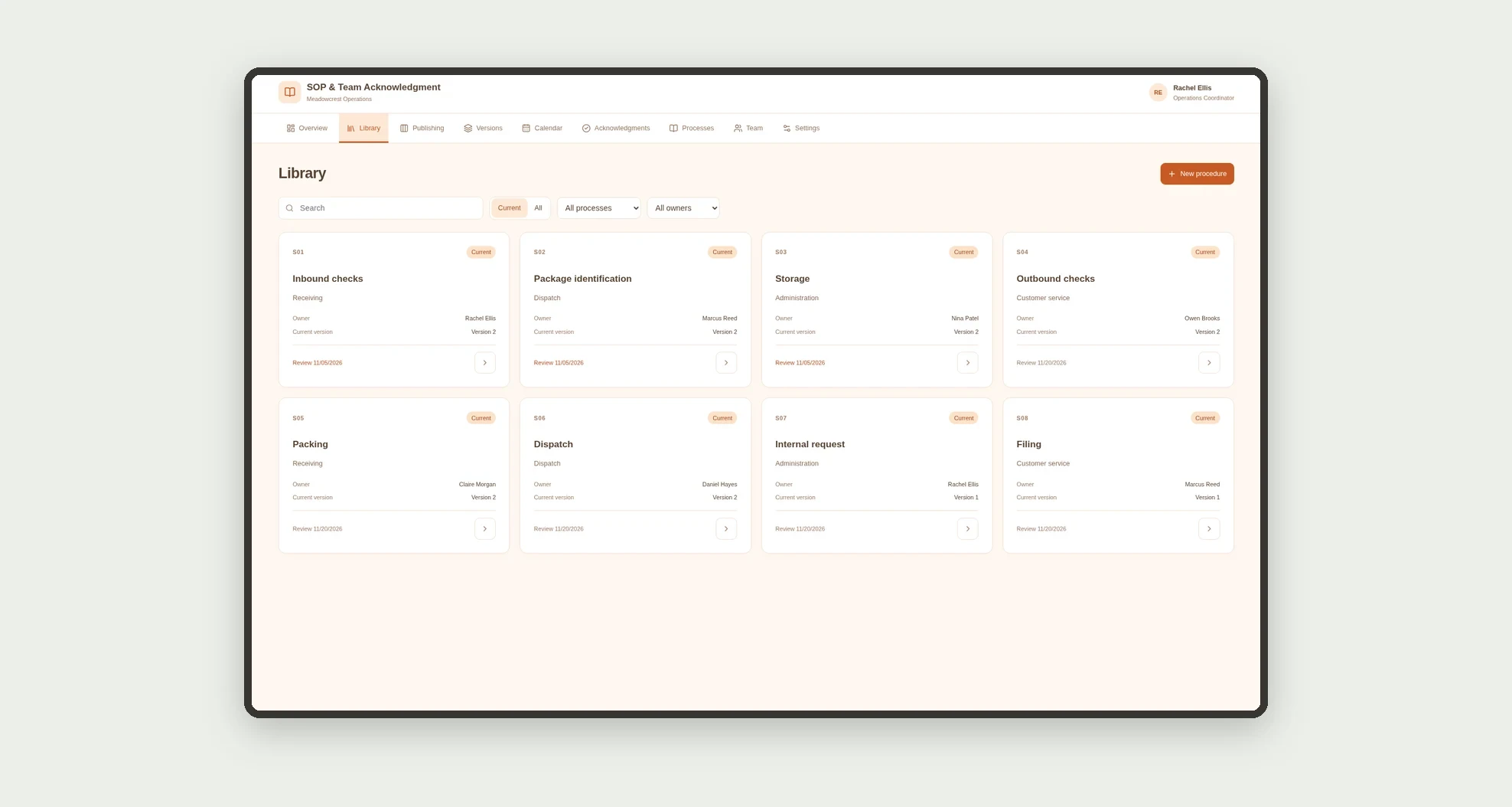
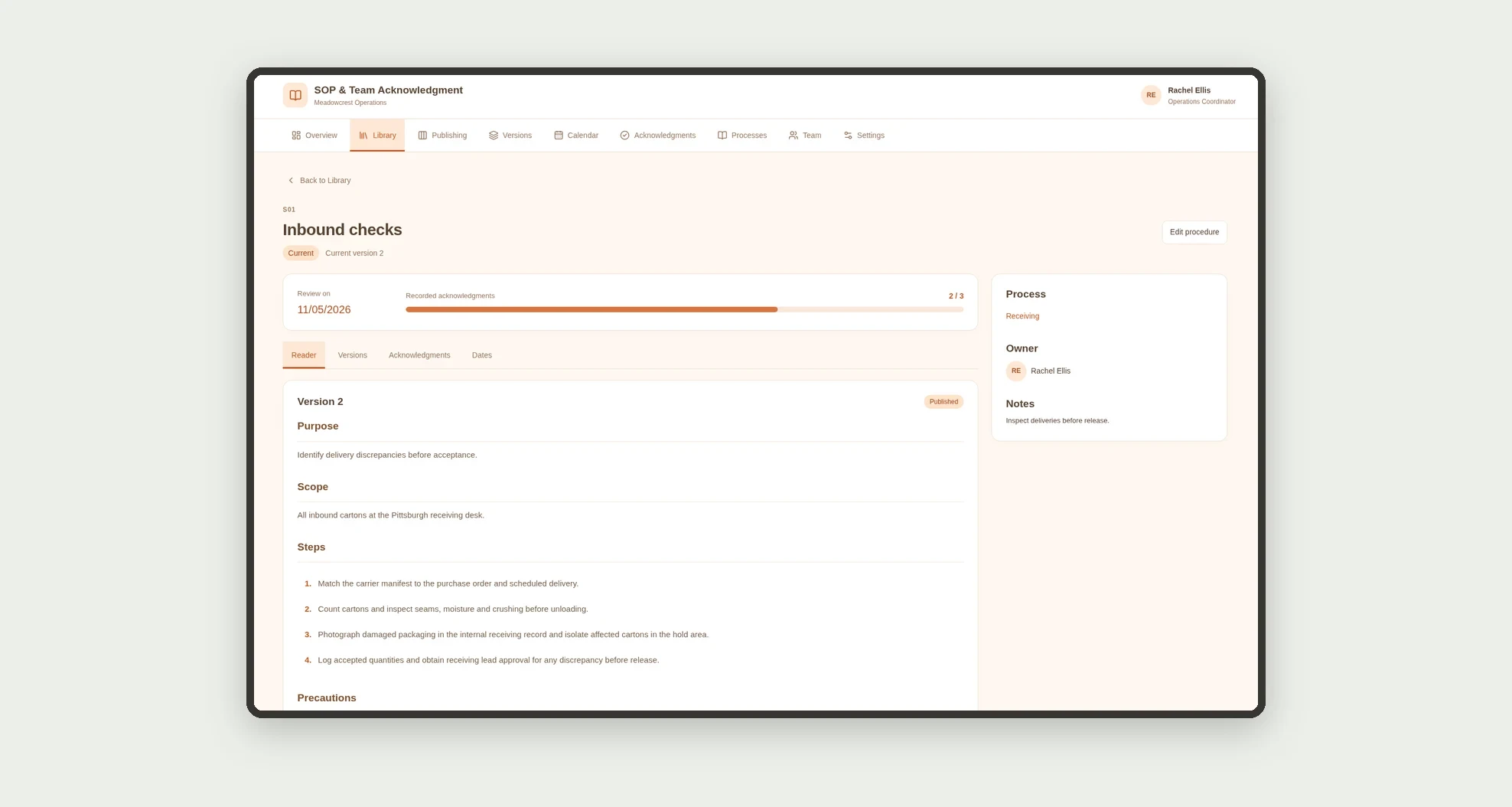
- Register procedures by process and owner.
- Read instructions organized into sections and numbered steps.
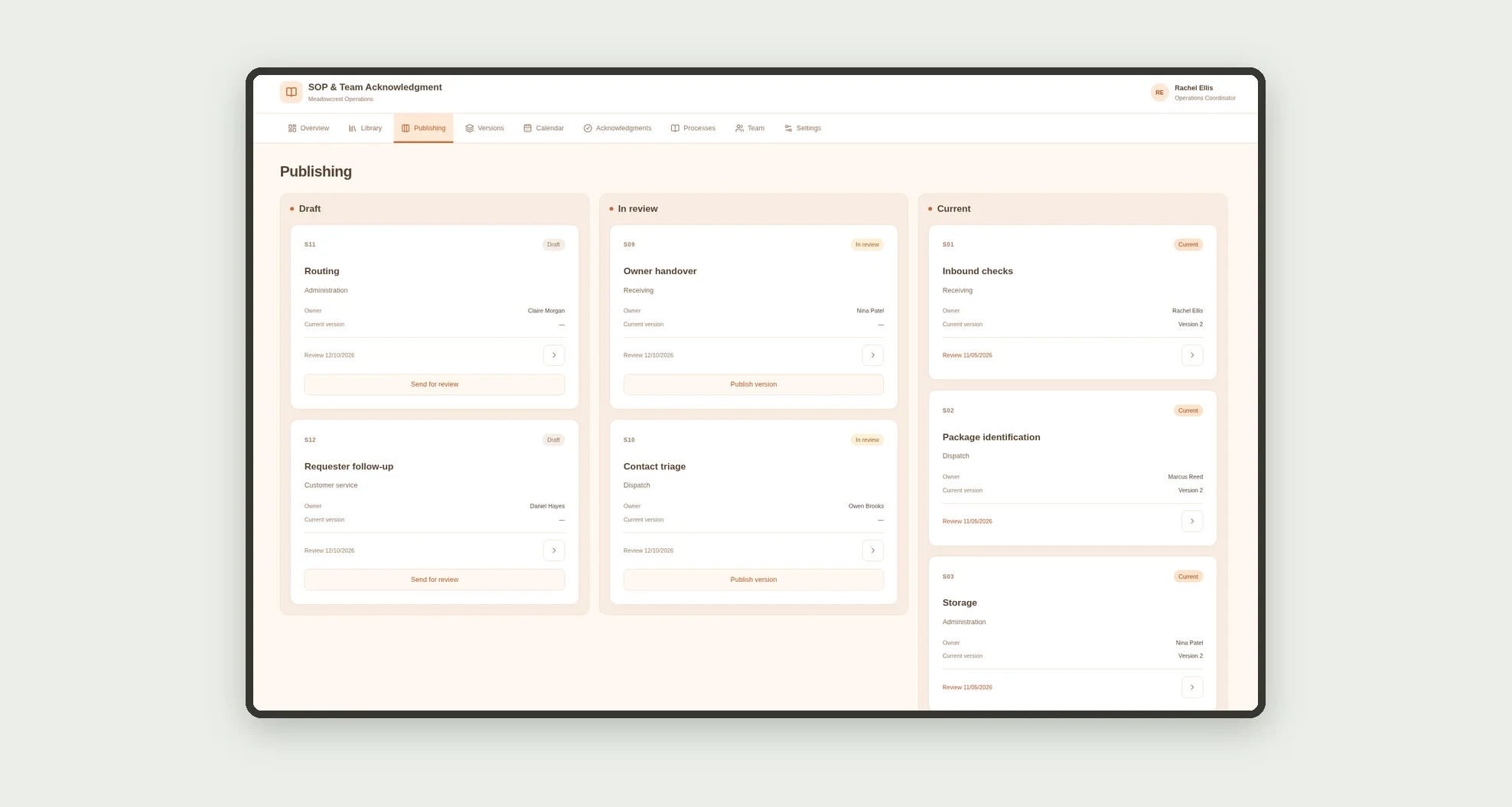
- Track drafts and editorial review on a kanban board.
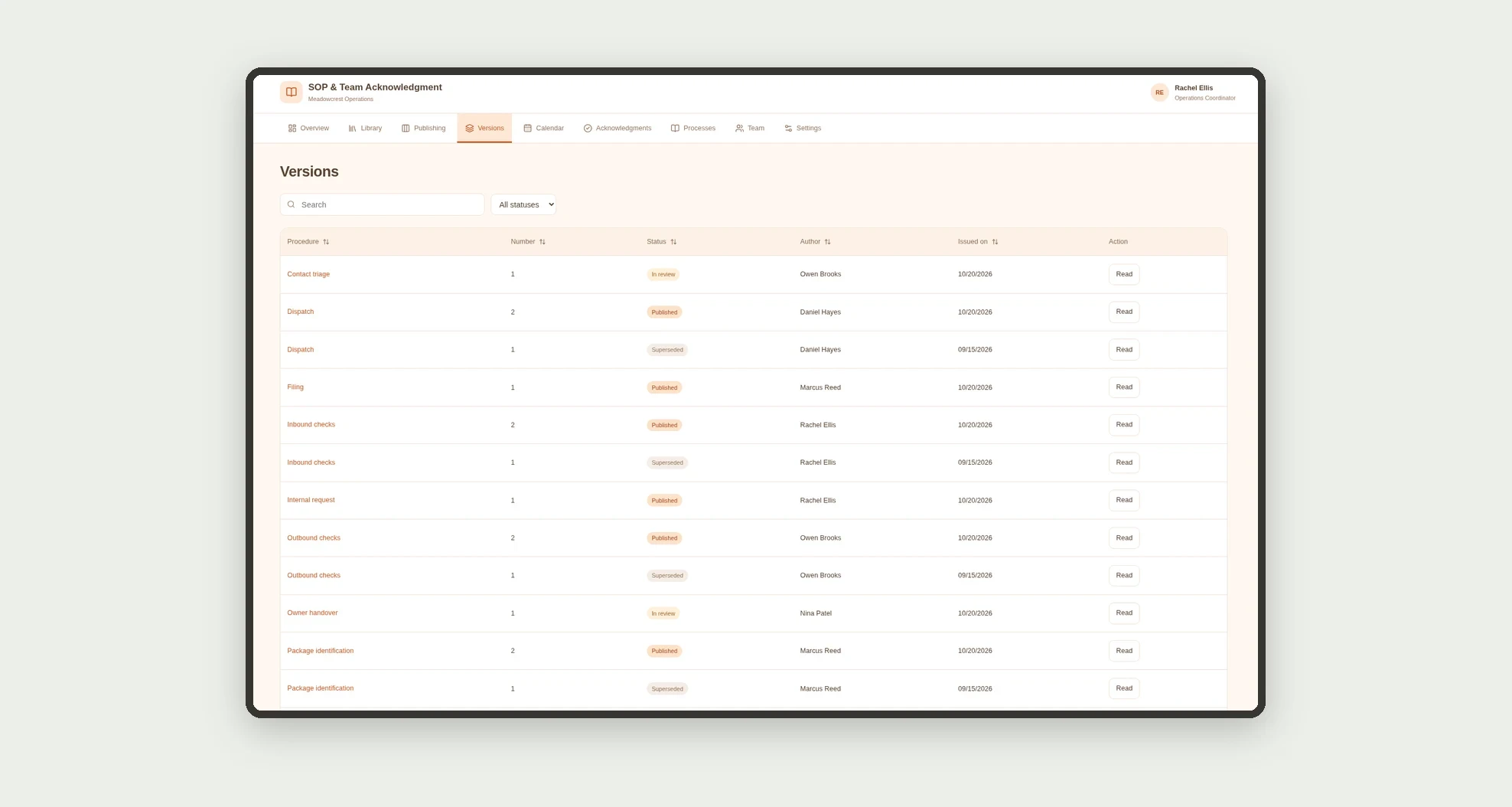
- Browse and compare versions side by side.
- Publish a version while preserving older versions as superseded.
- Record acknowledgments by version and employee.
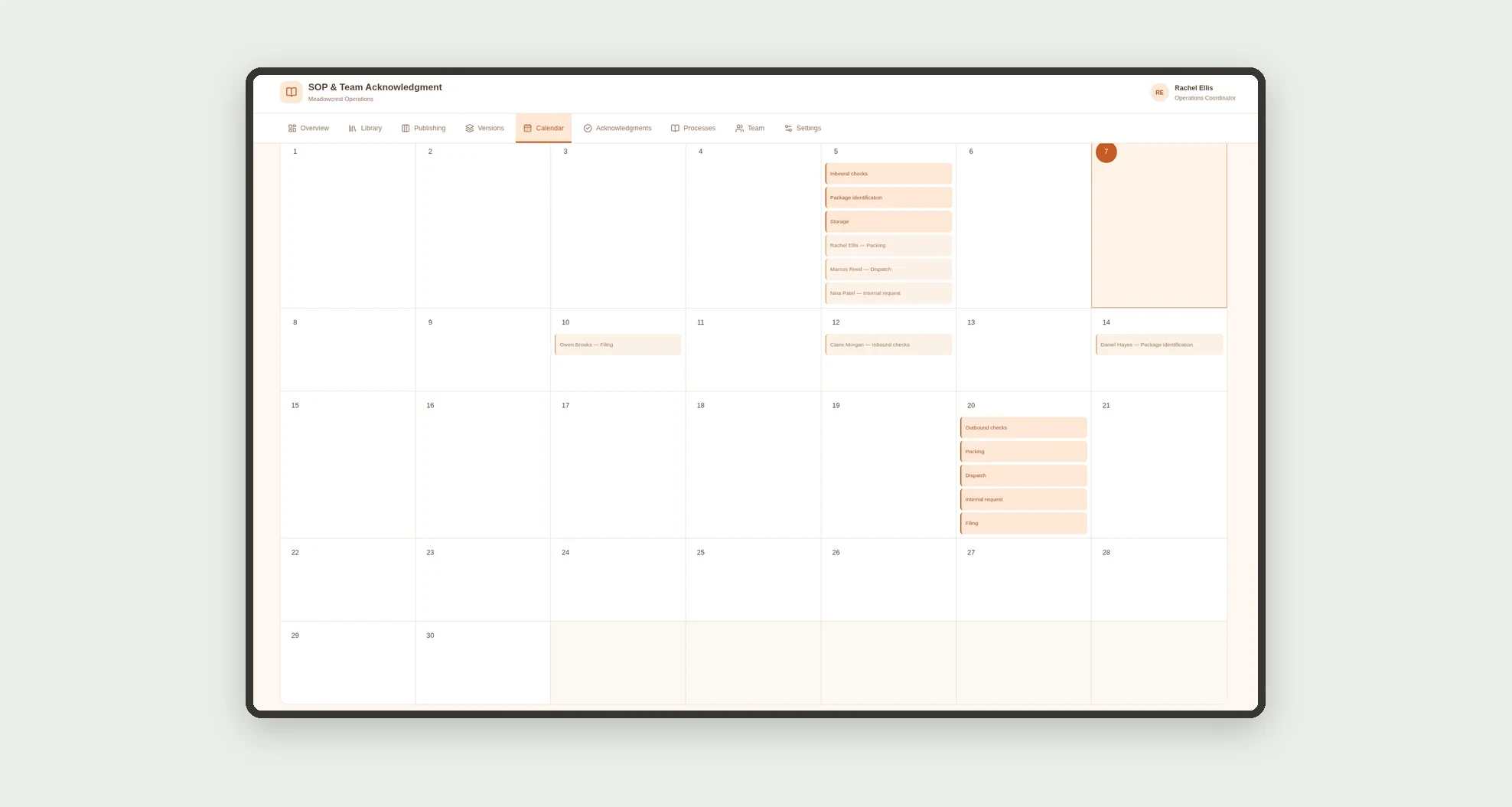
- View reviews and deadlines on a calendar.
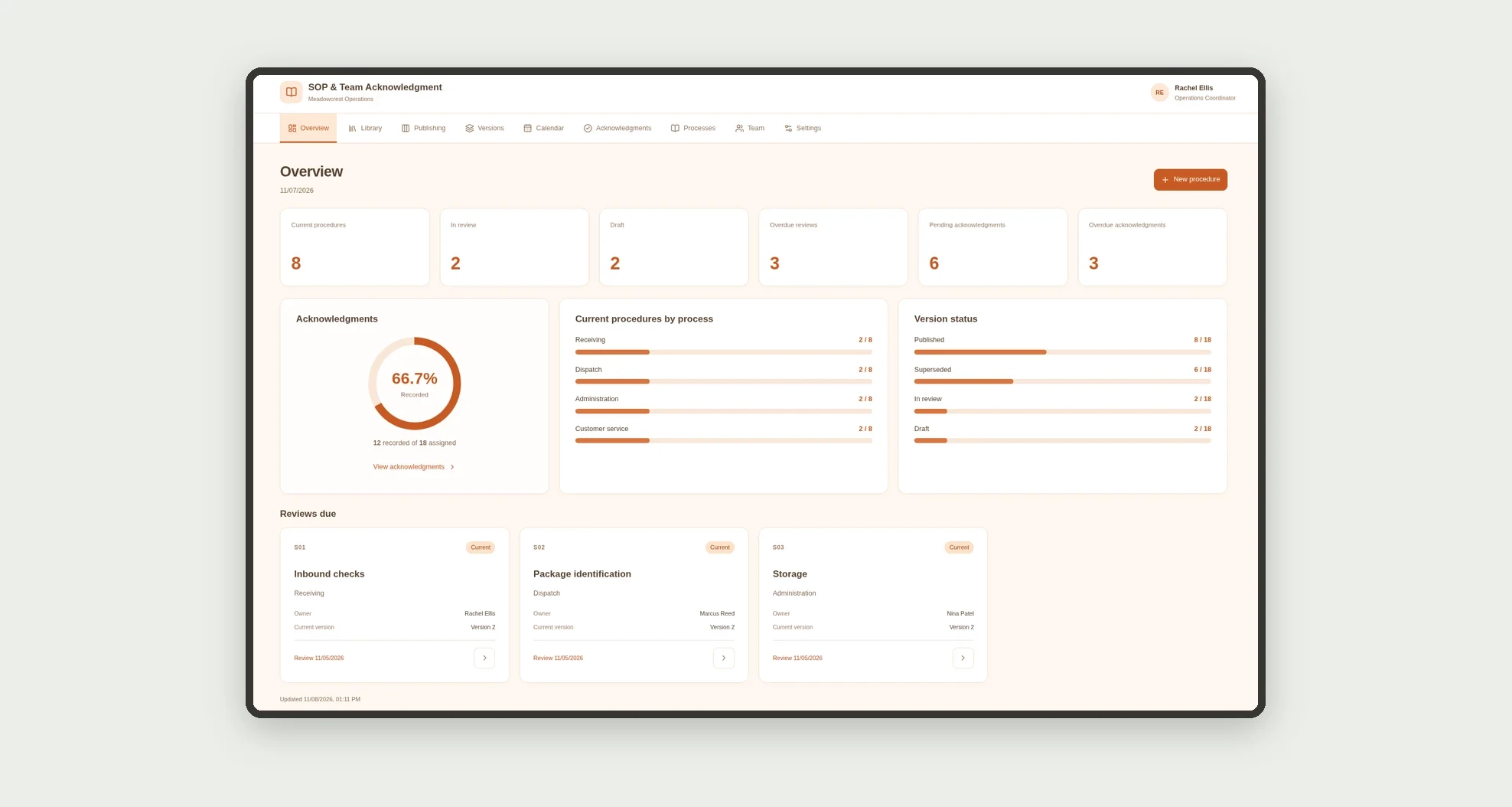
- Explore process and team cards with meaningful metrics.
App features
SOP & Team Acknowledgment
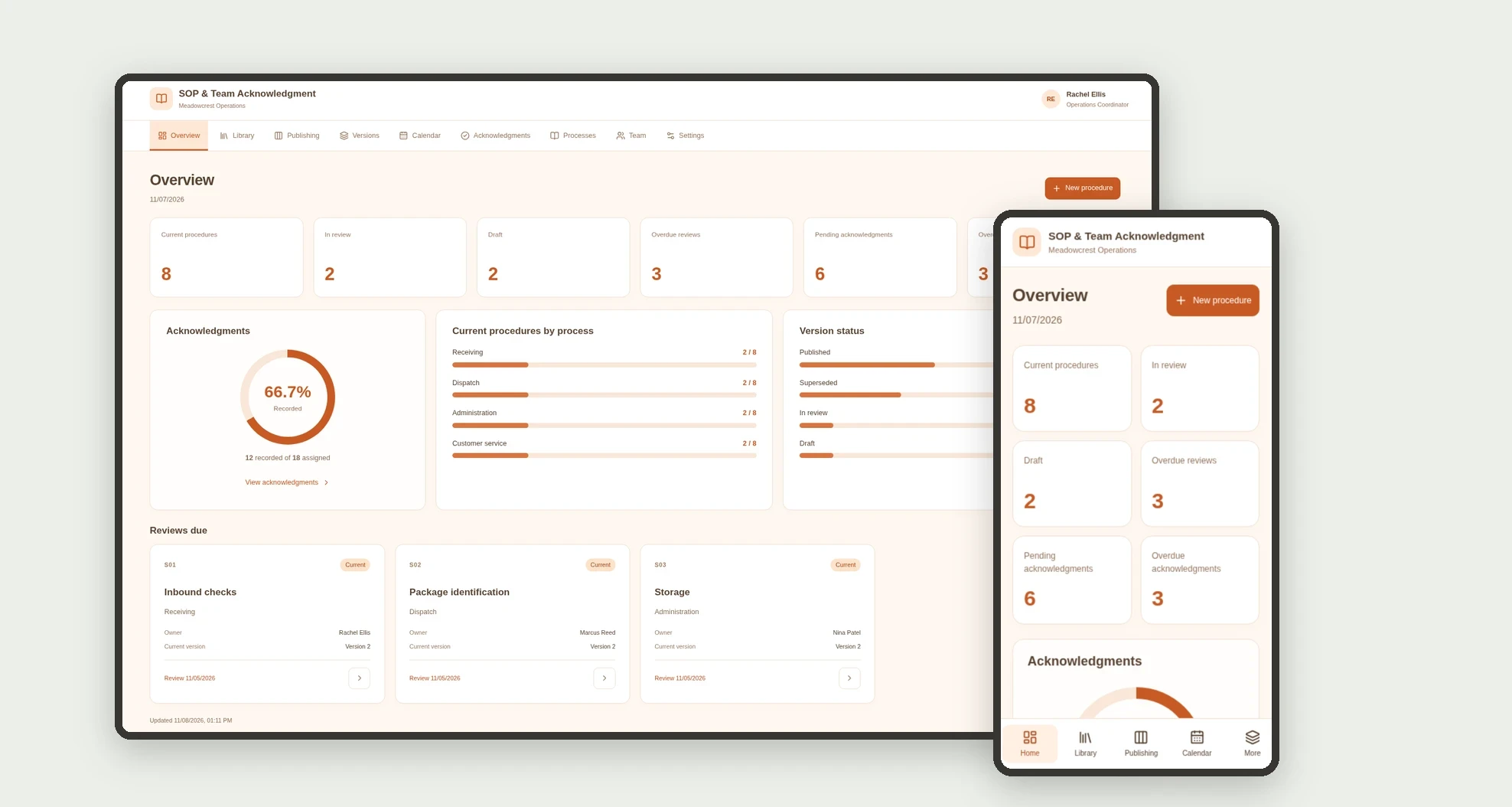
The SOP & Team Acknowledgment screen covers this part of the operation.
How it works
Set up team members and processes. Write the procedure, review its content, and publish the current version.
Record assigned team acknowledgments and track deadlines.
When publishing another version, preserve previous versions and records without automatically transferring acknowledgments.
How to set up this template
- 1Click Use App
Create your Jestor account and install SOP & Team Acknowledgment. It works on desktop and mobile.
- 2Set up team members and processes.
Set up team members and processes.
- 3Write the procedure
Write the procedure, review its content, and publish the current version.
- 4Record assigned team acknowledgments and track deadlines.
Record assigned team acknowledgments and track deadlines.
Integrations and customization
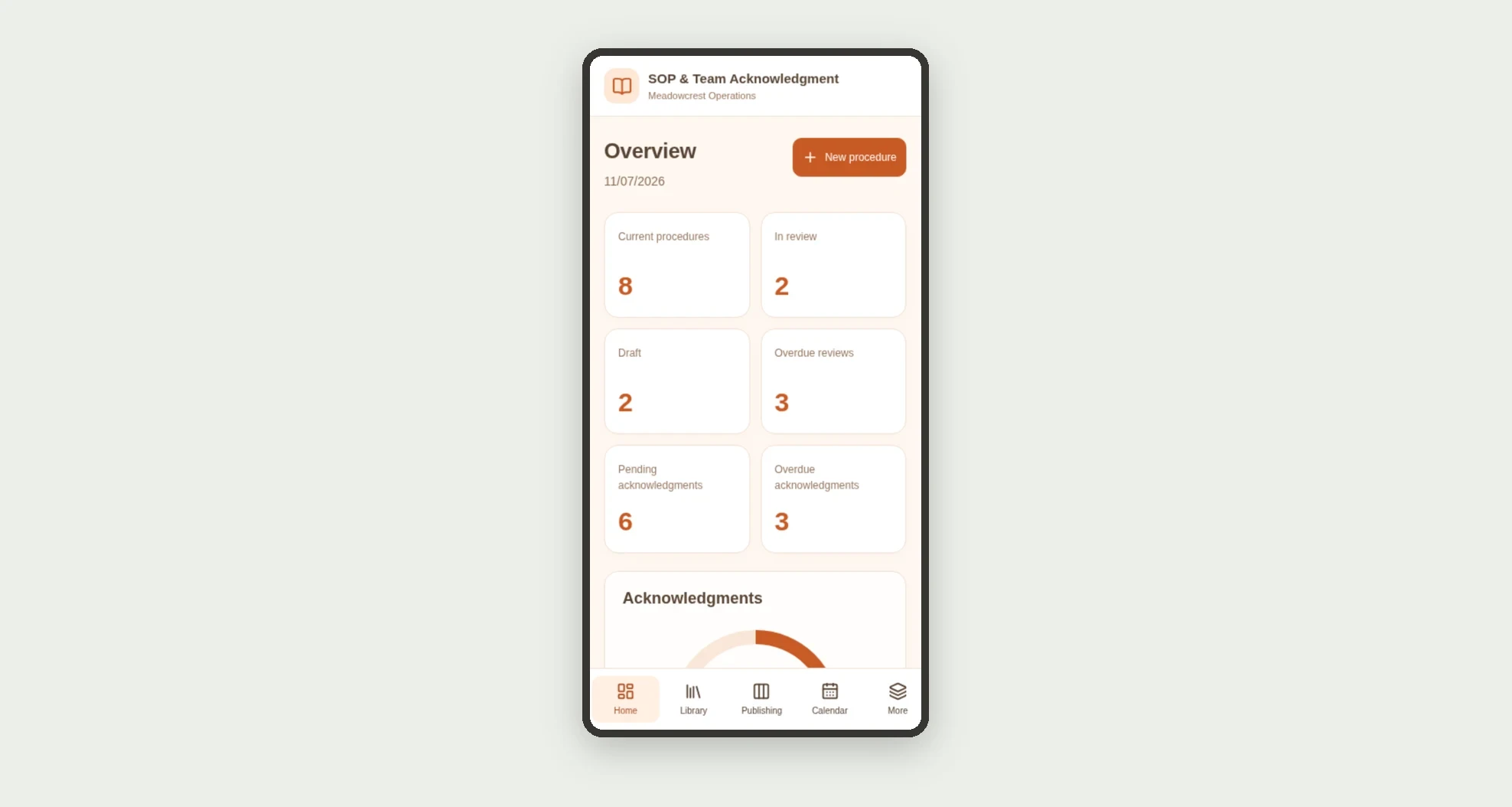
The design supports desktop and mobile use. Processes, owners, and content can be adapted to operations. No legal electronic signature, certification, identity authentication, automatic messaging, or external file integration is included.
- Adjust fields, categories, statuses and rules without code.
- Add screens, reports and automations as the operation needs them.
And that's just the start: you can edit any part of this template and go much further just by asking Jestor's AI. Describe what you need, like a new field, automation, report or integration, and the AI builds or adjusts it for you, no code required.
Frequently asked questions
How do I find a current procedure?
The library defaults to current procedures and their published versions.
What happens to an older version?
It remains in history as superseded when another version of the procedure is published.
Does acknowledgment cover future versions?
No. Each record links to a specific version and is not transferred automatically.
Does a record prove identity or a legal signature?
No. It is an internal administrative acknowledgment record.
Are the records real?
No. Businesses, people, processes, and demonstration instructions are fictional.