What it is
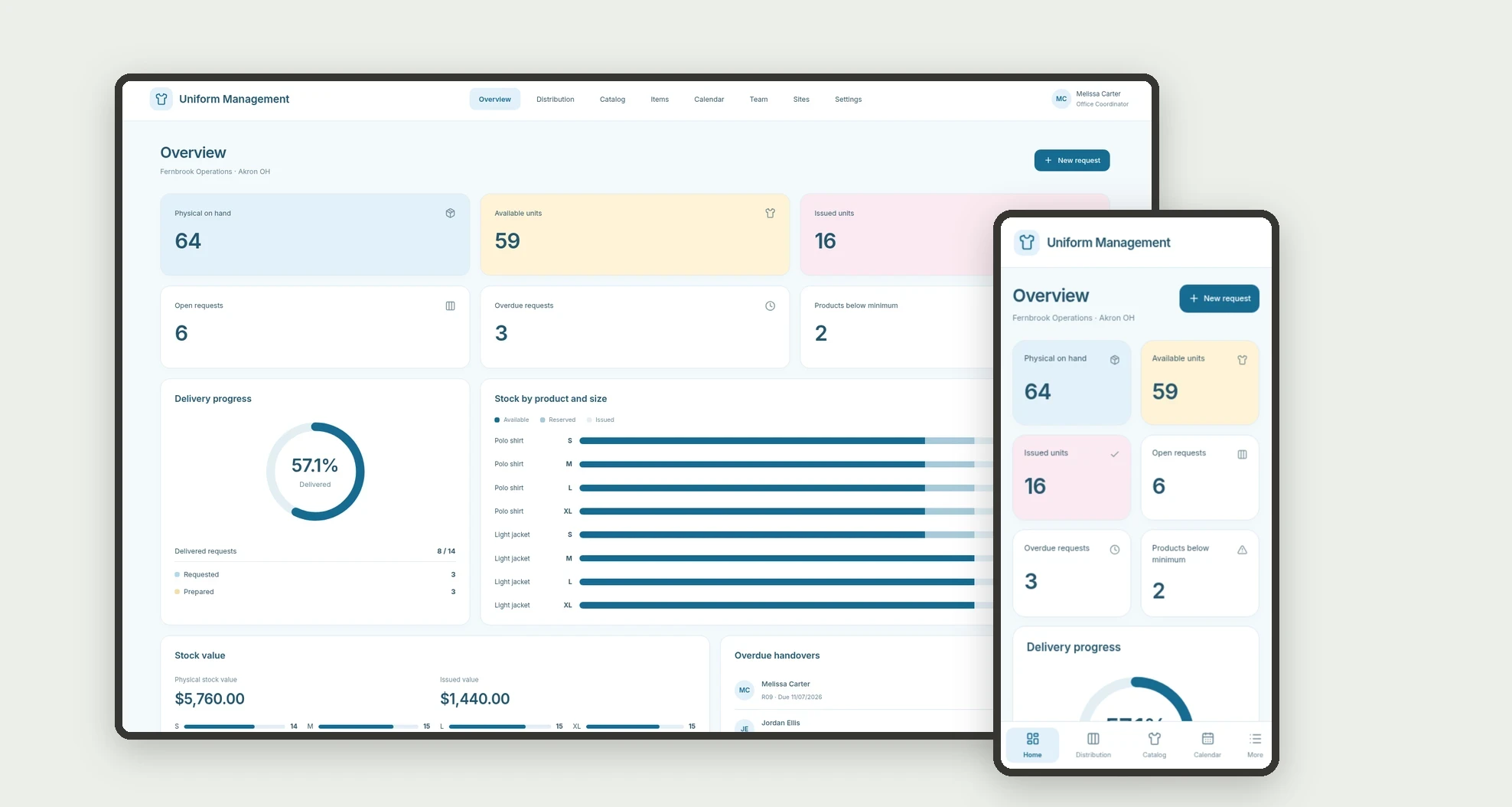
An app for organizing internal uniform distribution by size, employee, and site. Track requests, preparation, handovers, and central-stock availability through a board, calendar, data tables, and linked profiles.
Who it's for
- Small and mid-sized businesses supplying uniforms.
- Administrative teams and internal stockrooms.
- Managers tracking requests by site.
- Staff preparing sizes and recording handovers.
What you can do
- Register employees, sites, and a size-based catalog.
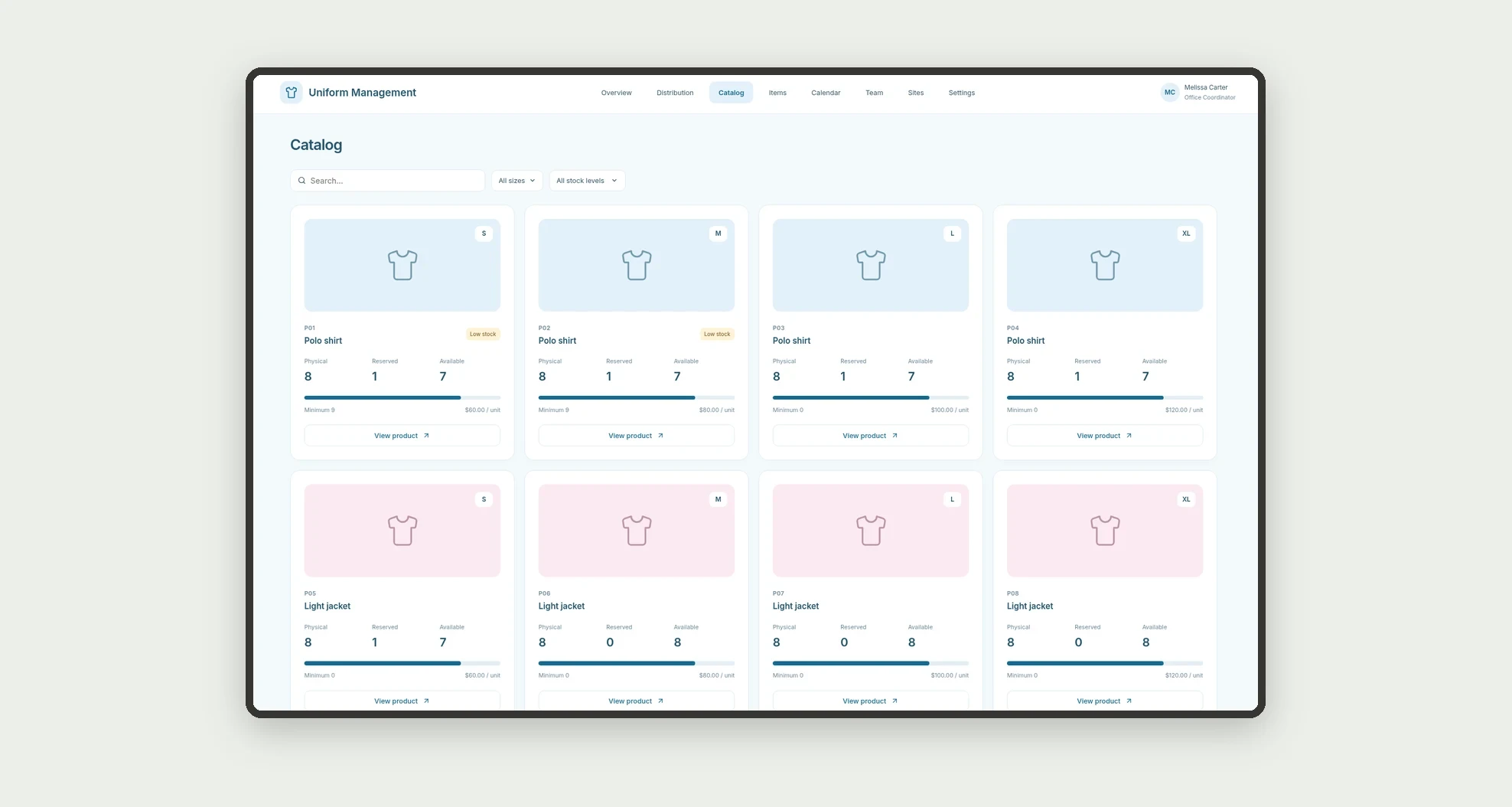
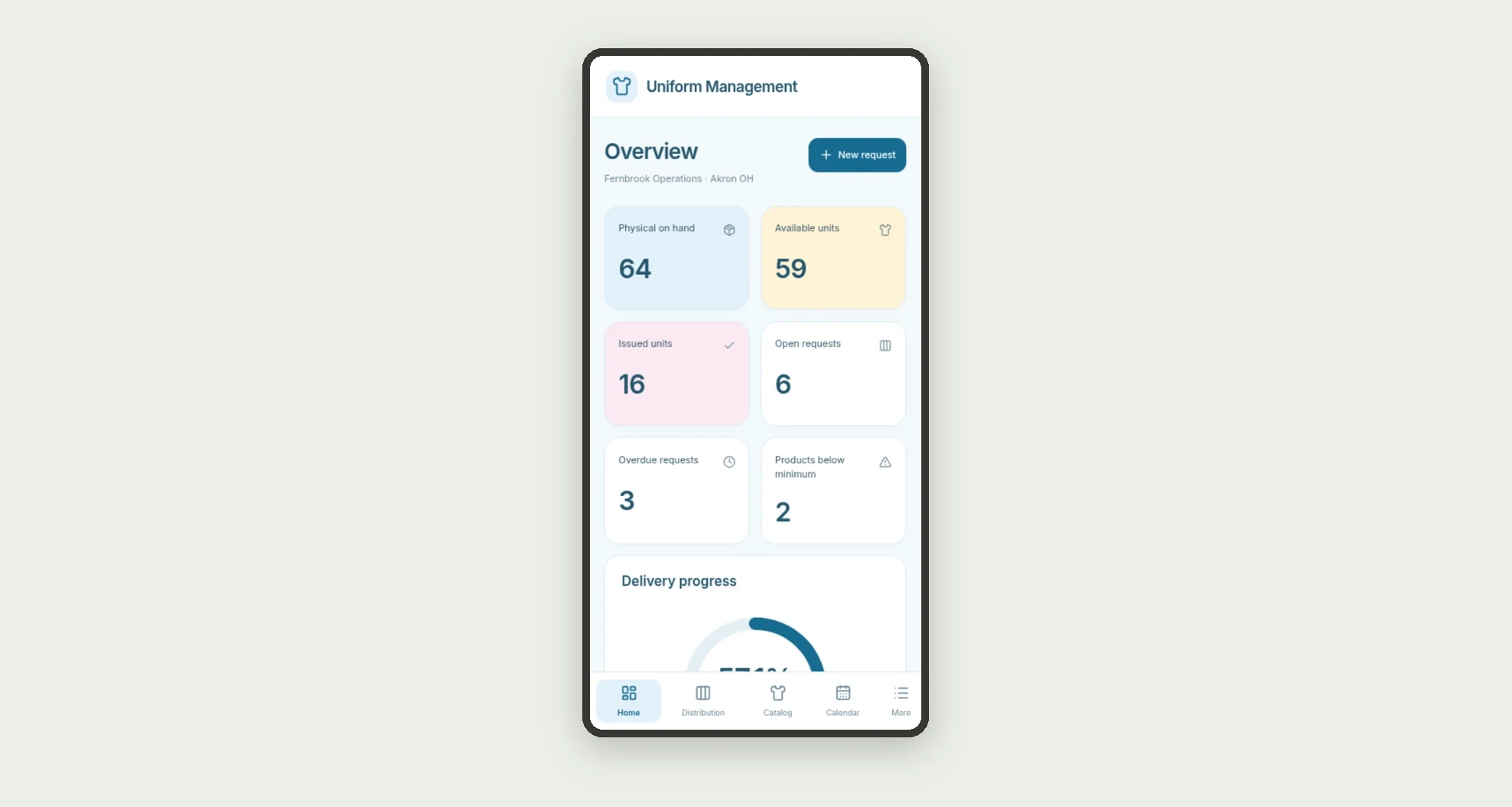
- Browse physical, reserved, and available stock on cards.
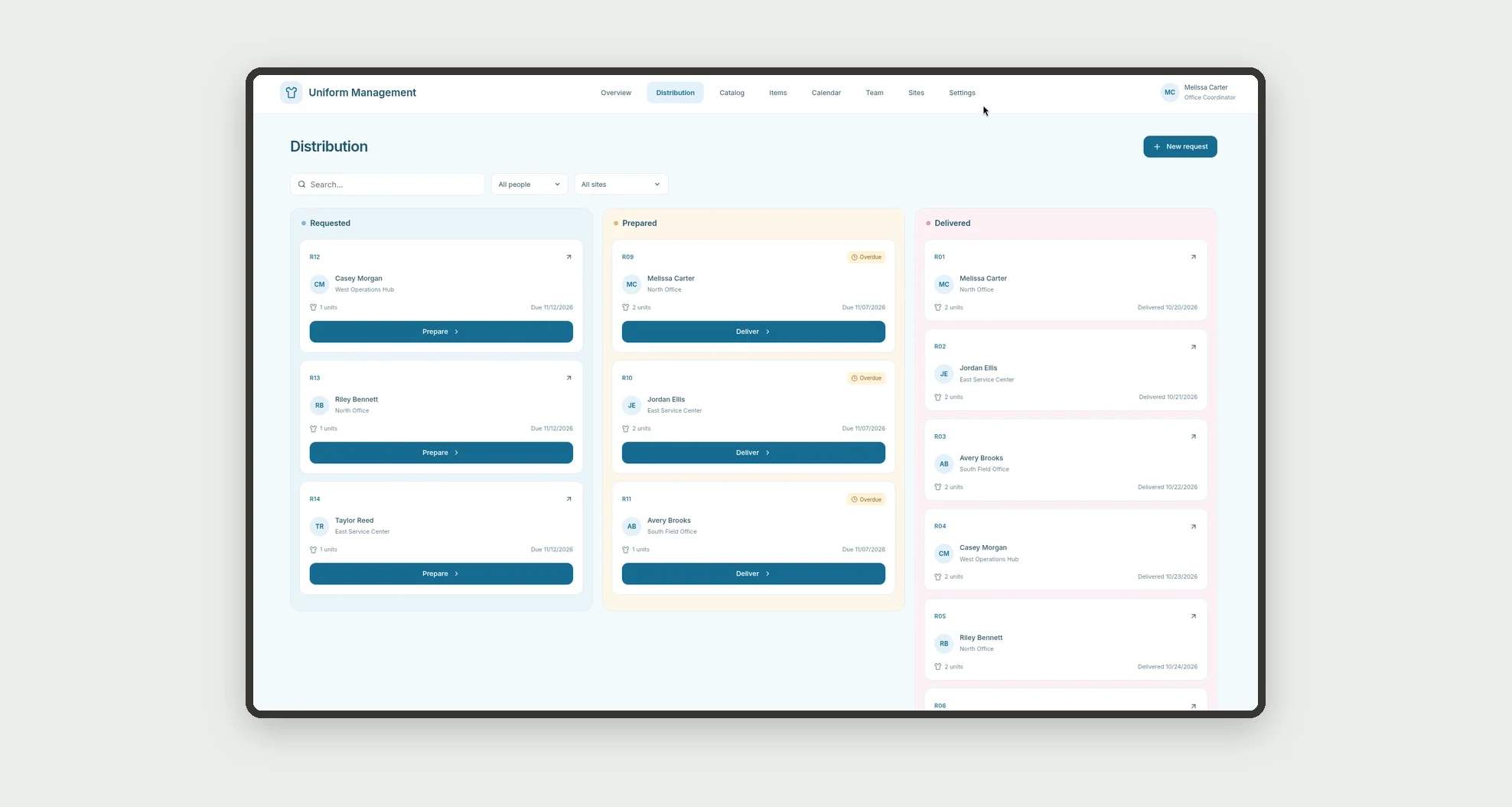
- Organize requests on a stage-based kanban board.
- Record items and quantities for each recipient.
- Prepare units and record individual handovers.
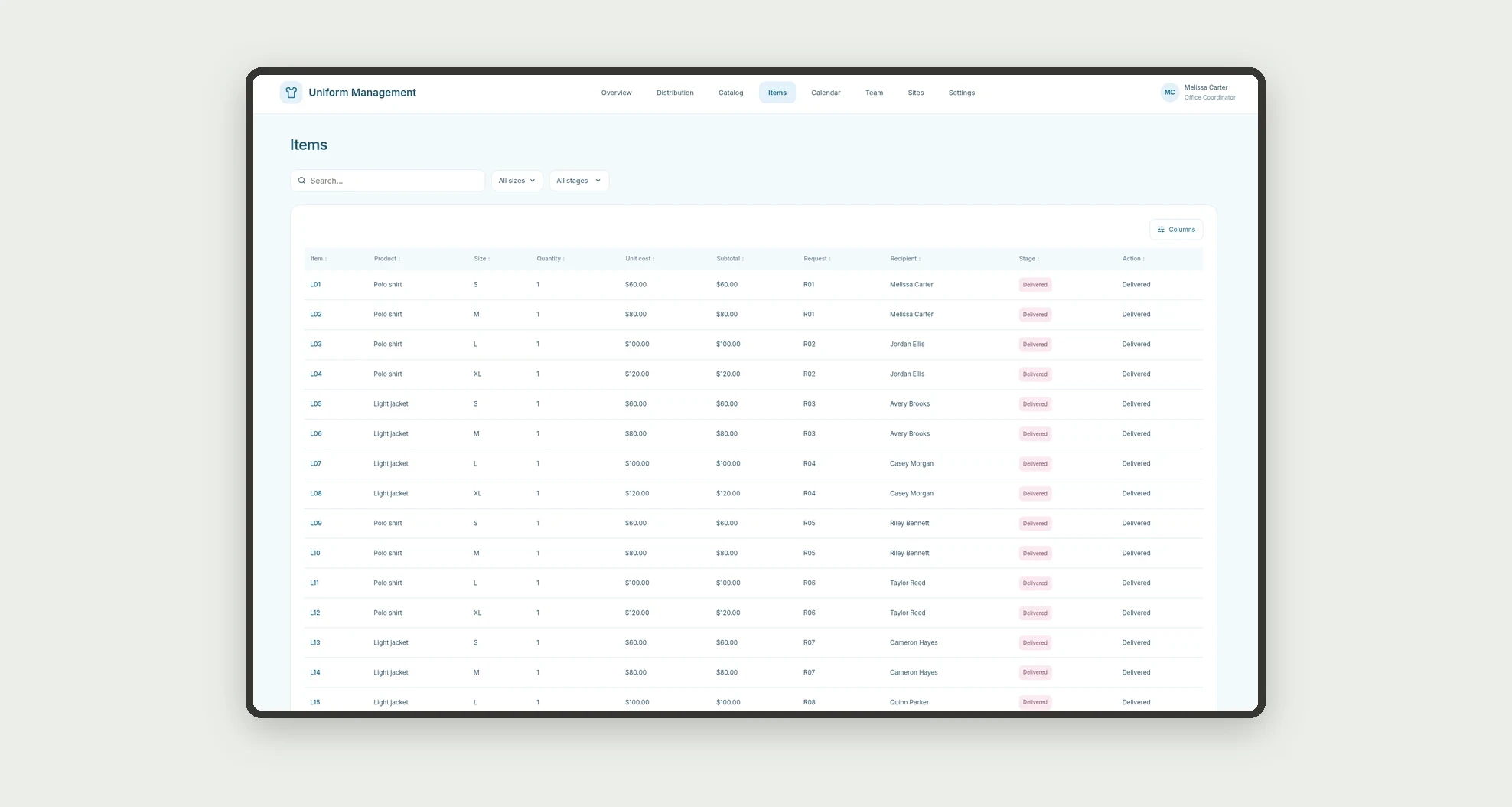
- Sort and filter items in a data table.
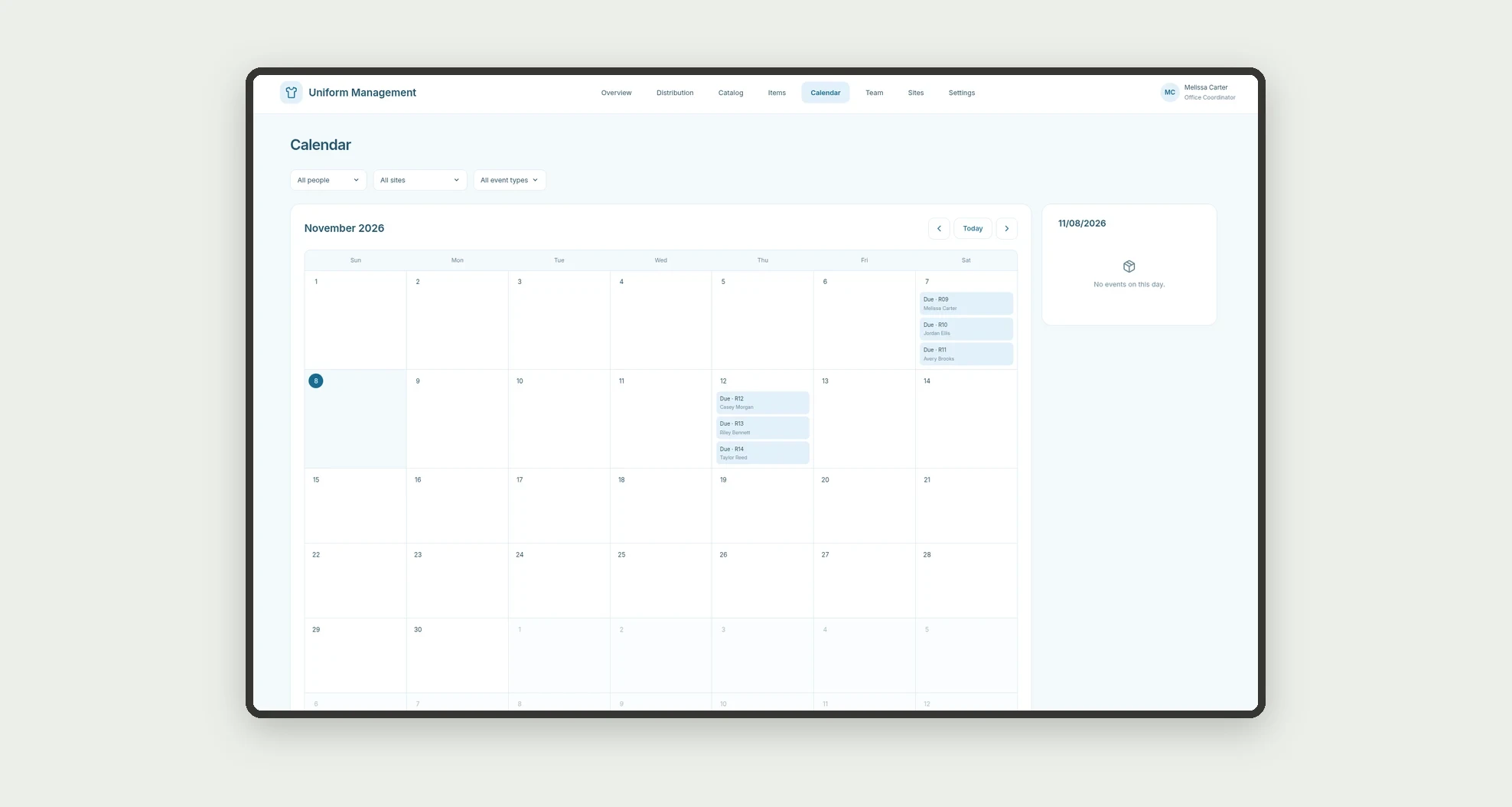
- View deadlines and deliveries on a calendar.
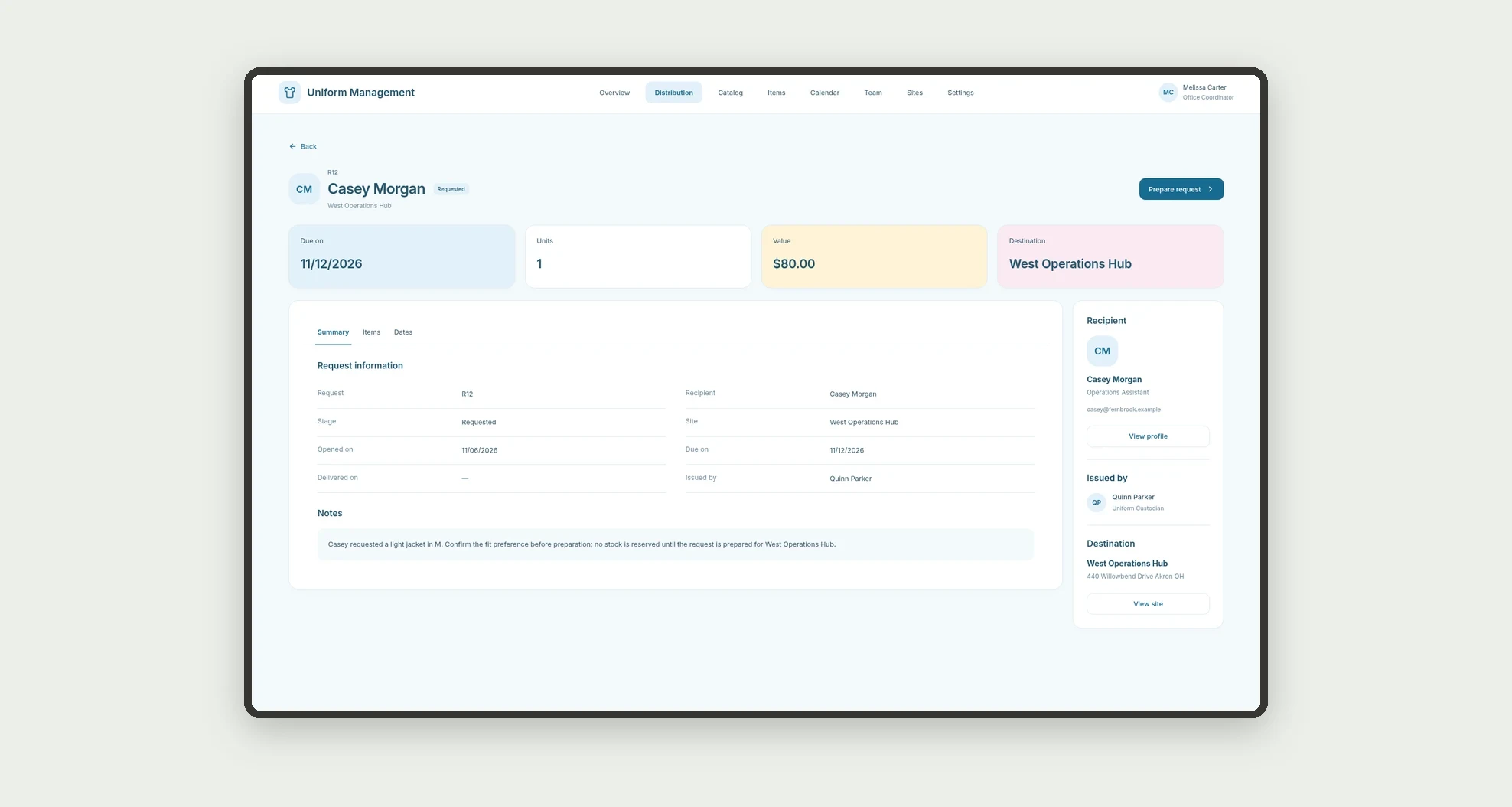
- Open profiles with items, values, and related records.
App features
Uniform Management
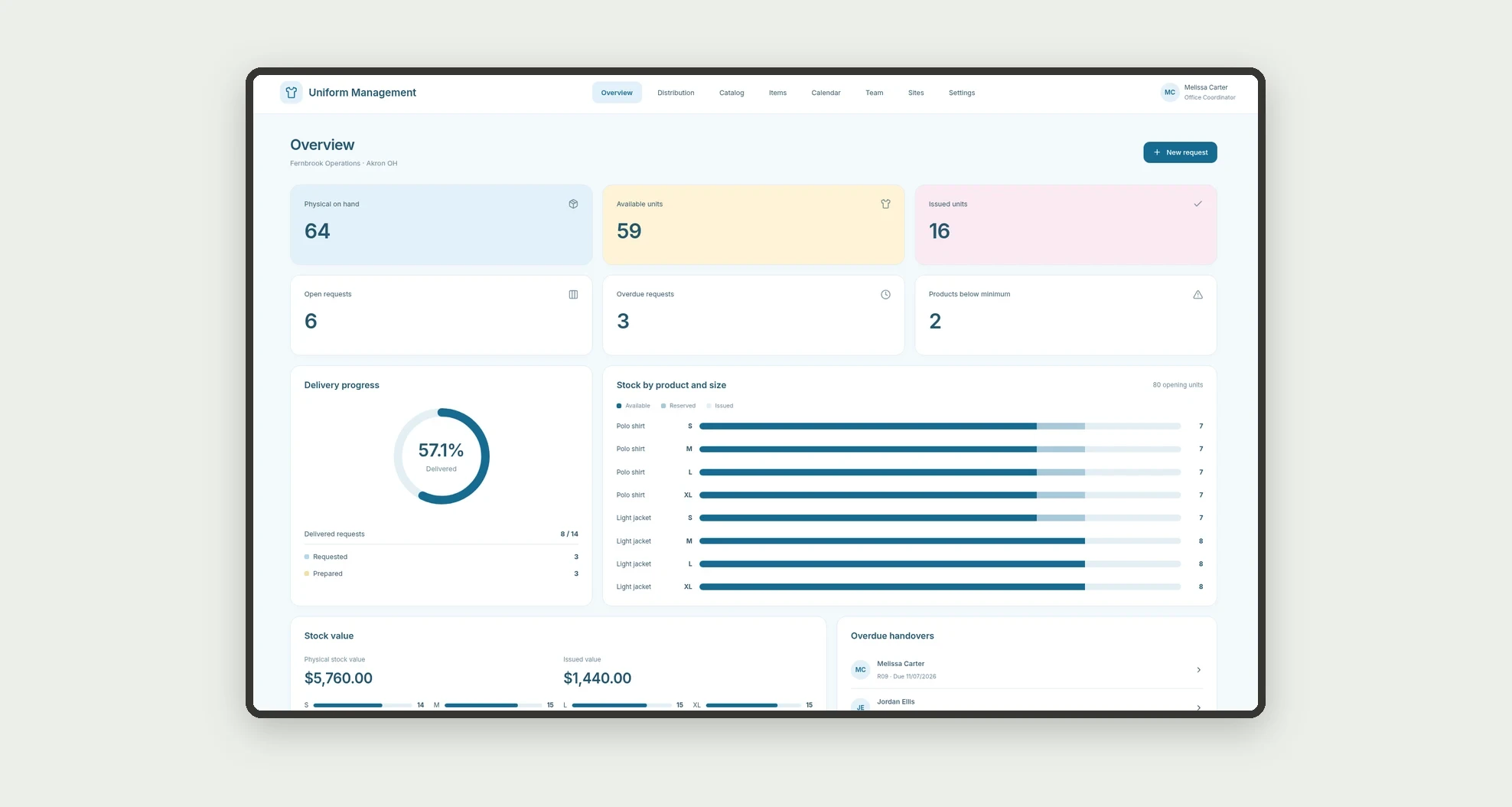
The Uniform Management screen covers this part of the operation.
How it works
Set up sites, team members, and a catalog with opening stock. Record requests and their items.
Preparation reserves available units; delivery records the date and counts units as issued.
The dashboard calculates balances without deducting the same handover twice.
How to set up this template
- 1Click Use App
Create your Jestor account and install Uniform Management. It works on desktop and mobile.
- 2Set up sites
Set up sites, team members, and a catalog with opening stock.
- 3Record requests and their items.
Record requests and their items.
- 4Preparation reserves available units; delivery records the date
Preparation reserves available units; delivery records the date and counts units as issued.
Integrations and customization
The design supports desktop and mobile use. Products, sizes, sites, and owners can be adapted to operations. No purchasing, payments, external inventory integration, or protective-equipment certification is included. Stock is central, not distributed by site.
- Adjust fields, categories, statuses and rules without code.
- Add screens, reports and automations as the operation needs them.
And that's just the start: you can edit any part of this template and go much further just by asking Jestor's AI. Describe what you need, like a new field, automation, report or integration, and the AI builds or adjusts it for you, no code required.
Frequently asked questions
How do physical and available stock differ?
Physical stock subtracts delivered units; available stock also subtracts prepared reservations.
Does an open request already reserve units?
Only when it becomes Prepared. Requested does not reserve stock.
How are team cards calculated?
From request recipients and delivered items, without confusing the person who issued the request.
Do delivered units become site inventory?
No. The site identifies the destination, while stock control remains central.
Are the records real?
No. Businesses, people, products, handovers, and demonstration amounts are fictional.