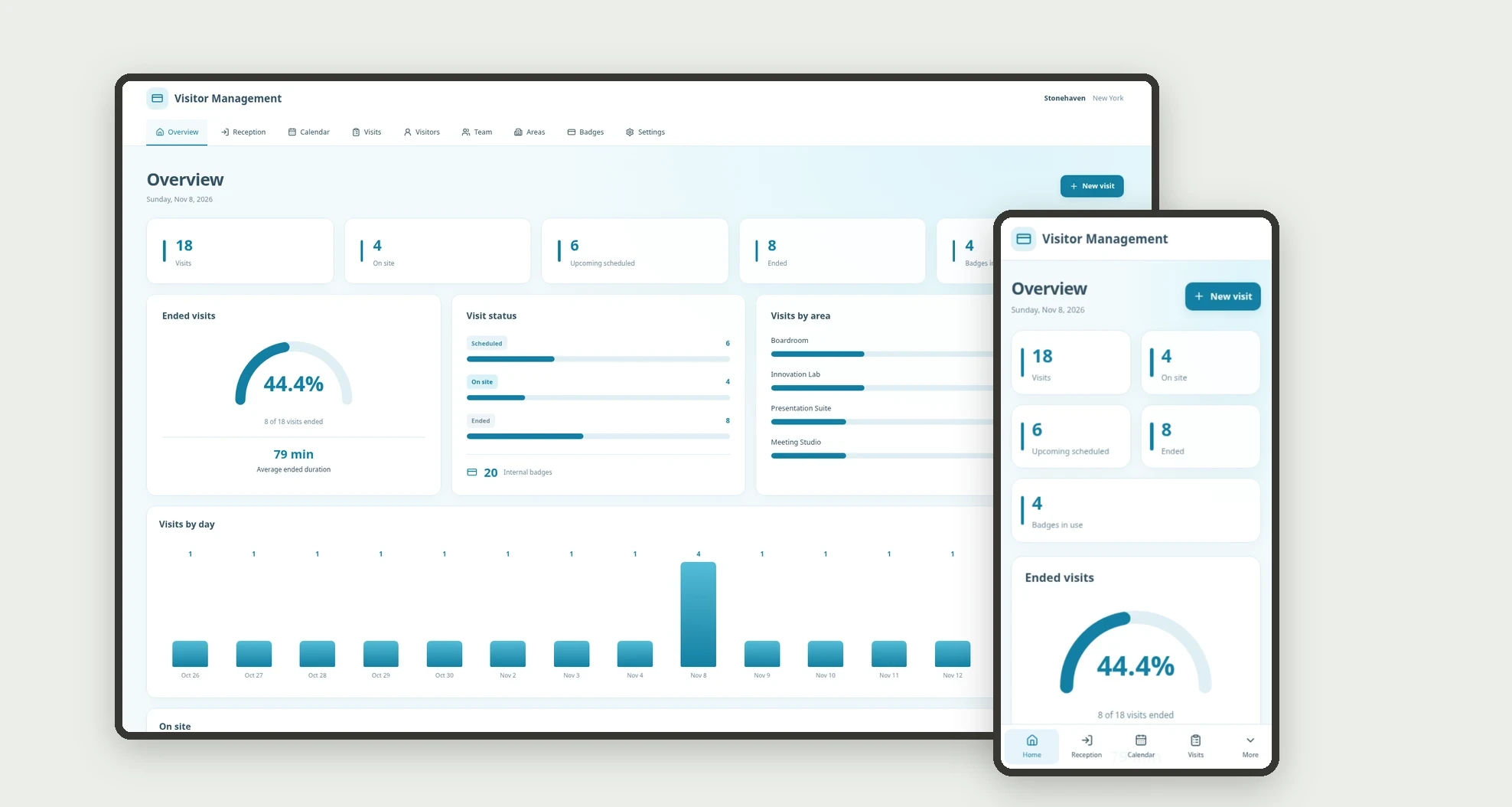
What it is
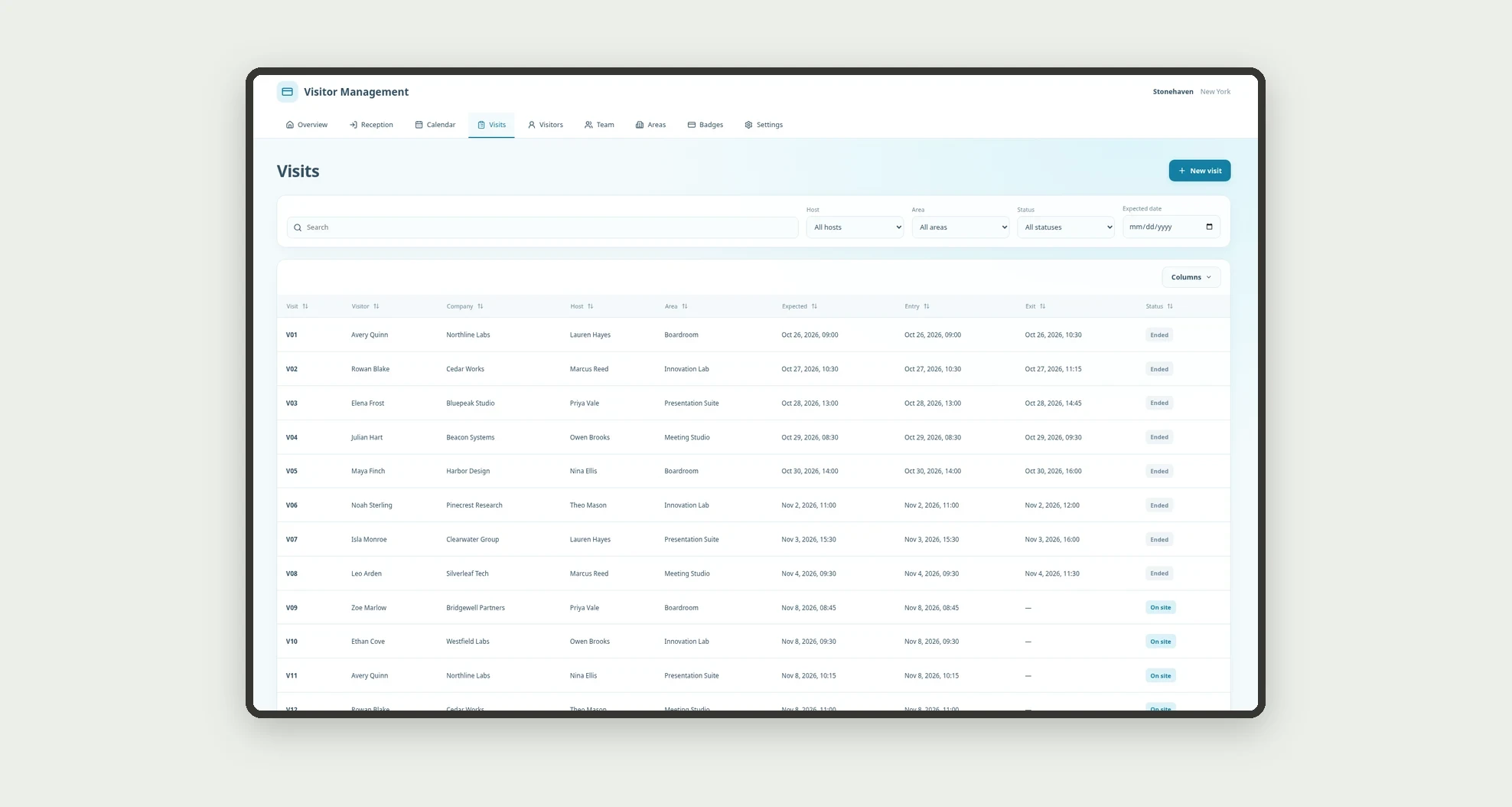
An app for organizing corporate visits, hosts, and internal badge records. Track scheduled visits, on-site presence, and completed visits through a board, calendar, and linked profiles.
Who it's for
- Small and mid-sized businesses receiving visitors.
- Reception and administrative support teams.
- Coordinators organizing meetings and technical visits.
- Managers tracking hosts and destination areas.
What you can do
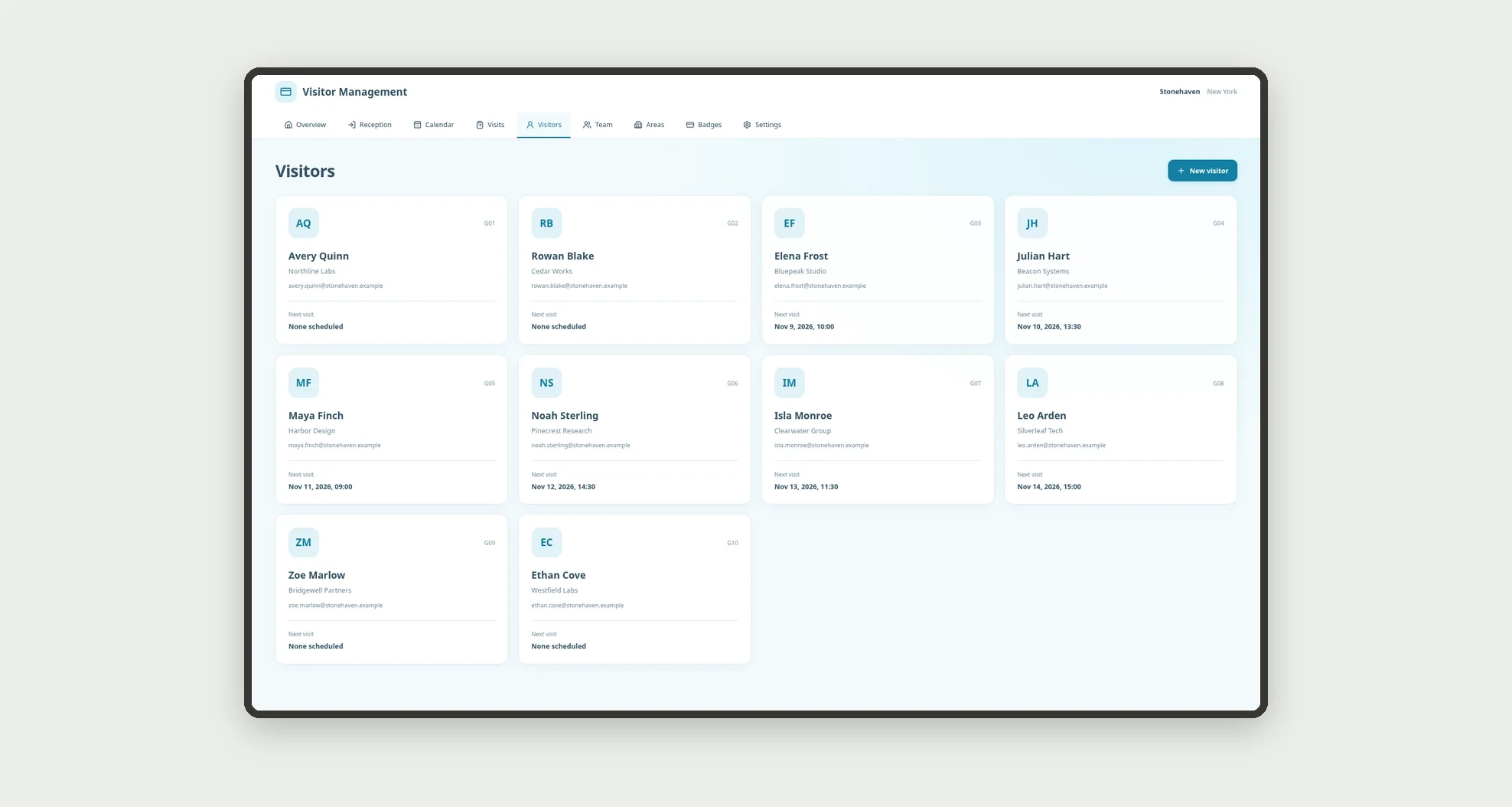
- Register visitors, hosts, and areas.
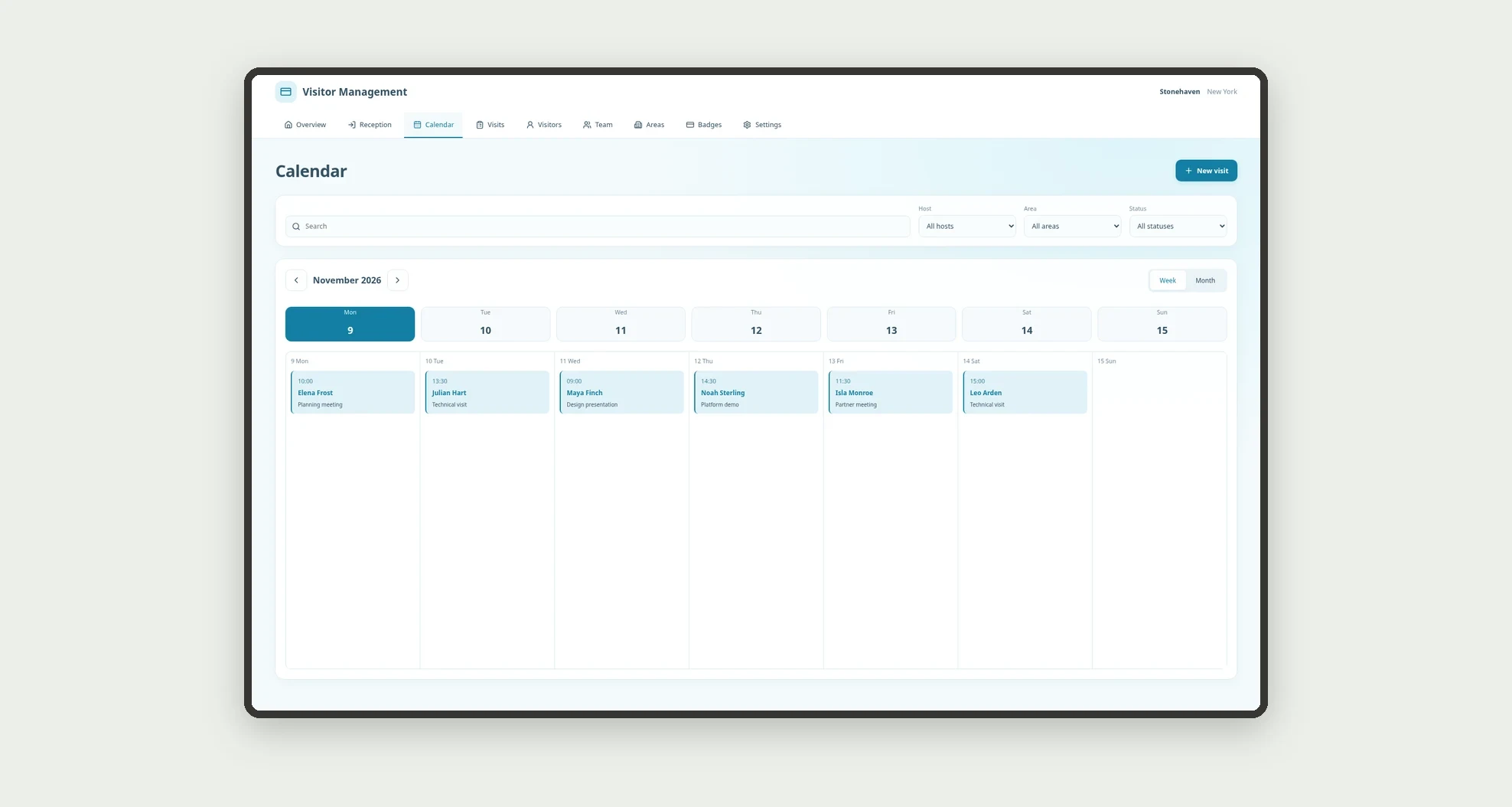
- Schedule visits with purpose and time.
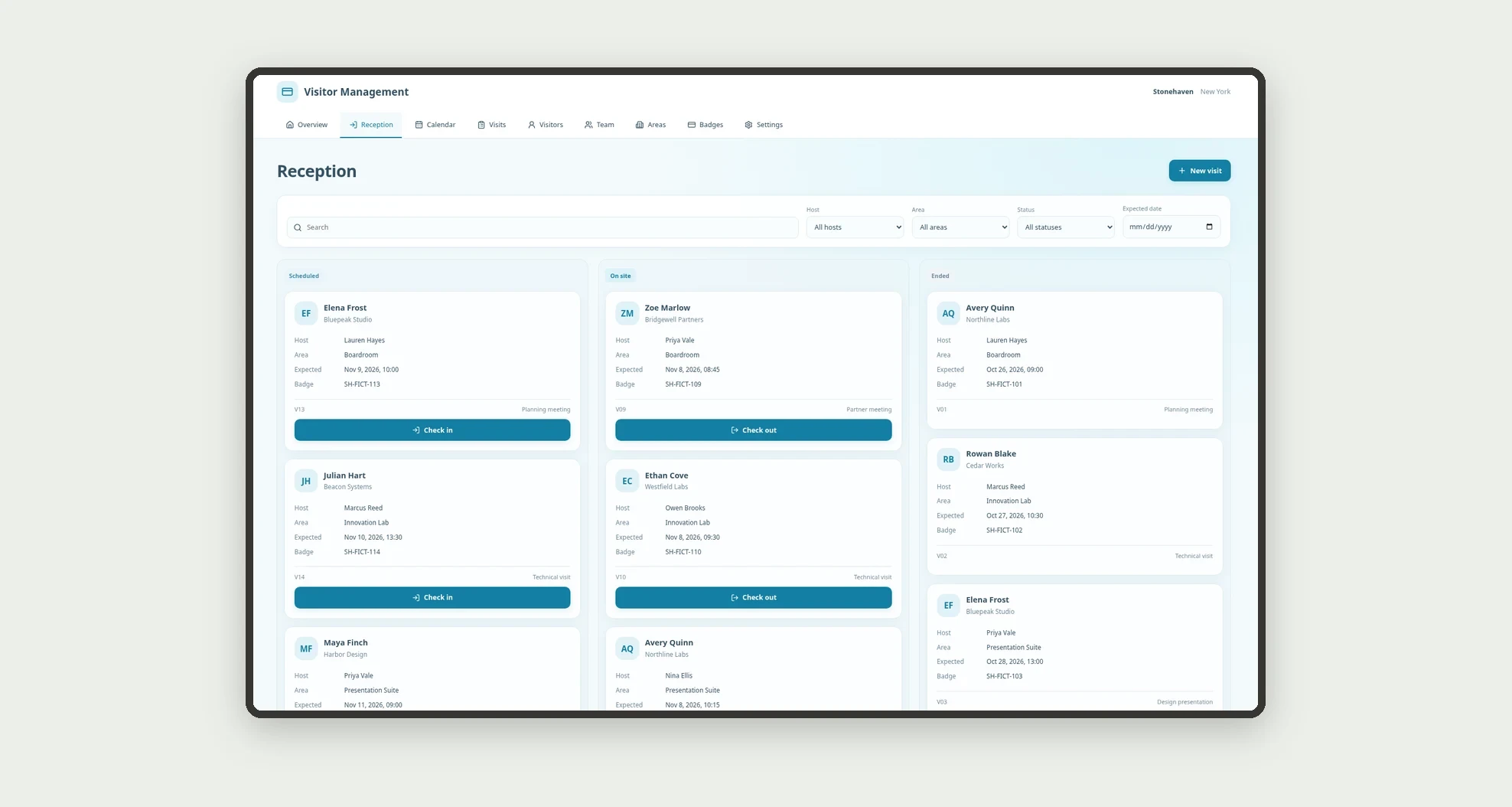
- Track reception stages on a kanban board.
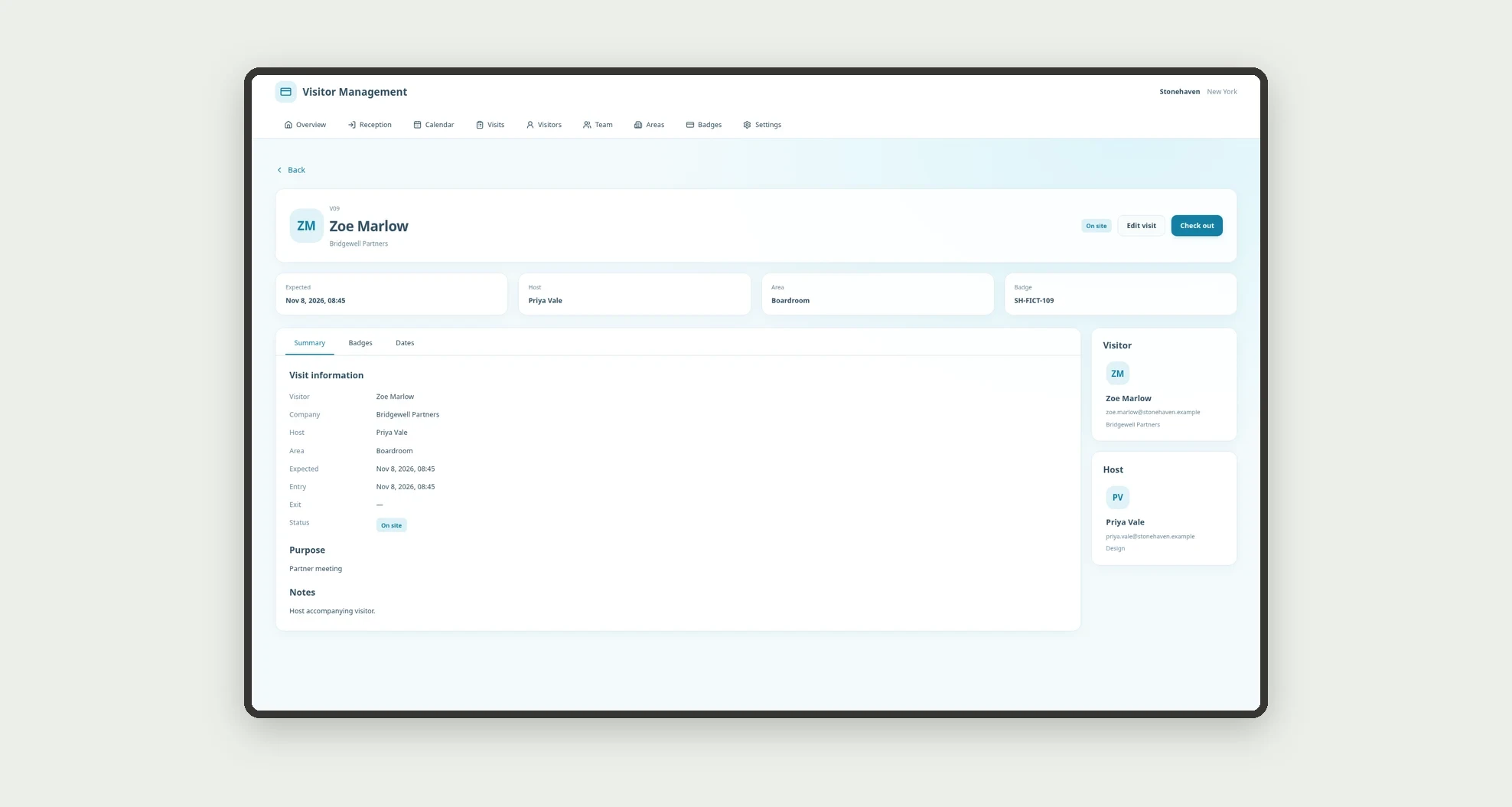
- Record individual check-in and checkout.
- Browse visits on a calendar and sortable table.
- Track badge reservation, use, return, and replacement.
- Explore visitor and team cards with related-record counts.
- Open profiles with information, badges, and dated history.
App features
Visitor Management
The Visitor Management screen covers this part of the operation.
How it works
Set up team members, visitors, and areas. Schedule a visit and associate its internal badge.
At check-in, confirm presence and badge use. At checkout, end the visit and record badge return.
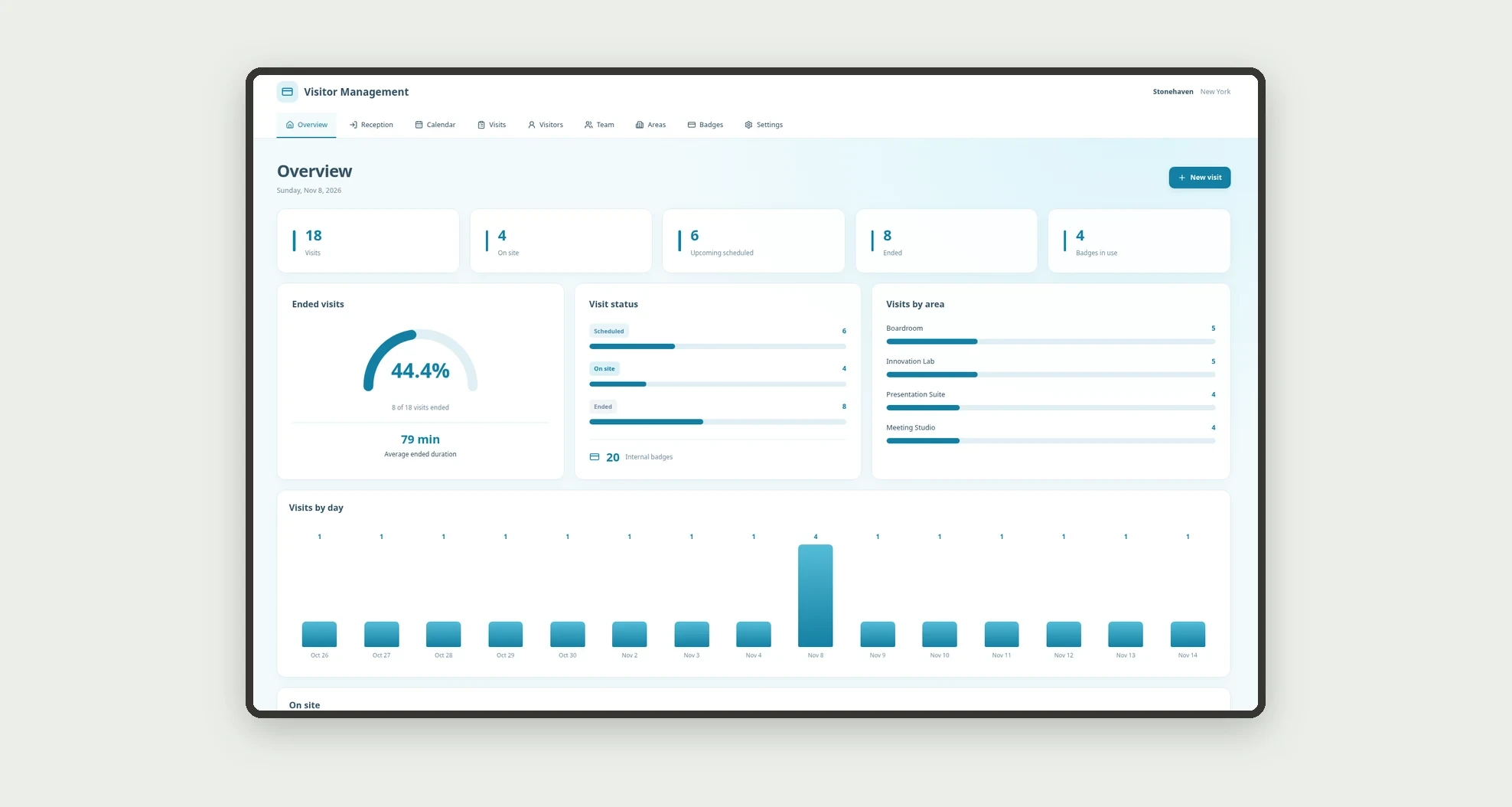
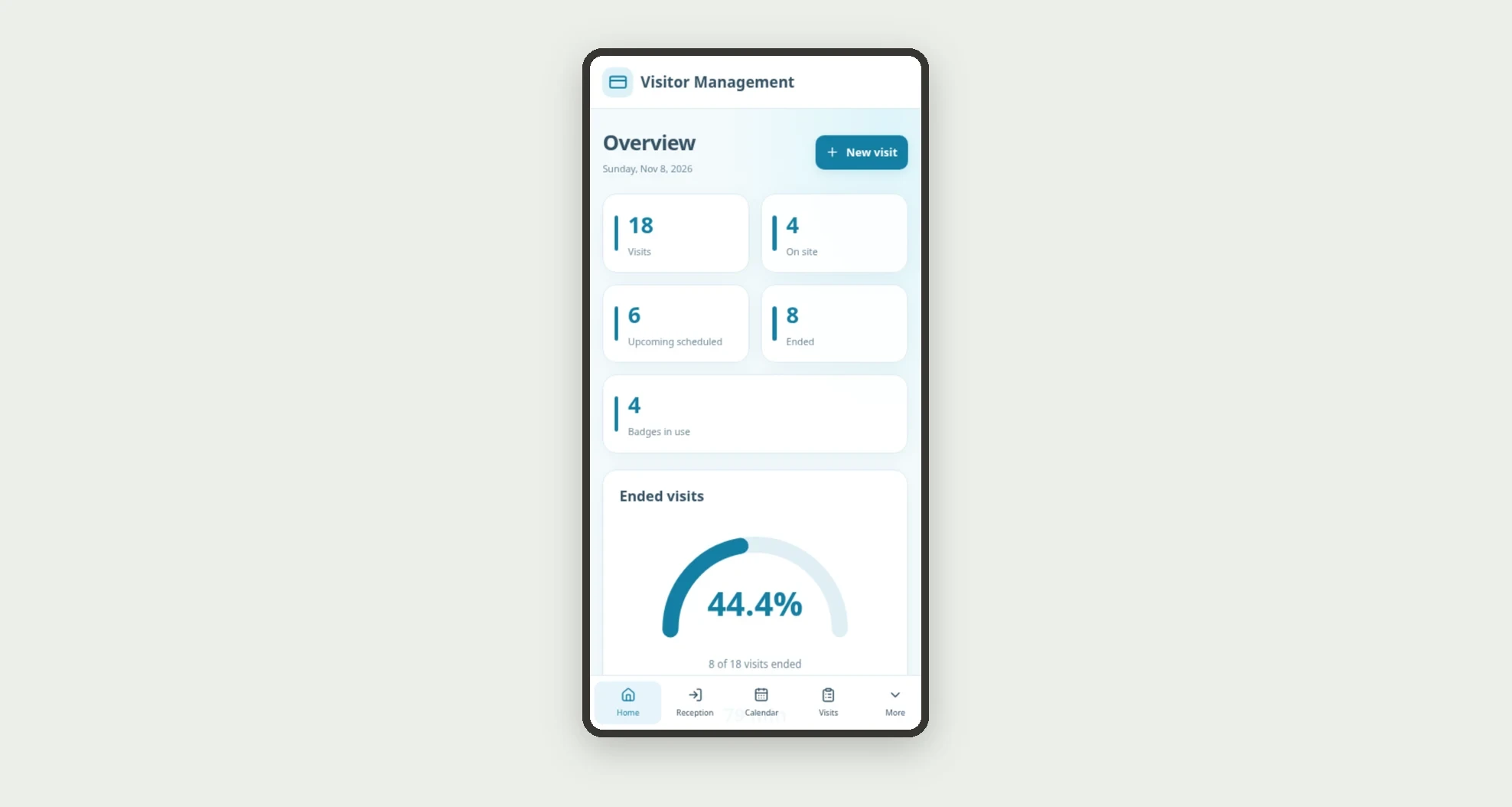
The dashboard tracks recorded states and schedules by host.
How to set up this template
- 1Click Use App
Create your Jestor account and install Visitor Management. It works on desktop and mobile.
- 2Set up team members
Set up team members, visitors, and areas.
- 3Schedule a visit and associate its internal badge.
Schedule a visit and associate its internal badge.
- 4At check-in
At check-in, confirm presence and badge use.
Integrations and customization
The design supports desktop and mobile use. Areas, hosts, and visit purposes can be adapted to the business. No door unlocking, physical badge printing, biometrics, personal ID storage, messages, or access-control integration is included.
- Adjust fields, categories, statuses and rules without code.
- Add screens, reports and automations as the operation needs them.
And that's just the start: you can edit any part of this template and go much further just by asking Jestor's AI. Describe what you need, like a new field, automation, report or integration, and the AI builds or adjusts it for you, no code required.
Frequently asked questions
Does the app grant physical access?
No. It organizes internal visit and badge records without controlling doors or equipment.
How are team counts calculated?
Visits are grouped by the host relationship, distinguishing scheduled, on-site, and ended states.
Do issued badges count as hosted visits?
No. Badge issuer and visit host are separate relationships with separate counts.
Is the previous badge history preserved?
The design retains the replaced record linked to the visit when another badge is used.
Are the records real?
No. Businesses, people, visits, and badge identifiers are fictional.